.png) Get Started
Get Started
Mava, BotGhost, Botpress, Voiceflow, and other no-code and low-code builders each suit different Discord bot needs, from AI support to custom utilities. This guide compares the top 10 bot makers for 2026 to help you pick the right one for your community.
Manual moderation usually breaks before a team admits it. New members need onboarding. The same questions keep landing in public channels. Staff end up answering repeats, moving tickets by hand, and patching together workflows with bots that were never built for support.
That's the moment teams often start searching for a bot maker Discord tool and run into a messy market. Some products are true no-code builders. Some are visual AI platforms. Some are desktop apps that hand over hosting to the user. Some are really support systems wearing a bot interface.
The hard part isn't making a bot respond to a command. The hard part is choosing a tool that still makes sense once the server gets busier, moderation gets riskier, and members expect fast answers. That matters because Discord itself operates at massive scale. One industry summary says the platform reached about 231 million monthly active users in early 2025, with more than 12 million active bots and bot traffic responsible for roughly 28% of server messages, which is why throughput, event handling, and moderation reliability matter more than novelty features in active communities (Discord market summary).
The strongest tools in this list solve different problems. Some help non-technical admins ship commands fast. Some support deeper workflows. One is built specifically for support operations. The best choice depends less on hype and more on whether the team needs fun automation, custom workflows, or a system for handling repeat questions and escalations without burning out moderators.
Mava fits a very specific category. It isn't trying to be a general-purpose bot builder for games, music, or vanity commands. It's a support platform that happens to deploy into Discord, which is a different buying decision.
For communities drowning in repetitive questions, that distinction matters. Recent Discord bot architecture guidance from a large community operator centers the highest-value automation around event triggers, FAQ matching, moderation review, onboarding, and ticket creation. The same case study argues that fast FAQ handling is what reduces moderator fatigue most effectively, which is why tools that store context and connect to knowledge sources outperform simple command-response builders for support-heavy servers (Discord support automation case study).
Mava is strongest when a server needs an AI bot to answer common questions in public channels or DMs, open and route tickets, and hand conversations to humans in a shared inbox without losing context. It also supports analytics around support operations, plus knowledge-base import from sources like websites, GitBook, and Google Docs.
That makes it more useful for SaaS communities, product support servers, gaming support teams, and Web3 communities than for hobby servers that mainly want leveling and reaction roles.
Practical rule: If the Discord bot is becoming the front door to customer support, a support platform is usually a better fit than a generic bot builder.
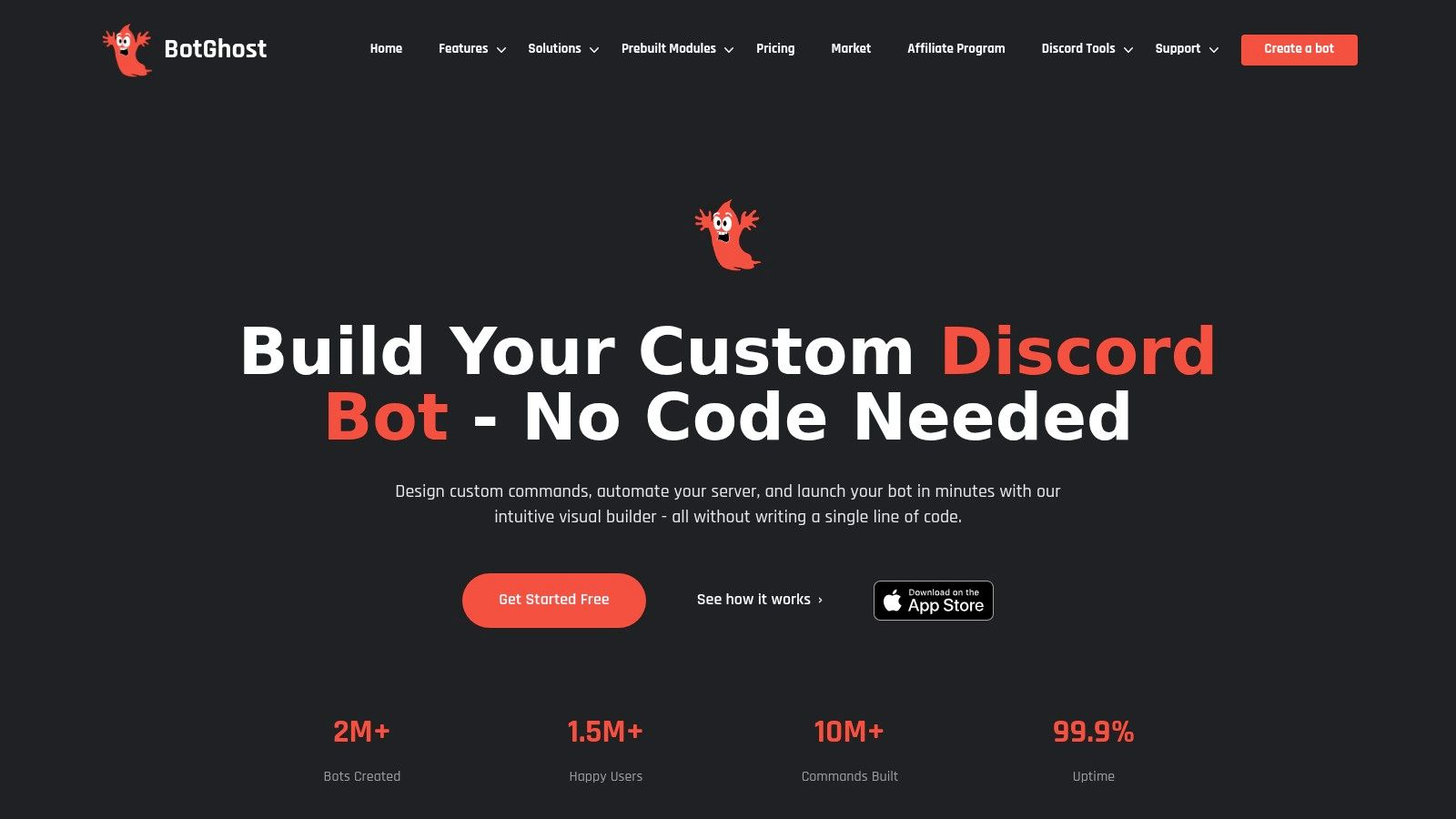
BotGhost is one of the clearest answers for people who say, “A custom bot is needed, but coding isn't.” It's a mature no-code platform with visual command building, event automation, templates, hosting options, and branding controls.
The appeal is speed. Admins can assemble slash commands, buttons, menus, modals, join events, and role workflows without opening a code editor or renting separate infrastructure. For many community servers, that's enough.
BotGhost is a strong fit for communities that want a branded bot with custom behavior, but don't need a full support platform or multi-channel inbox. It handles the middle layer of Discord automation well: welcome flows, role assignment, moderation helpers, server utilities, and command-based interactions.
Its weakness shows up when logic becomes layered. Visual builders always look simple in demos. Once a server needs exception handling, state management across actions, or complicated moderation logic, the builder itself becomes something staff must learn.
BotGhost is a practical bot maker Discord option for moderators who want control without code, but it still rewards structured thinking. The cleaner the workflow, the better the result.
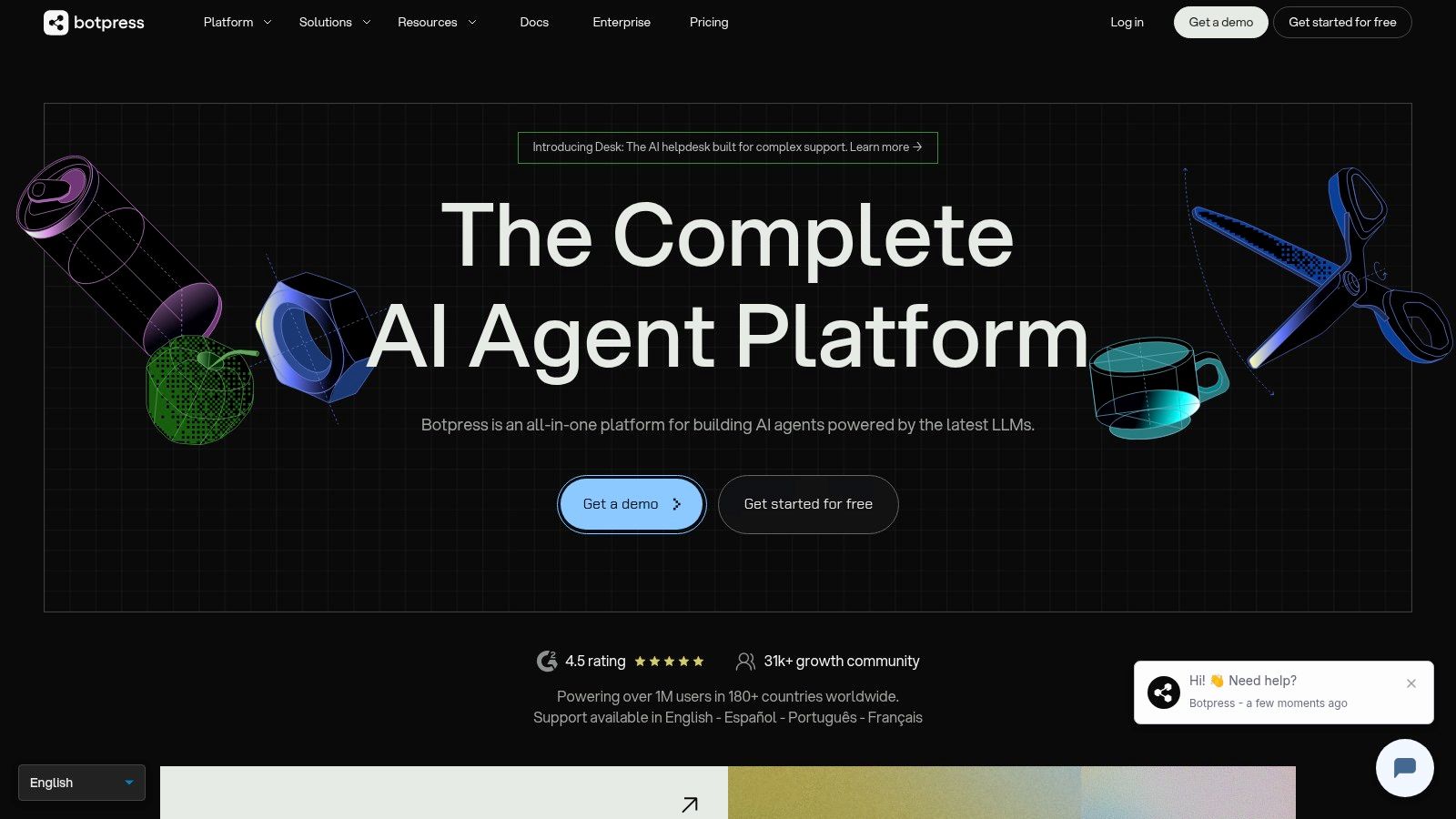
Botpress sits closer to professional bot operations than hobby automation. It offers a visual and low-code environment, an official Discord integration, knowledge tooling, modular actions, and broader channel flexibility than most Discord-specific builders.
This is the tool for teams that already know the bot won't stay simple.
Botpress makes sense when the bot needs structured conversations, integrations, and governance. Support teams, agencies, and product-led communities often prefer it because it can reach beyond Discord and handle more complex workflow design than drag-and-drop community bot builders.
The trade-off is the learning curve. Botpress asks for more system design upfront. Teams need to think through permissions, channel behavior, actions, fallbacks, and usage billing.
A visual builder isn't automatically simpler. It's only simpler if the underlying workflow is simple.
Discord setup details matter here too. A recent no-code guide notes that creators must explicitly enable Presence Intent, Server Members Intent, and Message Content Intent in the Discord Developer Portal before connecting a bot, and a separate setup tutorial warns that careless permission choices and exposed tokens can hand control of the bot to attackers (Discord bot setup and token security guide).
Botpress is a good fit for:
For a growing support operation, Botpress is often the step between lightweight bot builders and a dedicated service desk approach.
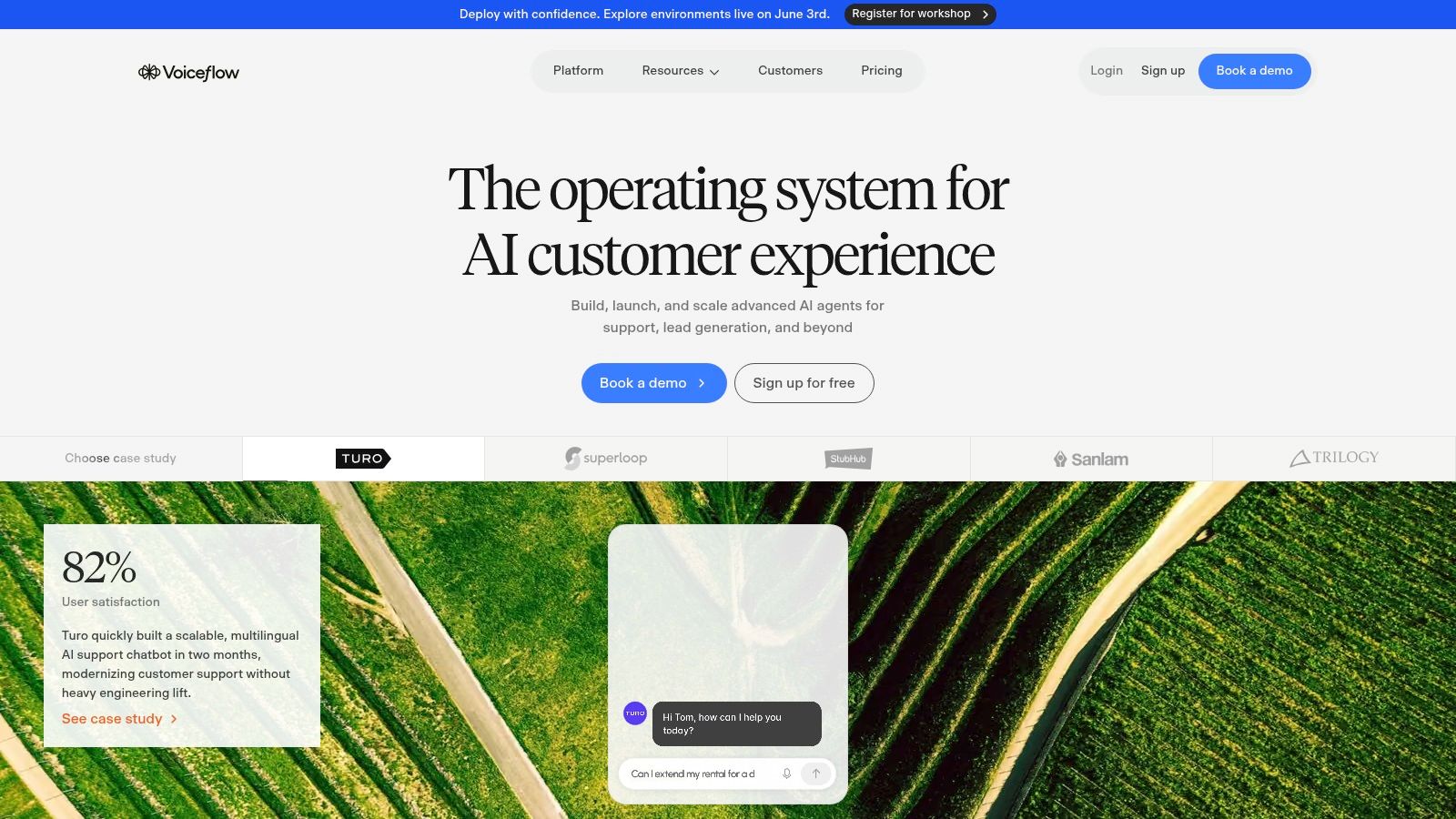
Voiceflow is better understood as a conversation design platform than a classic Discord bot maker. That distinction matters because its strengths show up before launch, not just after it's live.
Teams use Voiceflow when they need to design, test, and govern conversations with more precision. Variables, knowledge layers, tool calls, permissions, and team collaboration are the core appeal.
Voiceflow works well for agencies, support organizations, and product teams that need stakeholder review before publishing changes. A moderator-focused hobby server usually won't need that level of process. A company support team often will.
Its Discord value comes from channel deployment and conversation modeling rather than out-of-the-box server utility modules. That means it's less natural for simple things like leveling, meme commands, or compact moderation helpers.
The main caution is scope. If the requirement is “a few slash commands and a welcome flow,” Voiceflow is usually too much tool for the job. If the requirement is “design a governed support assistant with clear behavior,” it becomes much more compelling.
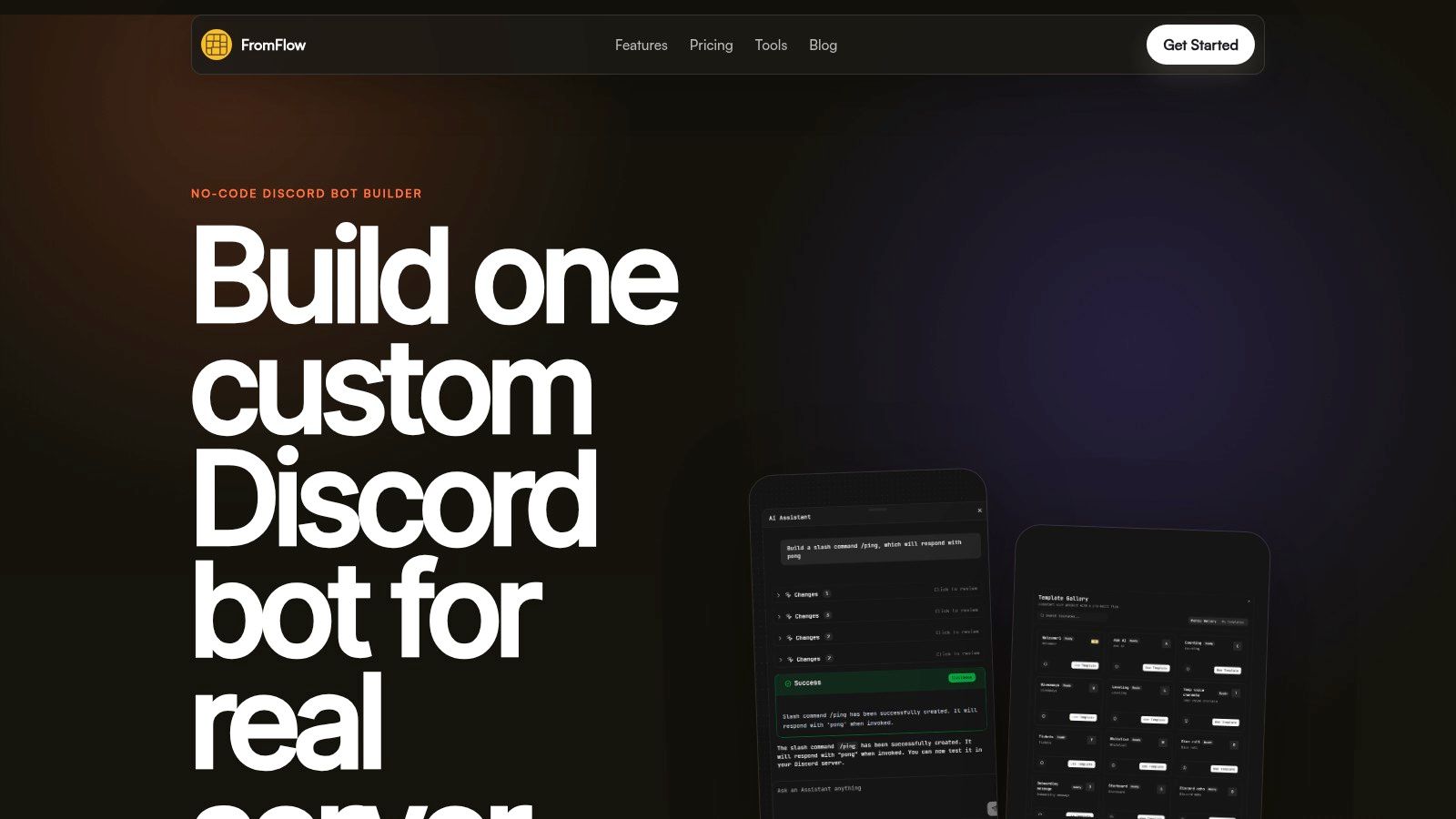
FromFlow is aimed at the practical middle of the market. It offers a visual builder, included hosting, built-in state, AI nodes, and modules for common Discord jobs like tickets, moderation, roles, and leveling.
That mix makes it attractive for community managers who want results fast and don't want to stitch together five different services.
The strongest part of FromFlow is that it starts from real Discord server needs instead of abstract bot concepts. Tickets, embeds, roles, moderation, and templates are the things most admins set up first. That shortens time to value.
The trade-off is ecosystem maturity. Newer platforms often move fast, but they may have fewer community examples, fewer third-party guides, and fewer workarounds documented when a strange edge case appears.
Newer Discord builders can be excellent for getting live quickly. They're weaker when the team needs battle-tested answers for unusual workflows.
FromFlow is a good fit when a team wants:
It's a solid stepping stone. Servers can start here for operational basics, then graduate either upward into a more extensible platform or sideways into a support-specific system once staff need analytics, context preservation, and handoff workflows more than generic automation.
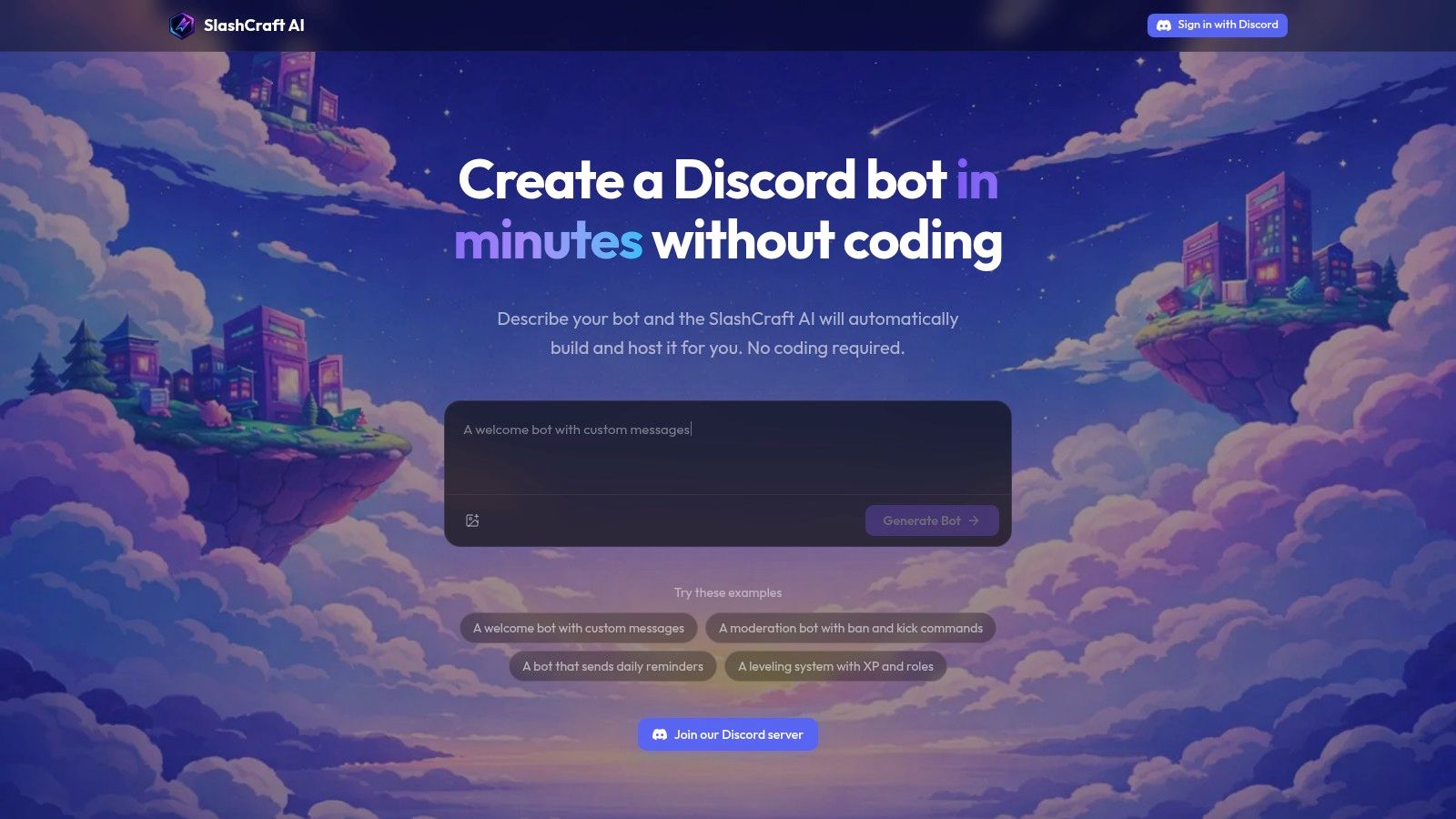
SlashCraft takes a different route. Instead of asking admins to wire flows manually, it lets them describe the bot in natural language, generates code, hosts it, and helps publish it to Discord.
That makes it one of the fastest ways to move from idea to working prototype.
Prompt-driven building is useful for basic moderation bots, reminder bots, and compact utility bots. It also helps non-coders see what a custom bot might look like before they commit to a more permanent architecture.
The obvious weakness is reliability at the edges. AI-generated logic can look complete while hiding brittle assumptions. A bot that works in a clean demo may fail when real members use odd phrasing, trigger race conditions, or combine permissions in strange ways.
For teams that are new to setup, it helps to pair these tools with a grounded walkthrough of the Discord side. This guide on how to create a bot on Discord is useful for understanding the app, token, and invite flow around the builder itself.
SlashCraft is strongest for:
It's less convincing as the permanent foundation for high-stakes support or moderation. Generated code is a good starting point. It isn't a substitute for operational design.
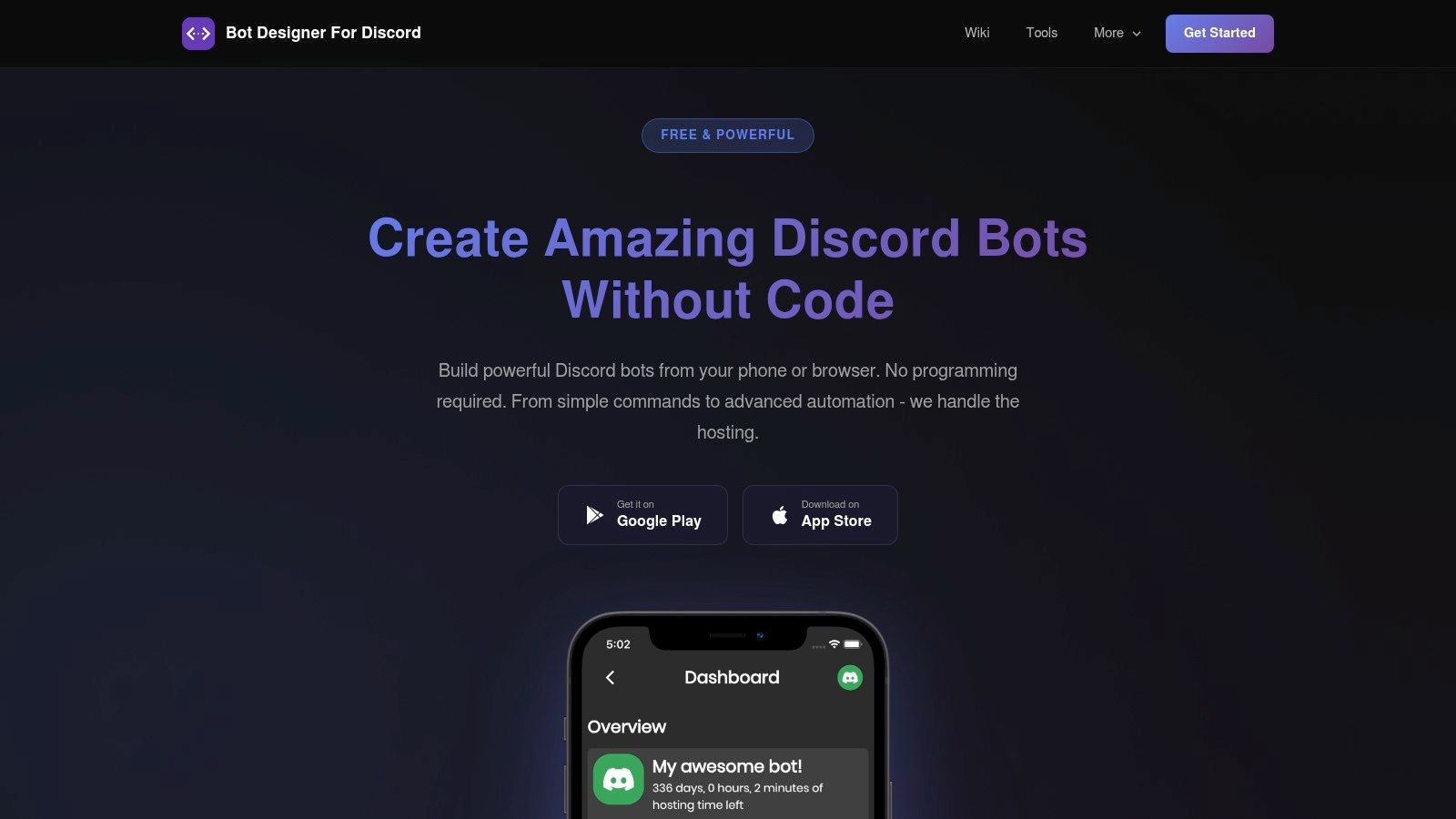
Bot Designer for Discord, usually called BDD, solves a problem many desktop-first tools ignore. Not every creator wants to build from a laptop. Some want to create and maintain a bot from a phone.
BDD has been around long enough to build a real community around that approach. It uses BDScript instead of standard bot libraries, offers managed hosting, and provides web, iOS, and Android access.
BDD is one of the easiest ways to stay mobile-first without giving up custom logic entirely. The script language and command store help creators get moving quickly, especially when they want snippets rather than a blank canvas.
The downside is portability. Skills learned in BDScript don't transfer cleanly to standard Discord frameworks. At some point, that can become limiting for teams that want broader integrations or code ownership.
One reason this niche exists at all is that the bot-building market has expanded well beyond old hobby workflows. A recent ecosystem snapshot highlights no-code builders across desktop and mobile, alongside analytics-focused Discord tools that focus on community operations, engagement, and moderation reporting rather than only command automation (Discord community analytics overview).
BDD is a smart choice for:
For branded support operations or cross-channel service, it's usually not the end state. For creator communities and lightweight custom bots, it remains practical.
Bot Designer for Discord website
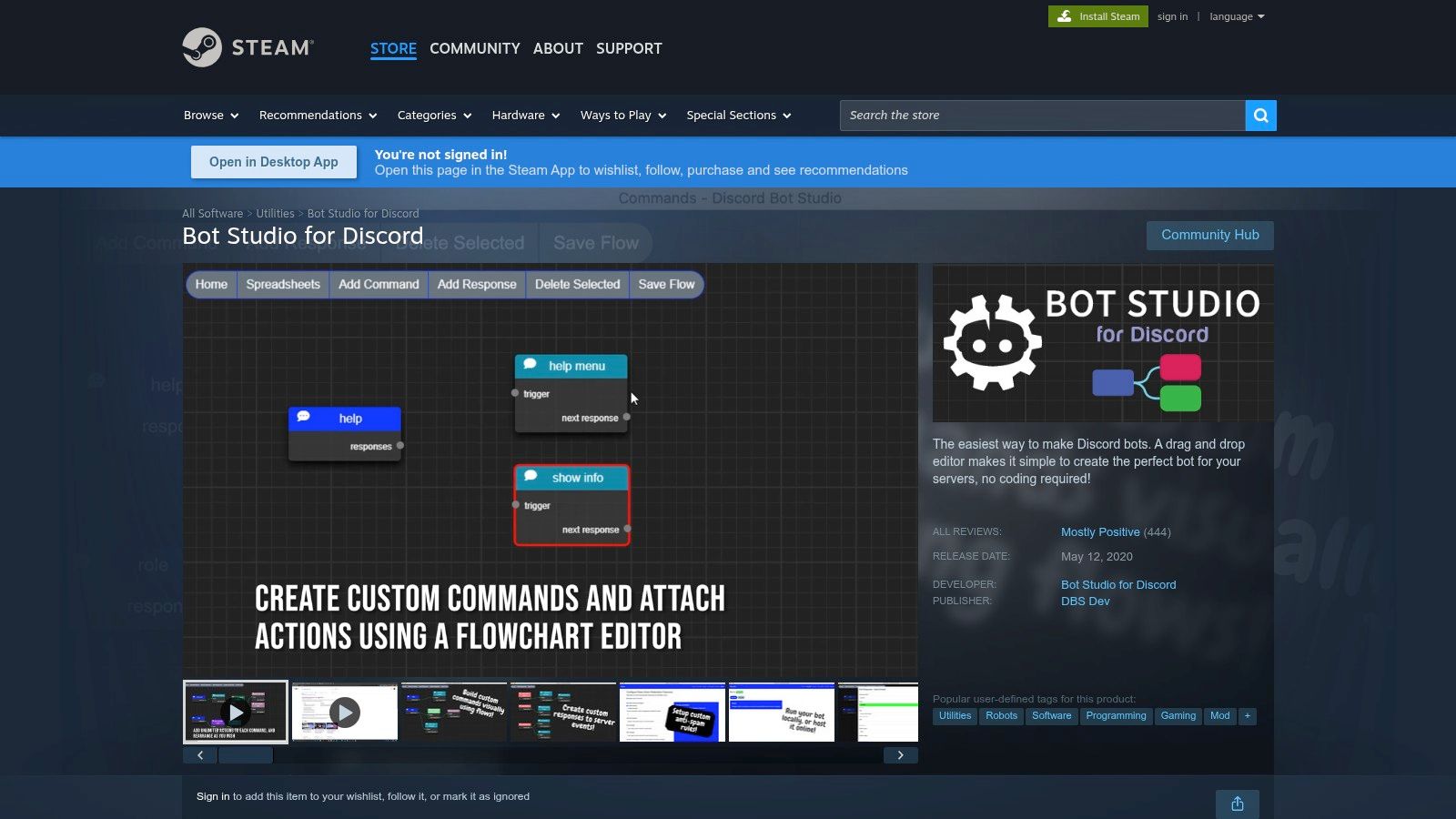
Discord Bot Studio appeals to a specific type of builder. This is for users who like desktop software, visual blocks, community plugins, and local control more than subscription-heavy SaaS tools.
That model still has a place. Some admins would rather buy software once, export a bot, and host it themselves.
Local-first ownership has practical advantages. Teams can build offline, keep control over exported files, and avoid monthly fees tied to the builder itself. The cost is responsibility. Once the bot leaves the editor, uptime becomes the operator's job.
That's the trade most newer cloud products try to remove. But some communities prefer self-hosting because they want tighter control over deployment and less dependence on a vendor dashboard.
There's also a broader historical reason Discord Bot Studio still deserves mention. Discord Bot Maker, another long-running Steam product, was officially released on November 30, 2017 and had more than eight years of market presence by May 2026. Its longevity, plus third-party tracking of ongoing usage on PlayTracker, shows that Steam-based no-code bot tools have remained relevant far longer than many people assume (PlayTracker page for Discord Bot Maker).
Desktop Discord bot builders still make sense for tinkerers who care more about ownership and control than hosted convenience.
Discord Bot Studio is best for self-directed builders who don't mind handling deployment after export.
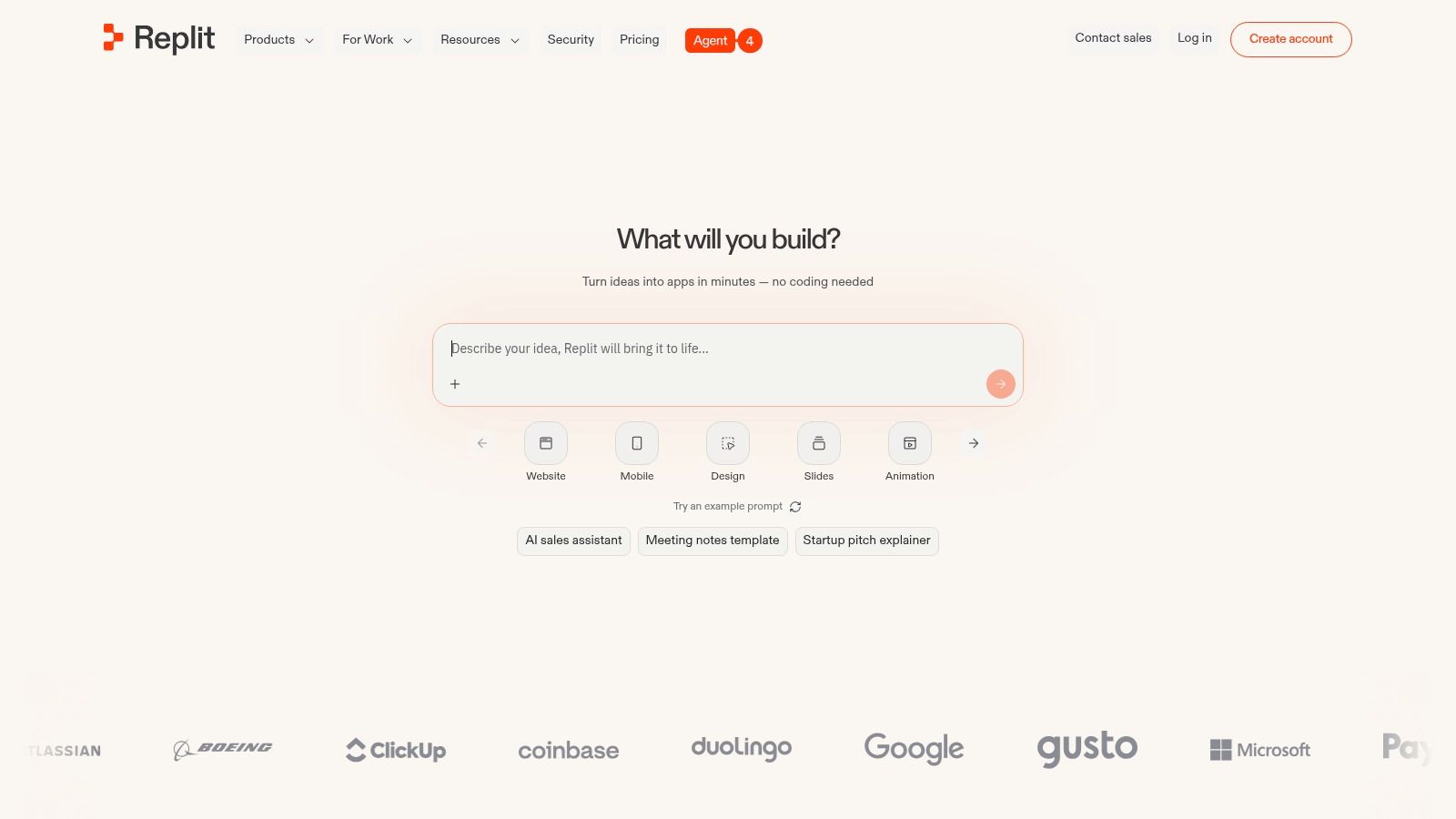
Replit isn't a bot maker in the no-code sense. It's the place to go when the team wants real code ownership without dealing with local environment setup on day one.
That makes it a strong bridge between templates and engineering discipline. A community manager can fork a Discord bot template. A developer can later harden the same project instead of rebuilding it elsewhere.
Coding becomes the right move when the workflow is too specific for visual builders or when the team needs full library access. The operational upside is flexibility. The downside is maintenance. Someone has to own the code, update dependencies, monitor hosting, and fix breakages.
Replit softens that by combining browser-based coding, deployment, collaboration, and hosted runtime in one place. It's still code-first. That's the point.
For teams comparing self-hosted paths, this guide to Discord bot hosting options helps frame the difference between managed builders and environments where the operator owns deployment decisions.
Replit works well for:
For many communities, Replit is the upgrade after no-code constraints become frustrating. It's not the right starting point for non-technical moderators who just need a welcome bot running tonight.

MEE6 Custom Bot is the fastest path to a branded bot for teams already living inside the MEE6 ecosystem. Instead of building logic from scratch, the server gets a custom bot identity with MEE6's familiar functionality behind it.
That sounds modest, but for many communities it's enough. Branding matters. Members respond differently to a bot that looks native to the community rather than obviously third-party.
MEE6 Custom Bot is a practical choice for communities that already rely on MEE6 modules and want a more branded presentation without rebuilding everything in another platform. Setup is lighter than moving to a full builder, and the learning curve is minimal for anyone already comfortable with the MEE6 dashboard.
The limitation is obvious. This is still MEE6-shaped automation. It won't offer the same flexibility as a true framework or the same support depth as a dedicated inbox and ticketing system.
The broader market has also shifted. Tutorials and product pages increasingly emphasize AI response features, event listeners, and workflow builders, while the Discord ecosystem remains crowded with moderation and engagement bots rather than support-first platforms. That's why many teams eventually need to compare branded community automation with actual support operations, not just commands and cosmetics.
For teams still getting started with server permissions and installs, this walkthrough on how to add a bot to Discord is a useful baseline.
Choose MEE6 Custom Bot when branded familiarity matters more than deep customization.
ProductBest forCore features / USPEase of setup & maintenancePricing & hostingMava (Recommended)Community-driven companies needing scalable AI supportAI answers in channels & DMs, auto-ticketing, unified inbox, KB import, analyticsMinutes to set up; deploy across Discord/Telegram/web; unlimited agentsFree plan; pricing by support request volume; managed hosting & native integrationsBotGhostNon-coders wanting a custom, whitelabeled Discord botVisual command builder, event automation, templates, brandingDrag-and-drop; fast to production; moderate learning for complex logicHosted; paid plans for advanced/always-on featuresBotpressTeams needing granular control & enterprise opsLow-code visual flows, official Discord connector, modular integrationsPowerful but steeper learning curve; developer-focusedUsage-based billing; self-host or managed; no model token markupsVoiceflowConversation designers & agencies building rich dialogsVisual dialog design, multi-channel deploys, team roles, analyticsStrong testing & collaboration UX; suited for governanceSales-assisted / usage pricing; hosted; can be costly for small projectsFromFlowCommunity managers who want fast Discord featuresDiscord-first modules (tickets, mods, leveling), drag-and-drop, templatesQuick start with included hosting; real bots fastFree tier available; simple pricing; hostedSlashCraftRapid prototypes or simple bots via AI generationNL spec → generated bot code, one-click hosting, editable codeExtremely fast to ship; generated logic may need tuningHosted; early-stage AI builder limitations; pricing variesBot Designer for Discord (BDD)Mobile-first creators who avoid server setupBDScript, managed hosting, web/iOS/Android apps, community snippetsMobile-friendly creation; easy on-ramp; proprietary scriptManaged hosting included; scale may need paid tiersDiscord Bot Studio (Steam)Tinkerers who prefer local control & one-time buyDesktop block builder, community plugins, export self-hostable botOffline building; must self-host for 24/7 uptimeOne-time purchase on Steam; self-host for continuous operationReplit (Discord templates + hosting)Developers who want code control with hosted IDEReady templates (discord.js/py), in-browser coding, always-on deploys, AI helpersRequires coding; rapid dev loop and shared editingHosted; paid plans typically required for persistent hostingMEE6 (Custom Bot)Servers already using MEE6 wanting brandingWhitelabeled MEE6 instance, slash commands, retains MEE6 modulesFast setup if familiar with MEE6 dashboardPaid custom option; tied to the MEE6 ecosystem
Choosing a bot maker Discord tool isn't really about which interface looks nicest. It's about what problem the server needs solved now, and what problem will show up next once the community gets busier.
For straightforward community automation, tools like BotGhost and FromFlow make sense. They're fast to launch, accessible to non-coders, and built around the everyday needs of Discord admins such as roles, commands, tickets, and event triggers. They work best when the job is operational convenience. Welcome people, assign roles, run commands, automate repetitive moderation tasks.
For teams that need more structure, platforms like Botpress and Voiceflow open a different lane. These products are better for organizations that treat Discord as one channel in a broader communication system, or that need more deliberate conversation design, governance, and integration logic. They require more planning, but that planning pays off when workflows become more nuanced.
Some tools are really stepping stones. SlashCraft is strong for rapid prototyping. BDD is useful for mobile-first creators. Discord Bot Studio still fits self-hosters who prefer desktop ownership. Replit is what many teams move to when visual builders stop being flexible enough and someone is ready to maintain code directly. MEE6 Custom Bot is the low-friction branding play for servers already committed to MEE6.
The typical upgrade path is usually simple.
A new or small server often starts with a no-code builder because speed matters most. As moderation and utility needs grow, the team either moves into a more extensible visual platform or into code. Then a separate threshold appears. Once repeated questions, ticket load, and handoff between AI and humans become the main problem, a general bot builder often stops being the right category.
That's where a support-first platform changes the equation. Instead of asking the bot to be a little bit of everything, the team gives support its own system. Mava is relevant in that stage because it focuses on AI answers in Discord, ticket routing, shared inbox workflows across channels, and support analytics rather than trying to act like a general-purpose utility bot.
The best choice is the one that matches the current operational bottleneck. If moderation setup is the issue, pick the builder that gets automations live quickly. If conversation design is the issue, pick the platform with deeper flow control. If support capacity is the issue, move to a system built for support. That's how teams avoid rebuilding the stack every time the community grows.
If the Discord server is turning into a support channel, Mava is worth evaluating. It gives teams an AI support bot for Discord, ticket routing, shared inbox workflows across Discord, Telegram, and web, plus analytics for response and resolution patterns.
.png)
.png)
.png)
