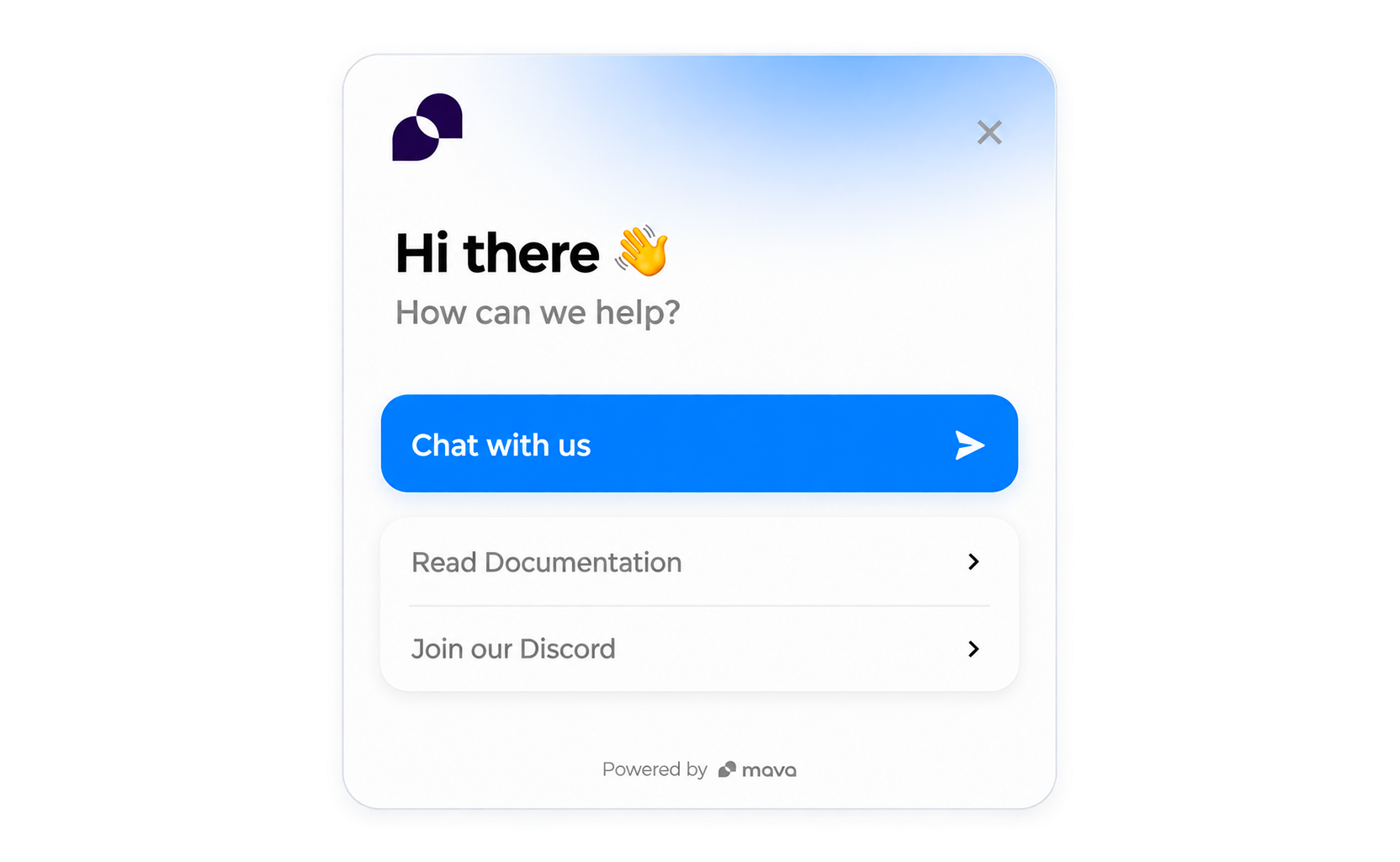
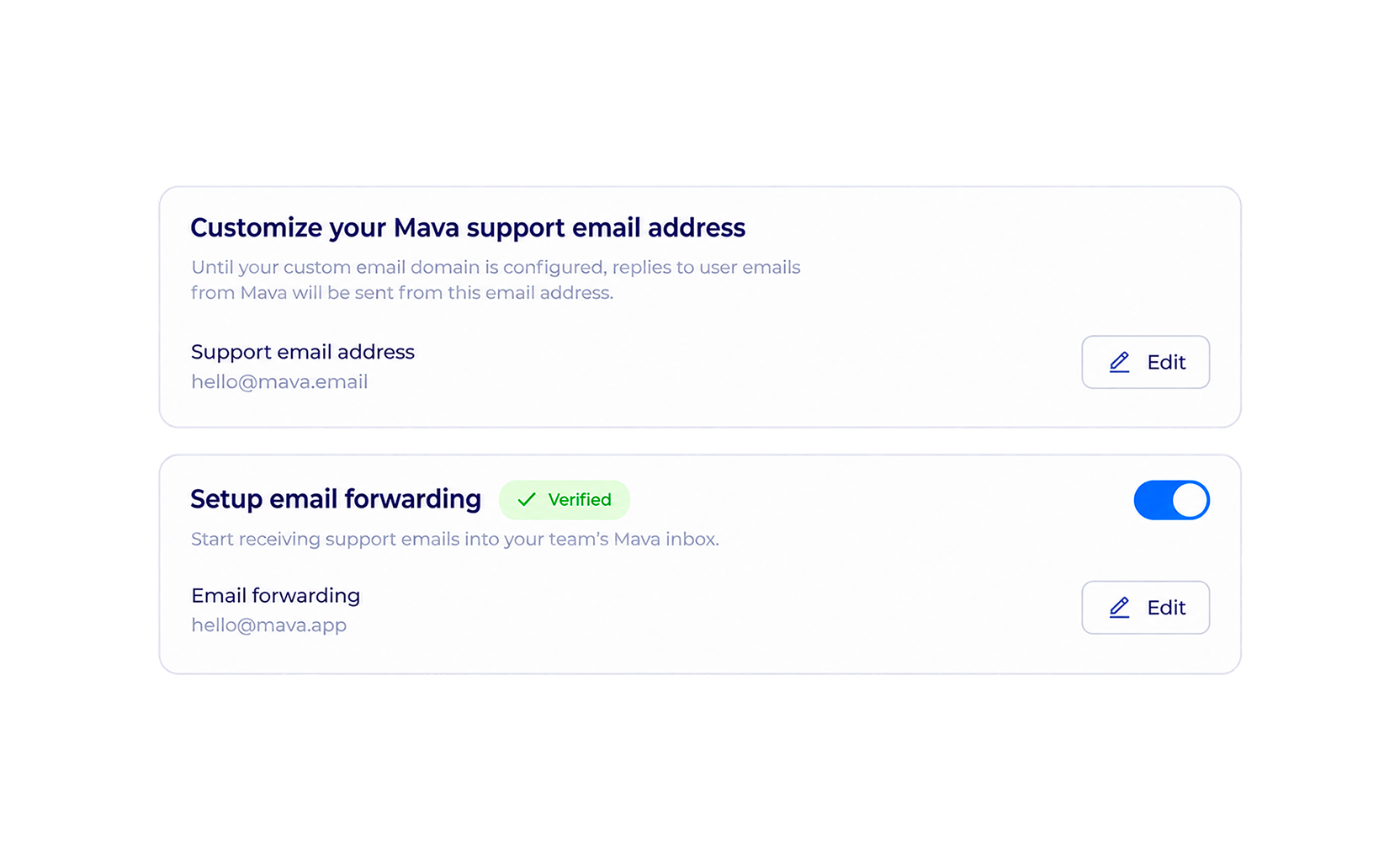
Multiple Channels

One Shared Inbox

Effortlessly manage thousands of community interactions across multiple channels using Mava’s shared inbox.

get started free
Purple and blue gradient thumbs-up icon on a white background.

Happy Users

Improve customer experience and increase conversions by meeting customers where they are.

White upward trending arrow graph icon on a blue to purple gradient rounded square background.

Better Insights

Keep track of interactions across all channels to improve the overall user and product experience.

Shield-shaped icon with a white star in the center on a blue to purple gradient background.

Security First

Be easily accessible everywhere, to prevent scammers and fake support accounts from targeting your users.

Inbox Zero

Stay on top of your support inbox using status updates, filters, tags and reminders. View user info, on-chain context and chat history straight from the inbox to streamline support queries.

User interface showing an inbox with three open tickets from iLoop, each marked high priority, no agent assigned, created 2 hours ago, with unread notification dots.
User permission selection interface showing two users, James with admin role and Nuno with moderator role, including email and shortened wallet addresses.

Designed
for Teams

Automatically assign tickets to the right team member, and easily mention and notify colleagues when they need to step in. No matter what plan you’re on, there is no limit to the number of seats in your Mava Account.

Our Integrations

We natively integrate with your community's favorite channels

Coming Soon

Slack
GitHub logo
Discourse logo

Scale support

without

scaling headcount