.png) Get Started
Get Started
Your community already has activity. The problem is that activity rarely arrives in a clean, manageable form. Questions land in Discord, product feedback hides in forum threads, VIP members expect fast replies in Telegram, and moderators burn time repeating the same answers.
That's where community engagement tools either help or make the mess worse. The wrong tool adds another dashboard, another inbox, and another place for context to disappear. The right one reduces noise, routes the right issues to the right people, and turns recurring conversations into reusable systems.
That matters more now because community work has shifted far beyond simple feedback collection. Public sector engagement models like participatory budgeting helped establish a more structured idea of engagement, where tools support shared decision-making rather than just passive consultation, and modern toolkits increasingly combine polls, surveys, idea collection, document annotation, and mobile outreach across channels to reach different groups well as described here. The same pattern shows up in digital communities. Teams need tools that don't just “hear” members, but help staff respond, organize, escalate, and learn.
For teams trying to enhance congregational engagement or run any other member-driven space, the question isn't which tool has the longest feature list. It's which one fits the channel, the community type, and the operational pain happening right now.
A moderator opens Discord to answer one billing question and finds twenty more waiting across public channels, DMs, and Telegram. At that point, the job is no longer “community conversation.” It is support operations inside community channels.
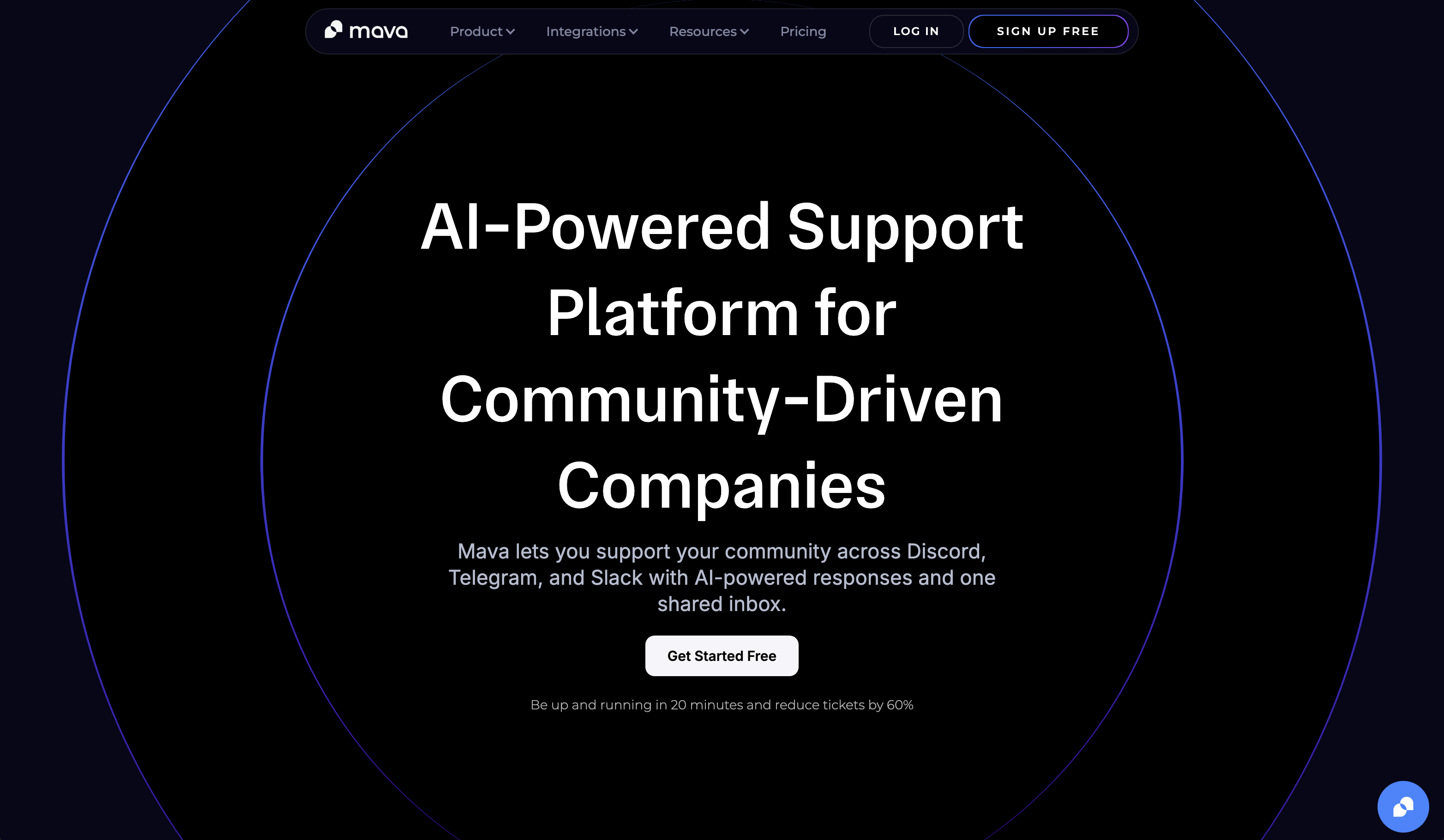
Mava fits that job well for Discord, Telegram, Slack, and web chat. It gives teams a shared inbox, private ticketing, and AI-assisted replies without forcing members into a separate help center flow. That matters most for gaming, Web3, and fast-moving SaaS communities where users expect help in the same channel where they hang out.
The product is widely used at that channel-native support layer. Mava says it serves more than 3K communities, with more than 3.5M private tickets and more than 150K public AI responses, and it also reports up to 60% ticket reduction with AI. Those claims are relevant if your team is trying to reduce repetitive queue volume rather than add another moderation or analytics tool.
Mava makes the most sense when your primary channel is already your support channel. That is a different buying decision from a forum platform for long-form discussion or a community CRM for audience intelligence. If members ask for account help, product troubleshooting, and policy clarification inside Discord or Telegram, you need routing, handoff, and documentation coverage more than you need another place to post announcements.
Setup is one of the practical advantages. Teams can pull in existing docs from a website, GitBook, or Google Docs, then use that material to train the AI instead of rebuilding a knowledge base from scratch. For lean teams, that cuts implementation friction and makes it easier to test automation before changing the whole support stack. Teams that want examples of where this works in practice can review these community support chatbot use cases.
Practical rule: Pick Mava when users refuse to leave Discord or Telegram for support, and your team needs structure without breaking that behavior.
A few strengths stand out:
The trade-off is straightforward. Mava gives you software and workflow structure, not outsourced support strategy. Teams still need to maintain docs, review AI answers, and decide when public replies should become private tickets. For communities at the growth stage where channel chaos is already slowing moderators down, that is usually a fair trade.
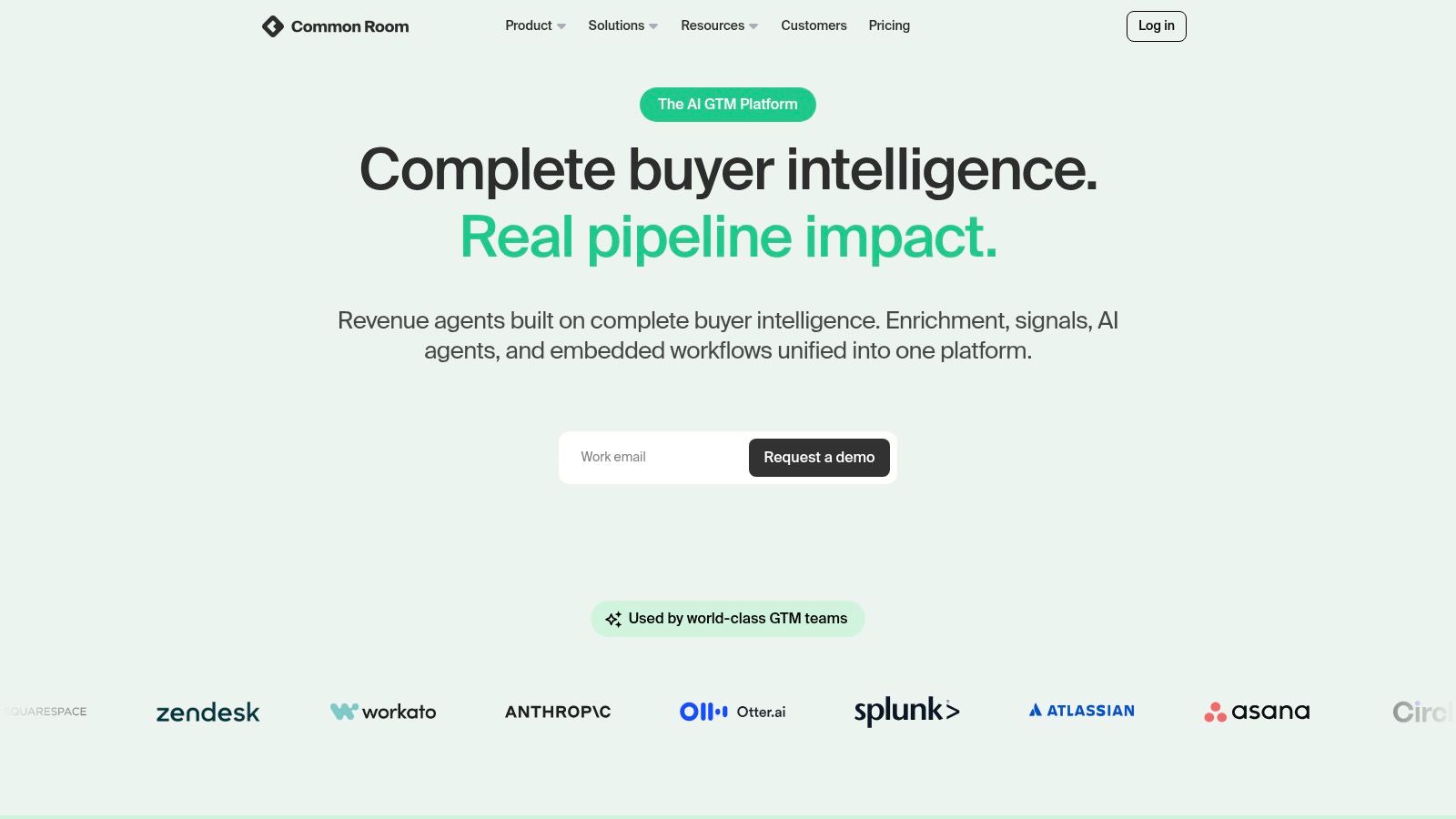
Common Room is less about handling support tickets and more about making sense of fragmented community signals. For SaaS and developer relations teams, that's often the bigger problem. The community exists across Discord, Slack, GitHub, forums, and social channels, but nobody has a clear view of who's active, what they care about, or when to reach out.
That's where Common Room earns its place. It aggregates activity into a single workspace so teams can identify members, segment audiences, and trigger outreach based on behavior rather than gut feel.
A strong developer community often has multiple moments that matter. Someone joins Discord, stars a repo, comments in a discussion thread, and later asks a product question in Slack. Without a system tying those behaviors together, community managers end up doing detective work by hand.
Common Room reduces that manual stitching. Its workflow templates also help teams move faster on common motions like onboarding and check-ins. That's useful for growth-stage SaaS teams trying to connect community activity to adoption, advocacy, or expansion.
The main reason to buy Common Room isn't conversation hosting. It's visibility.
The biggest trade-off is complexity and cost clarity. Teams usually need a real internal plan before this tool pays off. If the community program is still early and nobody is prepared to act on segmentation, lifecycle triggers, or cross-channel signals, Common Room can become an expensive mirror instead of an operating system.
For mature community-led growth teams, though, it solves a real problem that lighter tools usually miss. Teams can explore the platform at Common Room.
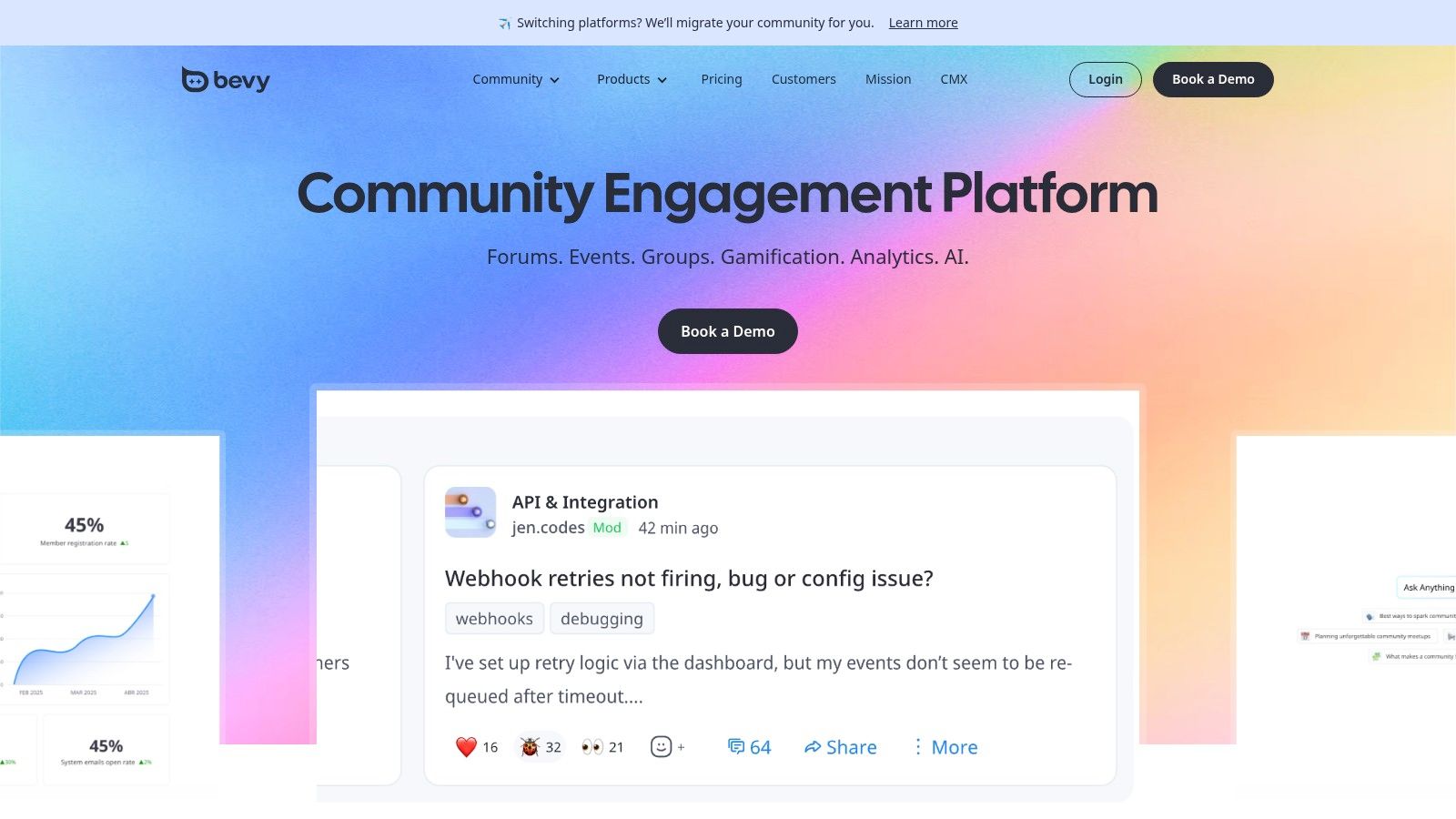
Bevy is built for a specific kind of community. Not a chat server. Not a support forum. A distributed, event-led program with chapters, hosts, registrations, and recurring programming across regions.
That focus is its strength. If the community strategy depends on local meetups, ambassador chapters, customer education events, or field-led programs, Bevy is one of the clearest purpose-built options.
A lot of teams try to run chapter programs from a stack of generic tools. One tool for registration, one for email, one for chapter applications, one spreadsheet for speaker tracking, and a lot of duct tape. That usually works until the program spreads across countries or internal teams.
Bevy gives central teams more structure. Chapter leaders can run local programming inside a system that still gives headquarters visibility into attendance, event workflows, and program consistency.
The main limitation is obvious. Event-centric communities still need a place for asynchronous discussion, support, and knowledge retention. Bevy is excellent at program operations, but it isn't the right backbone if the core challenge is conversation depth between events.
For event-led community teams, that's not a flaw. It's a design choice. The platform is available at Bevy.
Discourse remains one of the best answers for teams that want durable knowledge instead of endless chat scrollback. It works especially well when the community needs long-form discussion, searchable Q&A, and an archive that keeps compounding in value.
That makes it a strong choice for SaaS support communities, product feedback hubs, and technical forums where repeated questions should become assets, not repeated labor.
Forums ask more from a team than chat does. They need structure, moderation, taxonomy, and regular facilitation. But that effort pays back differently. Good threads become public documentation, product context, and SEO-friendly knowledge over time.
Discourse also benefits from its open-source roots. Teams can self-host if they want control, or use hosted plans if they want less operational overhead. Either way, they get trust levels, moderation tools, tagging, SSO support, and a plugin ecosystem that can carry the platform much further than many hosted alternatives.
A dead forum is worse than no forum. Discourse works when the team commits to curation, not just setup.
This is the trade-off buyers need to understand. Forums don't manufacture engagement by themselves. They reward programs that already know how to prompt good questions, highlight useful answers, and merge repetitive posts into stronger resources.
For communities that need durable, searchable memory, Discourse is still hard to beat. The platform is available at Discourse.
Bettermode is a good fit for teams that care as much about presentation and structured experience as they do about discussion. It feels less like a classic forum and more like a branded community product, with dedicated spaces for Q&A, discussions, polls, articles, and events.
That makes it especially useful for SaaS companies building customer hubs that need to look and feel like an extension of the product.
Some community engagement tools are operationally solid but visually generic. Bettermode leans the other direction. The theming and white-label controls are strong, and the embedded widgets make it easier to bring community elements into the product or help center experience.
That matters for customer success and product teams that don't want the community to feel like a separate island. It also helps when the community has multiple jobs at once, such as support, ideation, announcements, and education.
The trade-off is that Bettermode can feel heavier than needed for teams that only want a simple forum or lightweight customer space. It shines when branding, structure, and progression matter. Teams can review it at Bettermode.
Circle is often the fastest route to a polished, all-in-one community space when the operator wants community, content, and memberships together. It works well for creators, cohort programs, learning communities, and boutique SaaS ecosystems where the value isn't just support. It's belonging plus content delivery.
That combination changes the buying decision. Circle isn't trying to be the best Discord support layer or the deepest enterprise forum. It's trying to centralize a paid or branded member experience.
Circle performs well when the community manager wants controlled spaces, events, live sessions, courses, and membership monetization in one product. That makes it useful for premium programs, founder communities, and structured onboarding environments.
It also avoids a common trap in creator and education communities. Instead of forcing members across several products, it keeps discussion and content access in one branded destination.
Circle works best when the community itself is part of the product.
The catch is that some advanced automation and API options live higher in the plan stack. For operators who need complex systems early, that can push cost up faster than expected. It's also not the right answer if the main support demand still happens natively inside Discord or Telegram.
For premium, structured, content-rich communities, Circle is a strong option. The product is available at Circle.
Gainsight Digital Hub, built from inSided, is aimed at customer community programs that sit close to Customer Success. That positioning matters. This is less about “build a cool online community” and more about “reduce repetitive support, collect product feedback, and connect community activity to customer outcomes.”
For enterprise SaaS teams, that can be the right frame.
When community reports into Customer Success or works tightly with support and account teams, Gainsight Digital Hub makes sense. The product focuses on self-serve support, peer help, knowledge, and ideation, while fitting into a broader Gainsight ecosystem.
That ecosystem fit is the key differentiator. Teams already invested in Gainsight often value community data more when it contributes to a wider customer health view, rather than sitting in a standalone platform.
This isn't usually the first tool a startup should buy. But it can be a very sensible tool for mature SaaS organizations that need community tied to retention, expansion, and self-service. Teams can learn more at Gainsight.
Khoros Communities is one of the classic enterprise picks for large support and customer experience organizations. It's designed for scale, governance, moderation, knowledge management, and the sort of internal complexity that smaller platforms often avoid.
That makes it powerful, but also demanding.
A global brand usually doesn't just need a forum. It needs permissions, role controls, moderation workflows, security review, legal comfort, and reporting that support, CX, and leadership can all use. Khoros is built with those realities in mind.
It also suits organizations that want community to serve several functions at once. Peer-to-peer help, official knowledge, ideation, brand education, and SEO all sit comfortably inside the same model when the program is mature enough.
Khoros makes sense when governance is part of the problem, not just the solution.
The trade-off is implementation weight. Teams need planning, internal ownership, and a real operating model. That means Khoros is rarely the right “quick win” platform. It's the right platform when the company already knows community is a long-term function and is prepared to invest accordingly.
For large-scale, policy-heavy community operations, Khoros remains a serious contender. The product is available at Khoros.
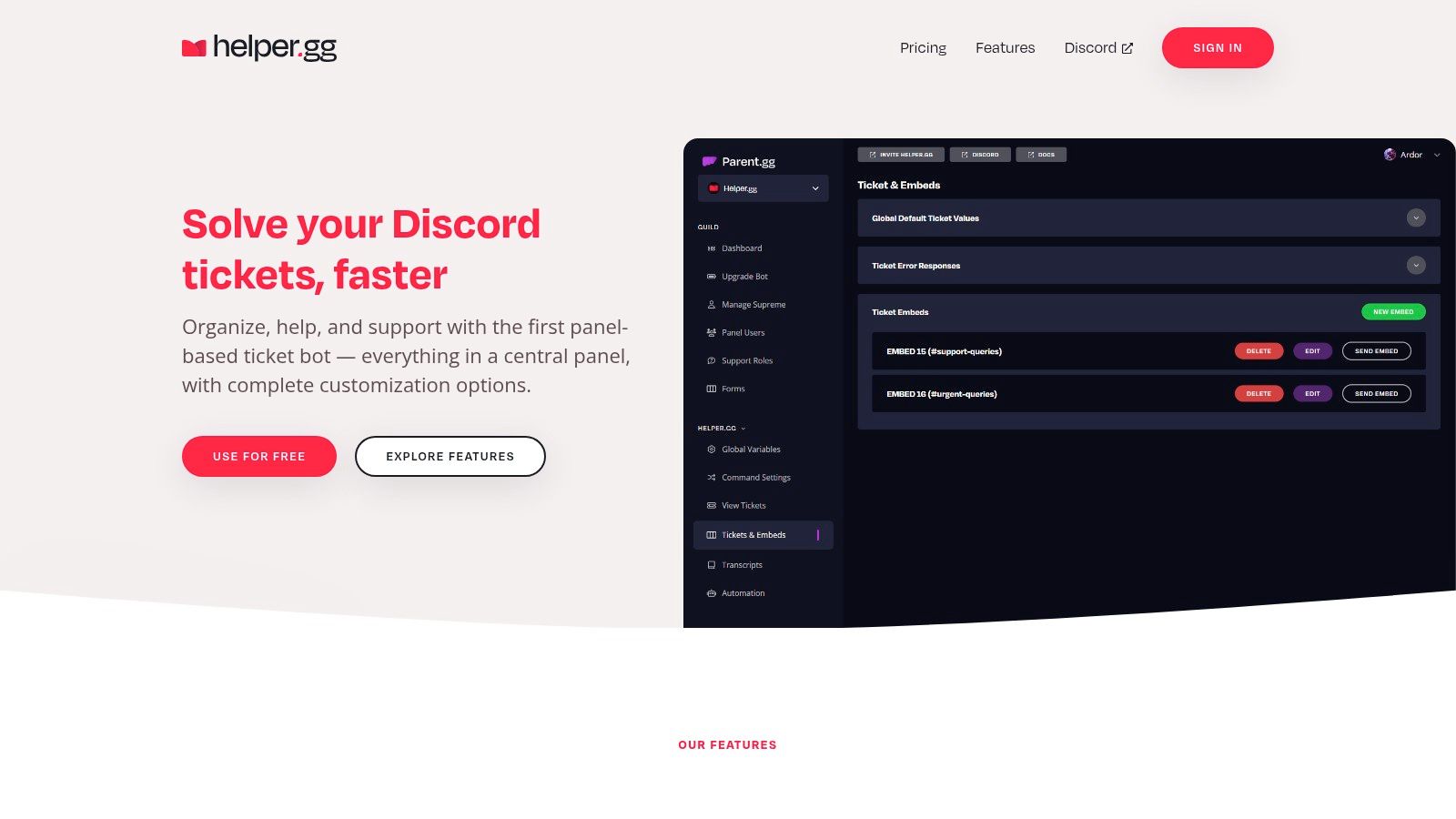
Helper.gg solves a narrower problem than most tools on this list, but it's a real one. A Discord server has grown beyond ad hoc moderator replies, and the team needs a proper ticketing flow without buying a heavier platform.
For gaming communities, indie SaaS teams, and marketplace operators, that's often enough.
Helper.gg turns Discord support into something more structured. Ticket panels, transcripts, staff dashboards, automation, and translation features help moderators stop chasing issues across channels and DM threads.
That can be a major improvement for small teams. The setup is straightforward, and the learning curve is lighter than full support platforms. For communities still refining moderator processes, that simplicity is a strength.
A broader operational guide to that environment is this Discord community management guide, because tooling only helps when the team has clear staff roles, escalation paths, and response expectations.
Helper.gg is often a good intermediate step. It's not trying to be the full operating layer for every community channel. It's trying to make Discord support less chaotic, and it does that well. Teams can find it at Helper.gg.
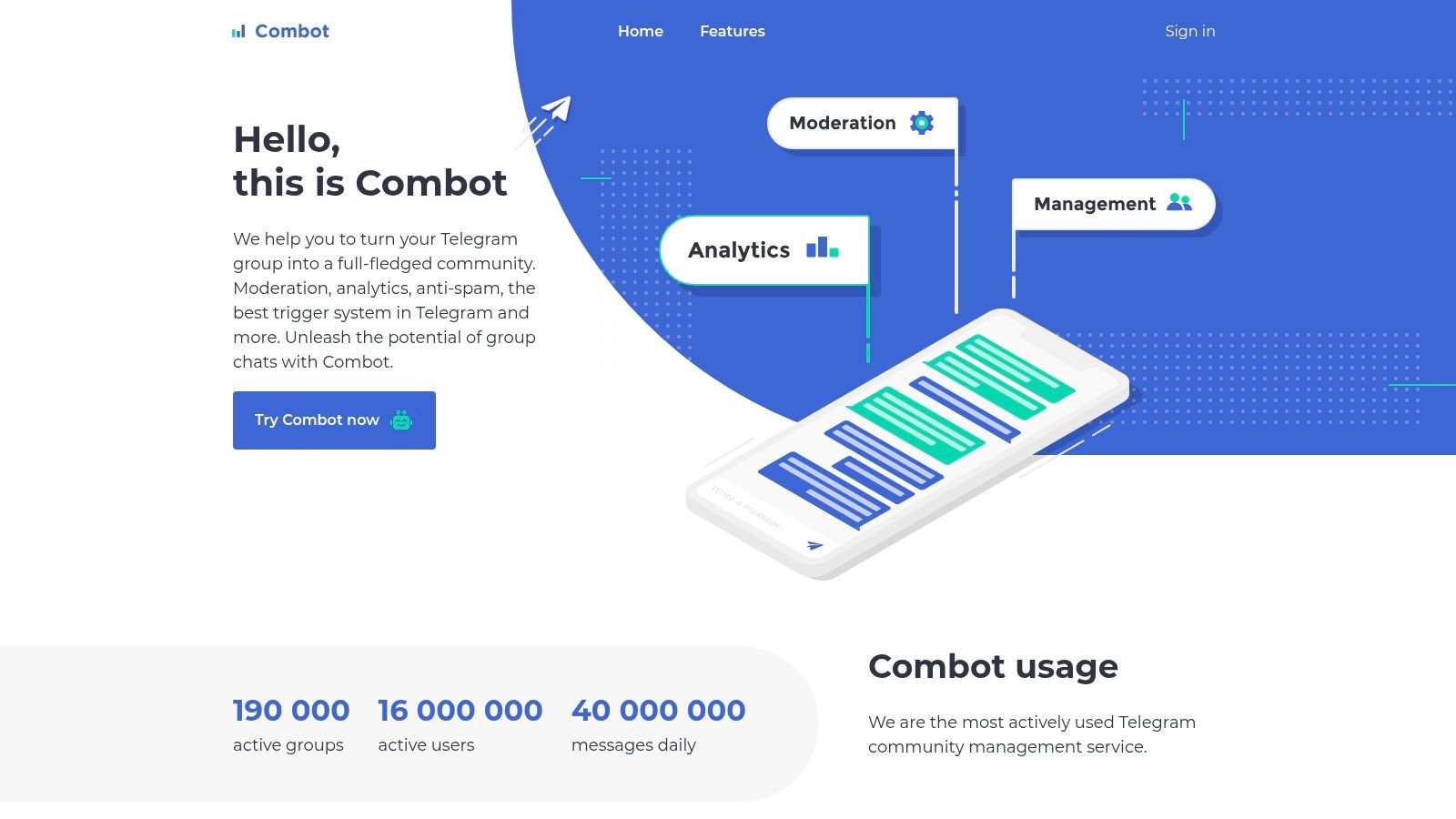
Combot is one of the most practical Telegram-first community engagement tools for moderation-heavy groups. In Web3, gaming, and fast-moving consumer communities, Telegram can generate huge message volume, constant spam pressure, and a real moderator workload problem. Combot exists for that reality.
Its strength is focus. It gives admins analytics, moderation controls, anti-spam systems, reputation tools, and scheduled announcements without trying to become an all-channel platform.
If the community's center of gravity is Telegram, Combot is often the first serious layer to add. It helps large groups maintain order, reduce spam, and enforce policy with less manual effort.
That matters because modern engagement is no longer just about feedback collection. More structured approaches now emphasize co-creation, tiered participation, trust-building, and practical systems for crisis or high-volume communication, especially when teams need to preserve context and move beyond simple polling or discussion as discussed by Visible Network Labs. Telegram communities feel that pressure acutely.
For teams still deciding on the right primary channel, this comparison of Telegram vs Discord for communities helps clarify where Telegram moderation tools fit best. Readers looking for adjacent tooling can also browse these best Telegram bots for groups.
The obvious limitation is that Combot stays in its lane. There's no native cross-channel reporting layer, and teams running support across Telegram plus other channels will eventually need a broader system. But for Telegram-native moderation and admin work, that narrow focus is exactly why it works.
ProductBest for / Target audienceCore featuresUX & scalability (quality metrics)Value & PricingUnique selling pointMavaCommunity-first companies on Discord, Telegram, Slack & web (games, Web3, SaaS)AI agents, unified shared inbox, multi-channel native integrations, KB import, analyticsFast setup; unlimited agents; AI reduces ticket load up to ~60%; seamless human handoverFree plan available; unlimited agents on all tiers; paid plans via siteDiscord & Telegram-first AI support with instant AI training from existing docsCommon RoomSaaS & developer communities needing lifecycle visibilityCross-channel ingestion, segmentation, workflows, outreach templatesMulti-channel visibility; accelerates growth opsSales-led / enterprise pricingCommunity intelligence hub tying signals into actionBevyLarge orgs with distributed chapters & event programsChapter & event management, registration, attendee analytics, workflowsBuilt to scale multi-region chapter programsSales-led enterprise pricingPurpose-built for chapter & field community programs at scaleDiscourseTeams wanting searchable forums & long-term knowledgeOpen-source forums, moderation, SSO, plugins, SEO-friendlyDurable, SEO-first knowledge capture; needs active facilitationSelf-host free (open-source); hosted paid tiersProven open-source forum with strong SEO and extensibilityBettermodeSaaS/customer success teams needing branded communitiesTheming, structured apps (Q&A, polls, events), embeds, integrationsPolished UX; clear upgrade path as community growsHigher entry price; advanced features on upper tiersWhite-label, app-like community with strong branding controlsCircleCreators, cohort programs, boutique SaaSSpaces, live streams/rooms, events, courses, paid membershipsFast to launch; unlimited members on paid plans; APIs on Business+Paid plans; add-ons can increase costAll-in-one community + content + monetization platformGainsight Digital Hub (inSided)Enterprise customer success & product teamsProduct Q&A, knowledge base, ideation, deflection analyticsDeep CS alignment; measures deflection & retention impactEnterprise-priced, sales-ledTight integration with Customer Success workflows and metricsKhoros CommunitiesGlobal brands needing compliance & governanceForums, knowledge, ideation, advanced moderation, analyticsProven at large scale; strong security & governancePremium, sales-led TCOEnterprise-grade security, moderation and complianceHelper.ggSmall-to-mid Discord servers (gaming, indie SaaS, marketplaces)Discord ticket panels, transcripts, staff dashboard, automationExtremely low-cost; simple setup; limited cross-channel analyticsLow-cost with paid automation/translation tiersSimple, budget-friendly Discord ticketing and staff workflow toolCombotLarge Telegram groups (Web3, gaming, consumer communities)Analytics, moderation filters, CAS anti-spam, reputation, announcementsScales to very large Telegram groups; reduces moderator loadTelegram-only; some plan details hidden until signupTelegram-first moderation & anti-spam system proven at scale
A familiar pattern plays out in growing communities. The team launches in Discord, Telegram, or a hosted forum because that is where members already are. A few months later, support requests live in three places, moderators are improvising process, and leadership wants proof that the community is doing more than generating activity.
The fix usually is not a bigger feature list. It is a tighter match between the tool, the community type, and the primary job the team needs the community to do.
Start with channel reality. If your community operates inside Discord or Telegram, native workflow matters more than polished external portals. Mava fits teams that need structured support across community channels, with queues, ownership, and context carried across conversations. Helper.gg is often enough for smaller Discord operations that mainly need ticketing and staff coordination. Combot is the practical choice for Telegram-heavy communities, especially in Web3 and gaming, where moderation volume, spam control, and admin efficiency shape day-to-day operations.
Then look at the community model, because SaaS, gaming, and Web3 teams usually fail in different ways.
SaaS teams tend to choose among support deflection, product feedback, and expansion. If the goal is searchable knowledge that compounds over time, Discourse remains a strong fit. If the team needs a branded customer hub with tighter control over pages, structure, and member experience, Bettermode is usually the better call. Circle works well when content, cohorts, memberships, and events are part of the product itself, not side programs wrapped around a forum.
Gaming communities usually need fast response, moderator coordination, and clear escalation paths inside live chat. That pushes the decision toward Discord-native tools rather than broad customer community suites. Web3 teams often have the same channel preference, but trust and safety pressure is higher. Admin controls, anti-spam systems, and announcement discipline matter earlier there than they do in many SaaS communities.
Some teams have a different problem entirely. The community is active, but the useful signals are spread across channels and invisible to go-to-market or success teams. Common Room helps in that environment by connecting identity and engagement data across touchpoints, so the team can see who is showing intent and where follow-up makes sense. Gainsight Digital Hub fits better when the community needs to plug directly into Customer Success motions and prove impact through deflection, retention, and account health. Khoros belongs in a narrower conversation. It is usually the right option for large organizations that already know governance, compliance, and stakeholder complexity will shape the implementation. Bevy also sits in its own category because chapter-based and event-led communities break down quickly if events are treated as a secondary feature.
Measurement should follow the same logic. Raw member counts and page views rarely help with tool selection. Better questions are operational. Does the platform reduce response time? Does it turn repeat questions into reusable knowledge? Does it improve handoffs between community, support, and success? The approach in this community engagement measurement guide is useful because it focuses on behavior and business outcomes instead of vanity metrics.
Adoption pressure is also changing the buying process. Analysts at Business Research Insights project continued growth in community engagement software, according to Business Research Insights. Analysts at Dataintelo report strong momentum among small and mid-sized businesses in online community platforms, according to Dataintelo. That lines up with what community operators see in practice. Teams want tools they can implement quickly, prove with a narrow use case, and expand later if the model works.
A useful selection order is simple. Define the community type first. Identify the primary channel second. Clarify the job-to-be-done third: support, knowledge, events, advocacy, or paid membership. After that, compare pricing, integrations, reporting, and AI features.
Good tool choices lower coordination cost.
Moderators spend less time chasing context. Support teams answer fewer duplicate questions. Community managers get a clearer picture of what members need and what the business is getting back. If you want to compare a support-first option more closely, review Mava at https://mava.app.
.png)
.png)
.png)
