.png) Get Started
Get Started

Choosing how to support your customers is one of the most consequential decisions a growing company makes. Get it right, and you build a loyal user base that genuinely advocates for your product. Get it wrong, and you spend a fortune scaling a system that creates friction instead of connection. The debate around community support vs traditional support isn't really about which model is inherently better. It's about which one fits your business, your users, and where you want to take both.
At their core, these two models reflect fundamentally different beliefs about what support should accomplish. Traditional support treats customer service as a function: structured, measured, and managed through defined workflows. Community support treats it as a relationship, one that's dynamic, peer-driven, and deeply tied to how your users experience your brand beyond individual transactions.
Neither philosophy is wrong. But they push companies in very different directions when it comes to team structure, cost, scalability, and user engagement. The right choice depends on where your users already spend their time.

Both models can work well in the right context. The difference lies in how they distribute effort, ownership, and the cost of delivering good support.
Traditional support follows a familiar structure. A customer submits a request, it enters a queue, and an assigned agent handles it. Performance gets tracked through metrics like first response time, resolution rate, and CSAT per ticket. Every interaction is logged, every agent is measured, and managers can see exactly where things are breaking down.
The downside is bottlenecks. During peak demand, queues grow, wait times stretch, and interaction quality drops as agents rush through tickets to hit their numbers.
Community support flips the model entirely. Instead of routing every question to an agent, it creates spaces where users help each other. Forums, Discord servers, Telegram support groups, and Slack communities all function as support channels where experienced users answer newcomers, share workarounds, and surface common issues organically.
Async resolution is a natural byproduct. Someone posts a question, a knowledgeable community member answers hours later, and the solution stays visible to anyone searching the same problem in the future. That compounding public knowledge base is something a private ticketing system simply can't replicate.
The differences become concrete once you look at cost, capacity, and how deeply users engage with your brand over time.
|
Aspect |
Traditional Support |
Community Support |
|---|---|---|
|
Core Focus |
Transactional issue resolution, agent queues |
Peer engagement, knowledge sharing, collaborative ownership |
|
Interaction Style |
One-on-one, reactive |
Group-based, async, proactive |
|
Tools & Channels |
Zendesk, Intercom, email; bolt-on integrations |
Native Discord/Telegram/Slack; shared channels |
|
Metrics |
Response time, resolution rate, CSAT per ticket |
Engagement, deflection rate, community health, retention |
Traditional support platforms typically charge per agent seat. As your team grows, your bill grows with it. This creates a predictable but often painful scaling cost, especially for fast-growing companies where support volume doesn't increase linearly.
Community support platforms often price by support request volume rather than agent count. That means your entire team gets access, from your lead support engineer to a part-time community manager, without per-seat costs stacking up. For lean teams supporting large user bases, that distinction can have a real impact on operational budgets.
Traditional support scales through headcount. More users mean more tickets, which means more agents, more training, and more management overhead. It works, but it requires sustained investment to maintain quality as volume grows.
Community support scales through distributed knowledge. As your community grows, so does the pool of experienced users who can answer questions, share guides, and contribute expertise. That said, it still needs solid infrastructure. Without the right tools to organize conversations, surface relevant answers, and escalate unresolved issues, even an engaged community becomes chaotic.
This is where the two models diverge most significantly in terms of long-term business impact. Traditional support resolves problems. Community support builds belonging. A user who gets their ticket closed feels satisfied, maybe. A user who becomes a recognized expert in your community, regularly helping others and shaping the knowledge base, feels genuinely invested.
If your product lives in digital communities, community support isn't just an option. It's the natural fit. SaaS platforms with active Discord servers, Web3 projects with engaged Telegram communities, and developer tools with thriving forums all share something in common: their users already support each other informally. Formalizing that dynamic through the right tools captures value that would otherwise happen in scattered, untracked conversations.
The pattern holds across well-known SaaS companies. HubSpot's community forum spans CRM, Sales, and Marketing categories, enabling peer knowledge sharing and a customer-sourced knowledge base that reduces reliance on formal support channels. Zapier runs a similar model, with a dedicated "help others" section and a badge system that rewards experienced users for peer-led resolutions, directly cutting support costs as the user base grows.
To decide whether this model fits your situation, ask yourself:
If most of your answers lean yes, community support is likely the stronger foundation.
There are scenarios where the structure of traditional support isn't just helpful. It's necessary. Businesses operating in regulated industries, handling sensitive user data, or managing complex multi-step issues often need the accountability and auditability that comes with formal ticketing systems. A ticket trail, an assigned agent, and a documented resolution process aren't bureaucratic overhead in those contexts. They're requirements.
Products with a highly diverse user base, spanning a wide range of technical expertise levels, may also need a first-response layer that doesn't rely on a knowledgeable community being present. If your users are unlikely to engage with forums or peer channels, routing them to a community-first model creates friction rather than solving it. The right support model always reflects your actual users, not an idealized version of them.
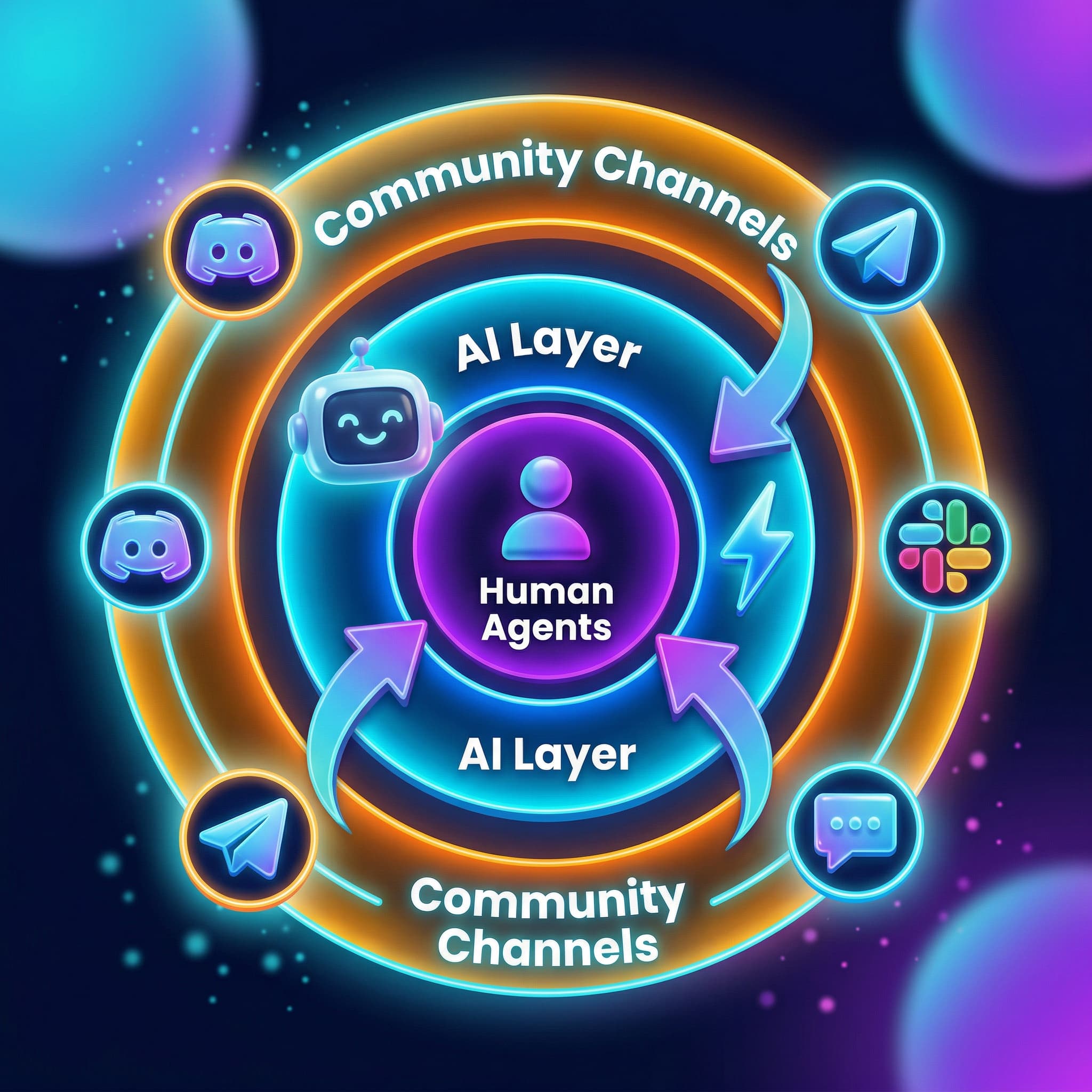
Most mature support strategies end up somewhere in the middle. Community channels handle the high-volume, repeatable questions. Professional tools handle the complex, sensitive, or escalated ones. The challenge is making those two layers work together without creating gaps where users fall through.
This is where purpose-built platforms become critical. Managing community conversations across Discord, Telegram, Slack, and web chat manually is chaotic. Without a unified view, conversations get missed, response times become inconsistent, and there's no reliable way to measure what's actually happening. A platform that centralizes those channels into a shared inbox, while also providing AI support for common queries, gives teams the structure of traditional support with the flexibility of community-first engagement.
The hybrid approach also reframes the choice between empowering users to resolve their own problems versus providing professional help. Rather than picking one or the other, you can build a system that does both simultaneously. AI handles tier-one queries instantly. Community members contribute ongoing knowledge. Human agents step in when real complexity or sensitivity demands it. Teams using this model see ticket deflection rates of up to 60%, which meaningfully reduces the load on support staff without sacrificing quality.

Mava was built specifically for businesses that live in community channels. Companies like Alchemy, EigenLayer, Layer3, and TikTok rely on Mava to manage support across Discord, Telegram, Slack, and web chat from a single platform. Here's what makes the approach different.
Mava connects directly to the channels your community already uses. Setup takes around 20 minutes, compared to the multi-week configuration typical of bolt-on integrations for traditional platforms. You're not retrofitting a help desk to serve a Discord community. You're starting from the community channel and building outward.
The AI layer responds to questions in public channels and private tickets, drawing on your knowledge base and supporting more than 100 languages. AI handles up to 50-60% of common community queries, so human agents can focus on the escalations that genuinely require their expertise. That combination scales coverage across hundreds of communities without a proportional increase in headcount.
Mava prices by request volume, not by agent seat, meaning your entire team gets access regardless of plan size. Mava's pricing is designed to give growing communities a real starting point without requiring a support budget that scales with every new hire.
The most effective support strategy meets users in the spaces they already inhabit. Forcing a Discord-native community to submit tickets through a web portal adds unnecessary friction and sends a clear signal that your support infrastructure wasn't designed with them in mind.
Choosing between community and traditional support ultimately comes down to who your users are, how they communicate, and what kind of relationship you want to build with them. If they're already gathering in community channels, that's where your support strategy should start. Mava is designed to make Discord customer support and community-native infrastructure accessible without requiring a large support team or a complex technical setup.
Running a community-driven company? Mava's AI-enabled customer support platform lets you support your community across all your favorite channels. Sign up to get started, or request a demo to see how it works for teams like yours.
.png)
.png)
.png)
