.png) Get Started
Get Started
Support no longer starts in a neat queue. It starts in a Discord thread that already has six replies, a Telegram DM sent overnight, or a Slack message that mixes a bug report with product feedback and a billing complaint. Community-centric teams don't just need speed. They need context, continuity, and handoff logic that works in public and private channels.
That shift is why customer service ai tools have become core infrastructure instead of side experiments. Market adoption reflects it. By 2025, about 80% of companies were already using or planning to adopt AI-powered chatbots for customer service, and 85% of customer service leaders were actively exploring conversational generative AI, according to this industry roundup on AI customer service adoption. The older email-first model isn't broken because support teams failed. It's broken because the operating environment changed faster than the tooling.
For community-led businesses, the key question isn't which vendor has the flashiest bot demo. It's which platform can answer repetitive questions accurately, preserve public-thread context, route edge cases to humans, and give operators a single place to manage the mess. Some tools were built for classic helpdesk teams and have adapted into AI. Others were built closer to where modern communities work.
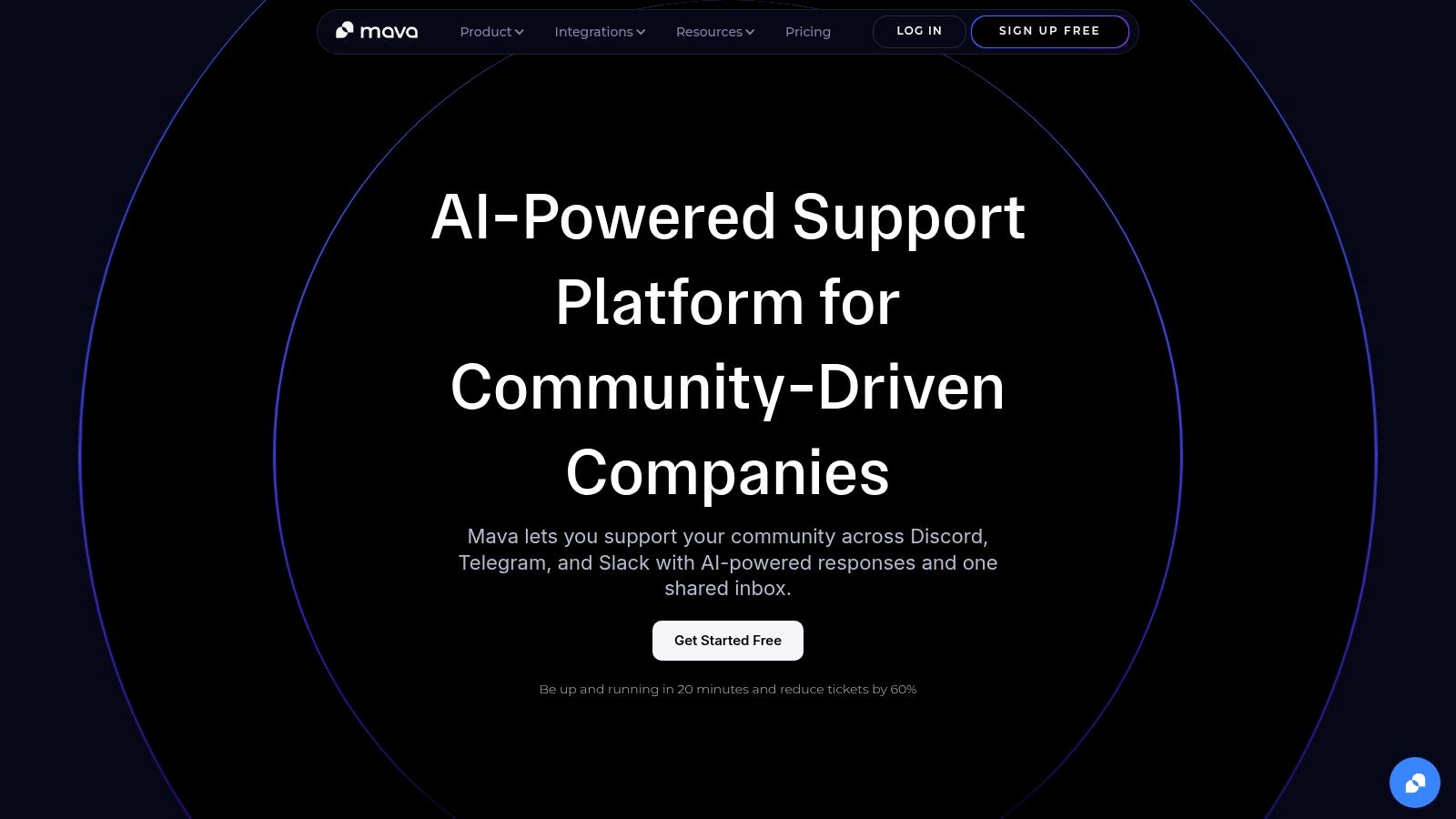
A user reports a payment problem in a Discord thread, another asks the same question in Telegram, and a moderator has to decide what stays public versus what moves to a private ticket. That is the operating reality for many modern support teams. Mava was built for that kind of environment, which is why it stands out from customer service AI tools that still assume support begins in email or a web widget.
The product centers on a shared inbox for Discord, Telegram, Slack, web chat, email, and API-driven workflows. That channel mix matters because community support breaks down fast when teams lose thread history, duplicate responses across channels, or force users into a separate portal just to get help. Mava combines AI replies, triage, routing, and agent workflows in the same system, so operators can manage both public conversations and private follow-up without stitching together multiple tools.
Mava is a strong fit for gaming companies, SaaS startups, crypto teams, and other community-led businesses that support customers where they already talk. It trains AI agents on existing sources such as docs, websites, and help centers, then routes edge cases to human agents when the issue needs judgment, account access, or a sensitive handoff.
A few parts of the setup are especially practical:
For teams still shaping their automation strategy, this guide to an AI customer service chatbot for support teams gives a clearer picture of how the model works in practice.
Practical rule: If your customers ask for help in community channels, your support system should preserve that context from the first message.
Mava works best for teams that want control over support design. It does not replace the need for workflow ownership, knowledge maintenance, QA, or escalation rules. In practice, that is usually a good thing. AI can reduce repetitive load, but it still needs clear boundaries, strong source content, and someone accountable for what happens when the bot is wrong.
The other limitation is pricing clarity. There is a free plan, but larger teams will likely need a sales conversation to model cost. That can slow evaluation compared with vendors that publish every tier upfront, though buyers with heavy Discord or Telegram volume may accept that trade-off if channel fit is the main requirement.
Mava makes the most sense when community support is already a core part of the business, not a side channel. In that situation, the value is less about adding AI for its own sake and more about giving the team one operating layer for community conversations, private tickets, and automation.
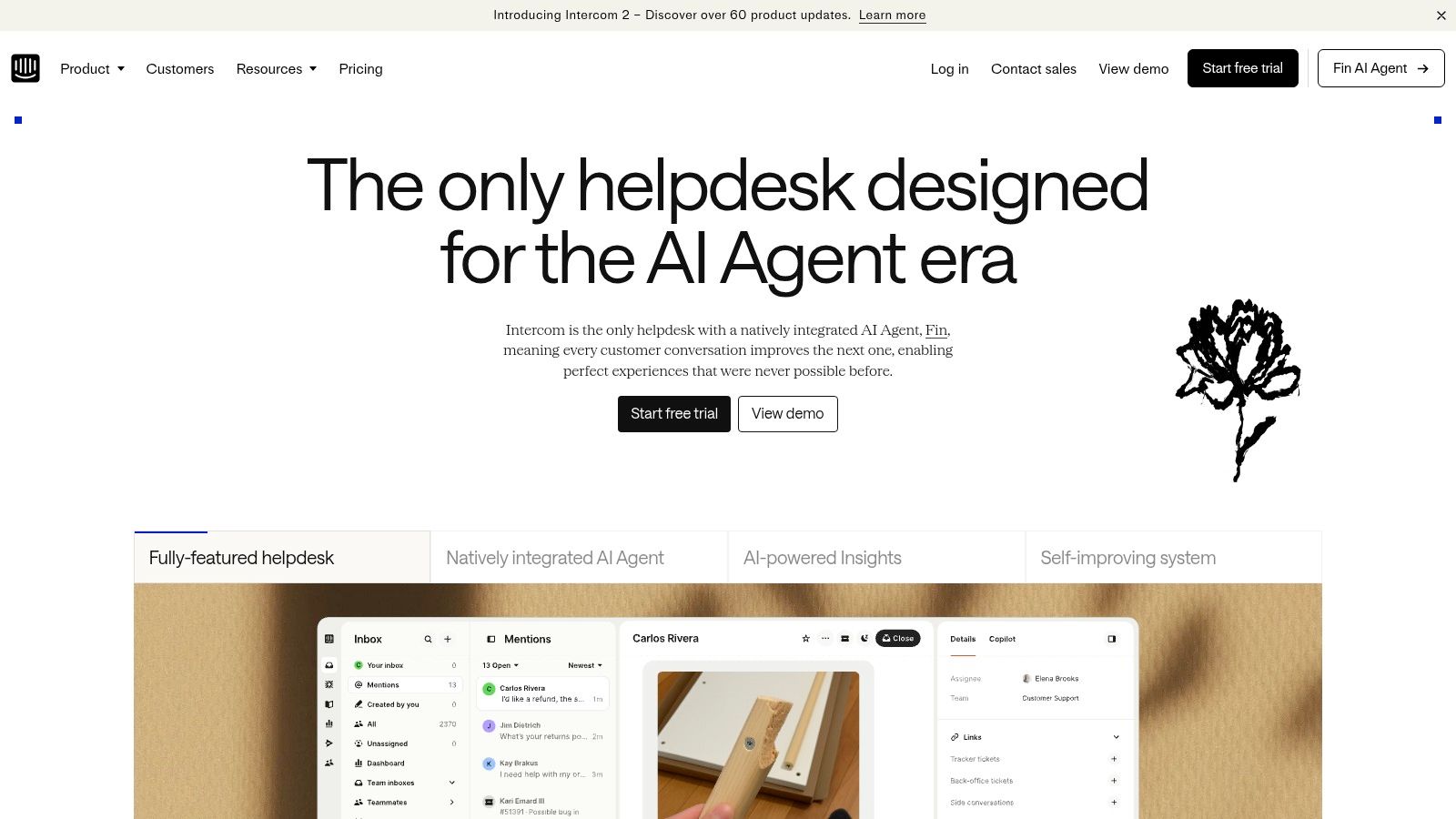
Intercom remains one of the most polished products in the category. Fin gives it a credible AI layer, but the bigger reason teams choose Intercom is that the product feels operationally mature. The inbox, messenger, help content, proactive messaging, and agent tools already work well together.
That makes Intercom a strong fit for SaaS companies where support happens mostly in-app, on the web, and across messaging channels tied to a product experience. It isn't as community-native as Mava, but it is more refined than many classic ticketing systems for conversational support.
Fin can answer and resolve conversations autonomously, and Intercom also offers agent-facing help like summaries and draft replies. Another practical advantage is deployment flexibility. Fin can work with Intercom itself or sit on top of other helpdesks, which lowers switching friction for teams that don't want a full migration immediately.
A few strengths stand out:
For teams sorting through bot strategies, this guide to a customer service AI chatbot is useful alongside an Intercom evaluation.
Intercom can get expensive as automation volume grows. Buyers need to model both seat costs and AI usage, because those cost layers can compound quickly when ticket volumes rise.
It also makes more sense for structured support than for messy, community-threaded support. If customers ask for help in Discord channels first and only sometimes move to web chat, Intercom can feel like the system of record is in the wrong place.
Zendesk is still the default reference point for many enterprise support teams. That isn't because it's the simplest tool. It isn't. It's because large organizations often need governance, routing depth, QA, workforce tooling, and channel breadth more than they need elegance.
Its AI direction looks more serious now that Forethought technology is in the stack. For enterprise buyers, that matters because the roadmap is clearly moving toward more autonomous resolution and stronger voice automation.
Zendesk is attractive when support spans email, chat, voice, and complex case management. The app ecosystem is also substantial. MarketsandMarkets describes the category as firmly in growth mode, projecting the AI for customer service market to reach USD 47.82 billion by 2030 from USD 12.06 billion in 2024, with a 25.8% CAGR, in its AI for customer service market release. That scale helps explain why enterprise buyers increasingly treat AI capability as a platform requirement, not a pilot feature.
Zendesk's practical strengths include:
The best Zendesk deployments don't automate everything. They automate the repeatable parts and make escalation paths obvious.
Zendesk can become complex fast. AI add-ons, channel modules, workforce features, and third-party connectors all affect total cost and implementation effort.
It's also not naturally built around Discord, Telegram, or community-thread support. Teams can make it work, but many will need extra integration layers to get the workflow they want.
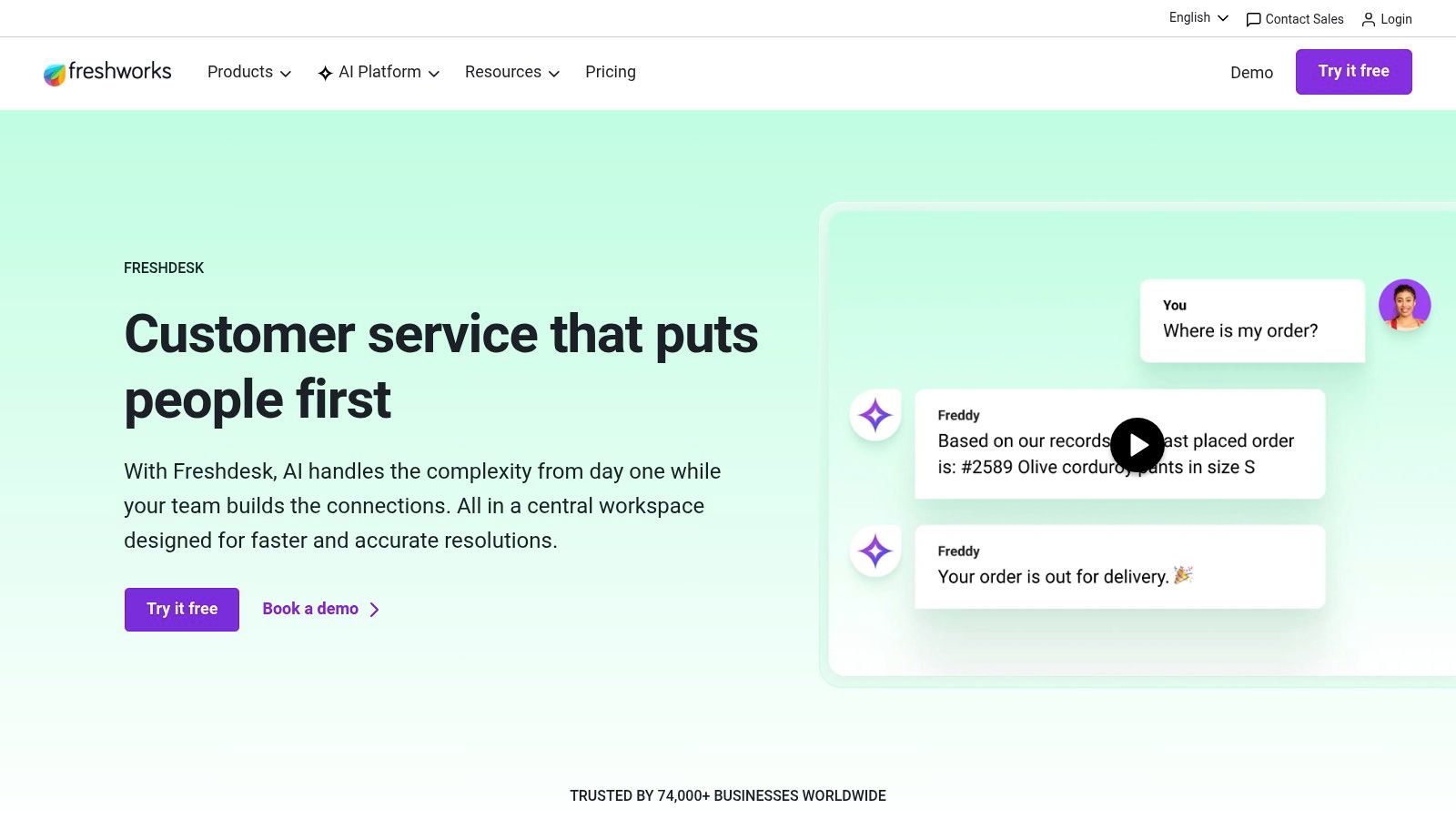
Freshdesk has long been the practical choice for teams that want enough power without buying into a heavyweight service platform too early. Freddy AI extends that appeal. The product doesn't try to feel like a research lab. It tries to be usable.
For SMB and midmarket teams, that's often the right trade. A tool that launches quickly and gets adopted by agents usually beats a more advanced platform that sits half-configured for months.
Freshdesk is a solid fit for support teams with a straightforward mix of email, web chat, and standard helpdesk workflows. Freddy AI covers self-service, agent assistance, and insights without demanding an enterprise operating model from day one.
Key reasons teams shortlist it:
Freshdesk is often strongest when the support function is still maturing and leadership wants to add AI without redesigning the whole operating model first.
Some of the stronger automation and workflow features sit in higher tiers or add-ons. Teams should validate the specific package, not just the brand promise.
Freshdesk also feels more traditional than community-native. It can support modern channels, but it isn't purpose-built for moderators handling public support threads inside Discord or Telegram communities.
Salesforce is rarely the simplest option, but simplicity usually isn't why companies buy it. They buy it when service has to connect tightly with CRM, account history, revenue workflows, telephony, and cross-functional reporting.
In those environments, Einstein 1 for Service is less about a standalone AI bot and more about embedding AI into a broad service and customer data architecture. That can be powerful when service, sales, and success all need the same customer context.
Salesforce Service Cloud makes the most sense when the company already runs on Salesforce or plans to. Support leaders get case management, knowledge, automation, analytics, and customer data in a common platform.
What stands out operationally:
This is often the right choice for mature B2B organizations with layered service models and complex escalation paths.
Licensing can be hard to model. Voice, AI, and advanced capabilities may sit in separate SKUs, which complicates procurement.
It also tends to be too much system for smaller teams, especially community-first companies that don't need enterprise case architecture. For a Discord-heavy support motion, Salesforce often feels structurally distant from where customer conversations begin.
HubSpot wins when a company values operational simplicity. Service Hub isn't the most advanced service platform on this list, but it can be one of the easiest to administer, especially for teams already using HubSpot for marketing or sales.
That unified go-to-market setup matters. A support team can work from the same customer record as sales and marketing without stitching together multiple platforms.
Service Hub combines shared inbox, knowledge base, portal, and customer communication tools with HubSpot's CRM. Breeze AI adds assistive functionality across the platform, which makes it useful for growing teams that want embedded AI without adopting a separate specialist product immediately.
HubSpot is a strong option for:
HubSpot can look affordable at first and grow expensive as more hubs, seats, and contact volumes get added. Buyers should model total ownership, not just the starting package.
Its AI layer also feels more assistive than highly autonomous for many use cases. That's fine for teams wanting productivity help, but less compelling for buyers seeking heavier workflow automation in community-heavy support environments.

Ada is for organizations that take automation seriously enough to operationalize it across multiple systems, channels, and teams. It sits closer to the enterprise automation layer than the lightweight chatbot category.
That distinction matters. Ada isn't trying to be a simple bot attached to a help center. It's trying to orchestrate resolution across existing support infrastructure.
Ada supports automation across chat, voice, email, SMS, and social channels, with integrations into platforms like Zendesk and Salesforce. That lets large organizations automate aggressively without replacing every system underneath.
The strongest use cases are usually enterprise-scale:
Ada makes the shortlist when support leaders want AI to act, route, and orchestrate, not just reply.
The platform usually requires serious implementation planning. That includes knowledge design, workflow mapping, integrations, and governance.
For smaller teams, that can be more than they need. A startup with a Discord server and a web widget usually won't get enough value from Ada's complexity unless support operations are already quite mature.
Kustomer's biggest strength is its customer data model. Some support tools still think in tickets first. Kustomer thinks more in customer timelines and connected interactions, which can produce better context for both automation and human agents.
That approach is useful when support quality depends on seeing the whole relationship, not just the latest issue.
Kustomer is a good option for teams that want omnichannel support plus AI layered over rich customer records. It supports both customer-facing self-service and rep-facing assistance, and its newer AI layer can sit on top of existing helpdesks in some setups.
This gives Kustomer a flexible profile:
A lot of buyers overlook this point: AI quality often depends less on model choice than on whether the platform can assemble the right customer context fast enough.
Kustomer's enterprise orientation can feel heavy for small teams. If the support function doesn't need advanced customer data modeling, much of the platform may go underused.
Voice and some messaging channels can also introduce added cost. Buyers should verify exactly which channel mix they need, rather than assuming the core subscription covers everything important.
Help Scout is one of the better examples of pragmatic AI product design. It doesn't pretend every support team wants a fully agentic service layer. Many teams want a clean inbox, a useful help center, and AI that earns its keep without requiring a systems integrator.
That makes Help Scout especially appealing for smaller SaaS businesses, digital products, and support teams that still want a human-centered workflow.
Help Scout's AI Answers and AI Assist are tied to a simple support experience. The inbox stays readable, the knowledge base remains central, and the pricing logic is easier to understand than in many larger platforms.
Its appeal comes from restraint:
Knowledge quality matters more than tool branding, and teams tuning self-service can learn from this guide on optimizing a knowledge base for AI bots.
Over-automation usually fails in the same place. The bot answers broadly, but the knowledge base isn't specific enough to support the answer.
Help Scout is less suited to large enterprises that need heavier governance, advanced orchestration, or deep contact center controls. It also isn't built around community-thread support, so teams with Discord or Telegram-heavy workflows may hit limits quickly.
Still, for a product team that wants sane software and measured AI adoption, Help Scout is often a smart choice.
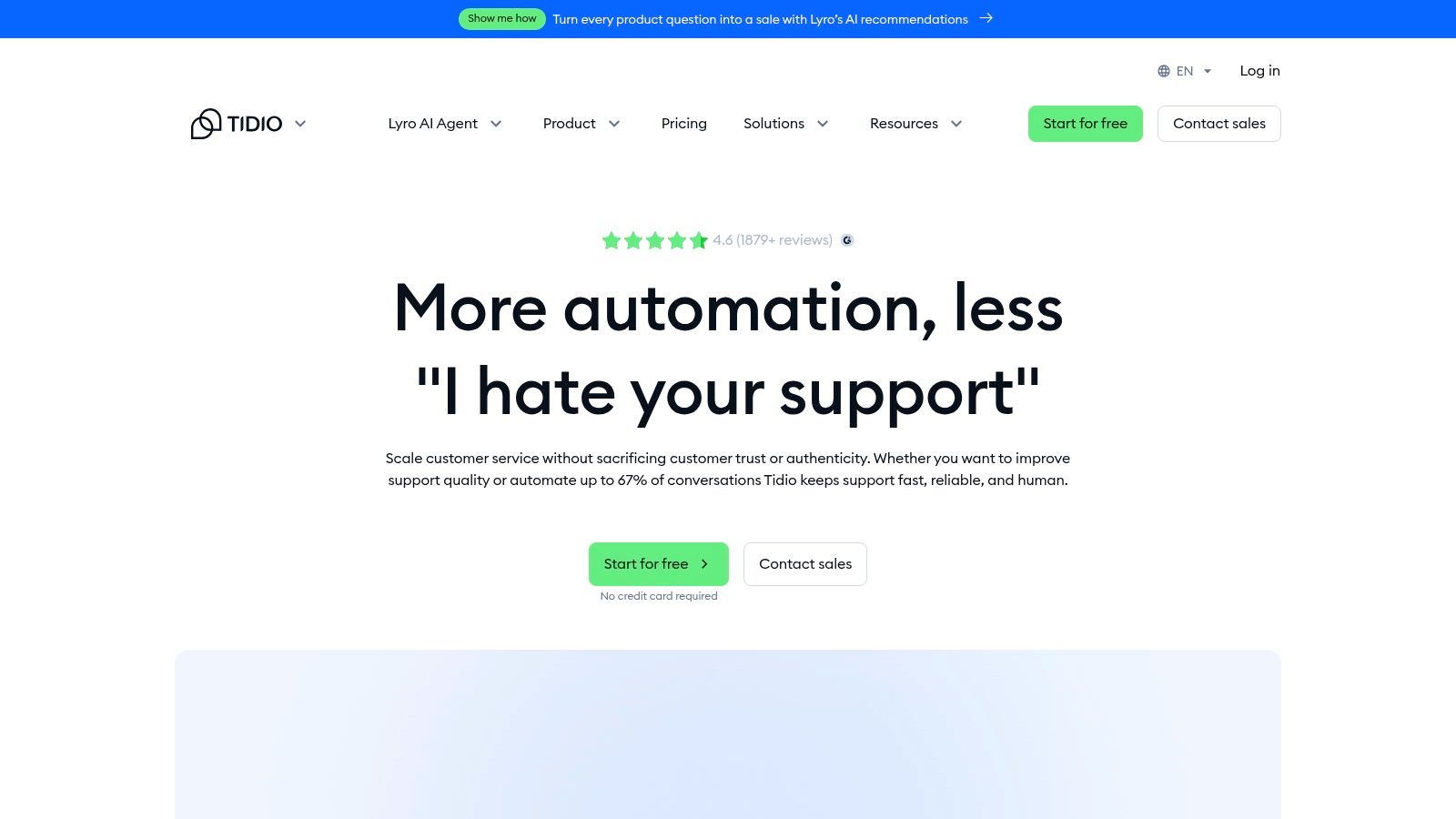
Tidio serves a different buyer than Zendesk or Salesforce. It is geared toward smaller teams, especially ecommerce businesses, that want live chat, a shared inbox, and AI deflection without major implementation overhead.
That focus gives it a clean value proposition. Teams can move from basic live chat into AI-assisted support with less friction than they would face in a larger enterprise platform.
Tidio works best when support is web-centric and repetitive. Online stores, small digital businesses, and lean support teams can use Lyro AI to handle common questions, route the exceptions, and keep human agents focused on higher-friction issues.
Practical strengths include:
Tidio is less suitable for complex service operations. Teams that need advanced workflow control, deep analytics, or enterprise governance will likely outgrow it.
It also doesn't solve the community-support problem well. If a company is fielding support across Discord, Slack, and Telegram, Tidio is more likely to be a partial solution than the central operating system.
A support lead opens Discord on Monday morning and sees the risk of AI in one screen. One bot reply solved a routine setup question in seconds. Another answered a billing complaint in public with the wrong policy language. The speed was useful. The miss was visible to everyone.
That tension is the job. Good customer service AI tools cut queue volume, shorten first-response time, and keep agents focused on cases that need judgment. Poorly deployed tools create a second support problem: fixing bad automation, repairing trust, and cleaning up context that got lost between channels.
Adoption is no longer the hard part. Lorikeet reports that 88% of contact centers use some form of AI, while only 25% have fully integrated AI automation into daily workflows, according to its customer service AI statistics roundup. Many teams still operate with a bot in chat, an assist feature in the helpdesk, and a separate knowledge base that no one fully maintains. The result is predictable. Answers drift, handoffs get messy, and reporting stops at containment instead of actual resolution.
The upside is real, but only with clear boundaries. Analysts and vendors regularly cite strong results for repetitive support work, and customer preference for fast self-service remains high, as summarized in this AI in customer service statistics summary. That does not mean every conversation should be automated. It means support leaders need a policy for where AI starts, where it helps an agent, and where it should stay out of the way.
Community-centric support raises the bar. In email, a weak reply can remain in a queue. In Discord, Slack, or Telegram, the same weak reply can shape how hundreds of users judge your product and your team. McKinsey's work on AI-enabled customer engagement points to the broader operational requirement: connect knowledge, workflows, and human handoff across touchpoints, as outlined in McKinsey's analysis of the next frontier of AI-enabled customer engagement. For community brands, that also means designing around public threads, moderator escalation, and the difference between a quick in-channel answer and a case that belongs in a private queue.
A practical rollout stays narrow at first. Use AI for repetitive questions, intake, basic troubleshooting, and triage. Keep refunds, policy exceptions, account security, and emotionally charged conversations easy to route to a person. Kustomer's guidance reflects what tends to work in practice: start with lower-risk use cases, connect the system to company knowledge and core tools, and watch operational metrics like resolution time, CSAT, and escalation patterns, as discussed in Kustomer's guide to AI in customer service.
Tool choice should follow support behavior, not category labels. If your customers ask for help inside community channels first, choose software built for public conversations, moderator workflows, and in-channel resolution. If support is anchored in CRM governance, case management, and enterprise routing, the larger suites are usually a better fit.
Teams running support across Discord, Telegram, Slack, and the web should take a close look at Mava. It combines a shared inbox, AI trained on existing docs, community-native workflows, and analytics designed for day-to-day support operations, not just chatbot demos.
.png)
.png)
.png)
