.png) Get Started
Get Started
Support usually breaks long before the community team admits it.
At first, the setup looks manageable. A Discord server has a few support channels, moderators answer direct messages when they can, and Telegram handles the overflow. Then growth kicks in. Product questions mix with bug reports, billing issues show up in public threads, spam gets buried next to legitimate requests, and nobody can tell which user already got an answer somewhere else.
That's where most customer support software comparison articles stop being useful. They compare email ticketing features, SLA settings, and canned replies as if every support operation starts in a form or inbox. Community teams don't work that way. Their support load starts inside conversations, often in public, often fast-moving, and often across Discord, Telegram, Slack, and web chat at the same time.
A useful customer support software comparison for 2026 has to start from that reality. It has to ask whether a tool can preserve context, coordinate moderators and support agents, move cleanly from public to private support, and use AI carefully without creating new mistakes in sensitive workflows.
The breaking point usually looks ordinary from the outside. A server is active, users are engaged, and the team is answering questions all day. But inside the operation, support has turned into a patchwork of public replies, moderator instincts, and half-remembered follow-ups.
A user posts a wallet issue in a Discord channel. Another sends the same question through Telegram. A moderator answers publicly, then someone on the core team jumps into DMs to ask for account details. Later that day, a different teammate replies again because there's no shared record. The user gets two answers, neither fully tracked, and the team still doesn't know whether the issue is resolved.
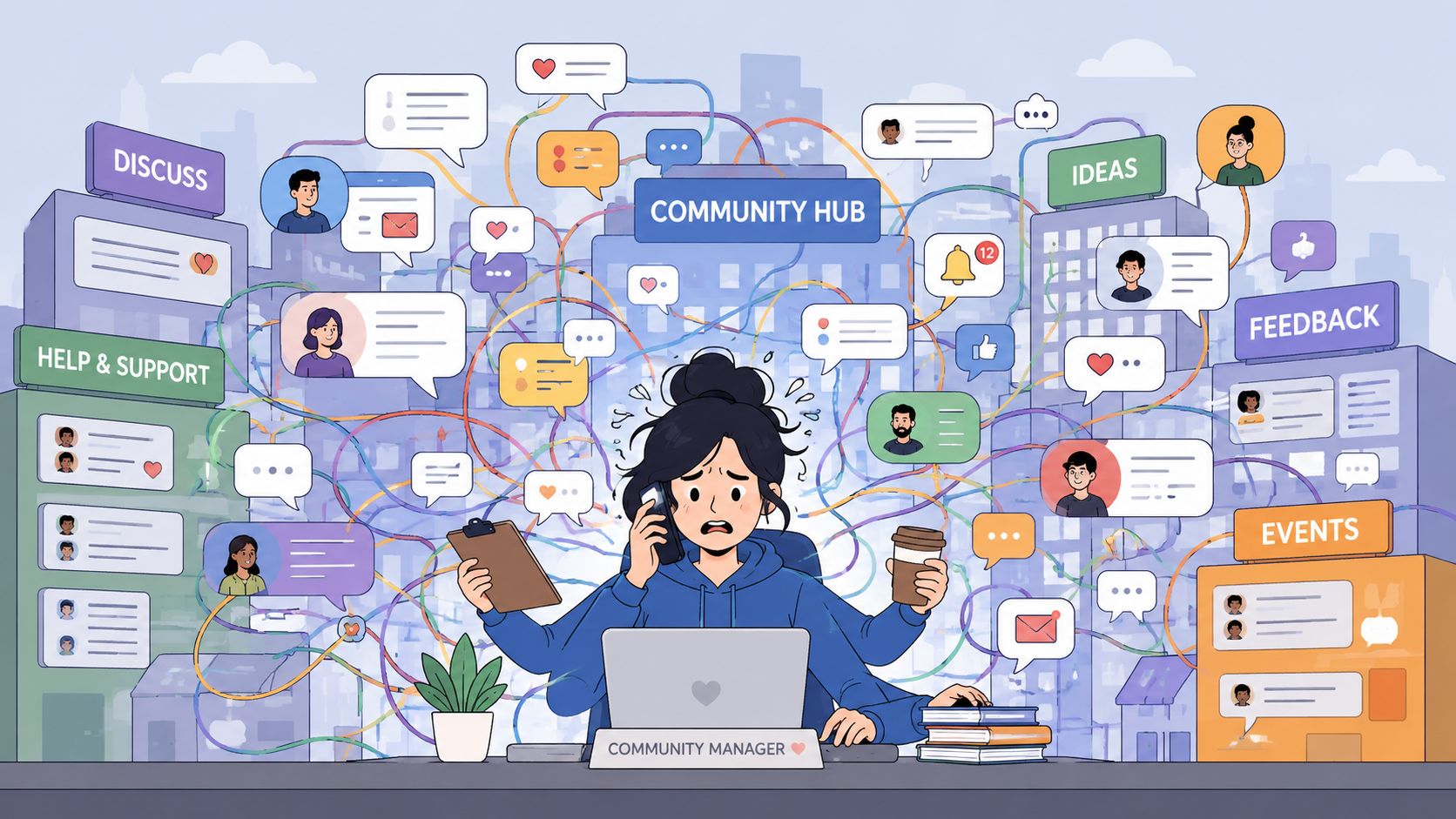
Discord and Telegram are excellent for engagement. They're weak as operating systems for support. Messages move too fast, ownership is fuzzy, and context disappears as soon as a conversation shifts channels.
That mismatch matters because customer expectations have moved toward speed and relevance. Zendesk's 2025 CX Trends report found that 81% of customers expect immediate support, while 73% expect personalized interactions, with many people now using social messaging and community-style channels instead of sticking to email alone, as summarized by Front's review of customer service software trends.
Traditional help desks don't fully solve this either. Most were built around tickets that begin in email, forms, or chat widgets. When they connect to community platforms, the result is often awkward. Messages get forced into ticket objects too early, public context gets stripped away, and moderators end up using two systems instead of one.
A closer look at community-led support versus help desks shows why this becomes such a common failure point for fast-growing communities.
Public conversation is part of the support workflow in community products. Tools that treat it as noise usually create more work, not less.
The immediate pain is obvious. Slow replies, duplicate work, and moderator burnout.
The deeper problem is operational blindness:
Once that happens, support becomes reactive in the worst way. The team spends all day responding, but the system never gets better.
Teams often buy the wrong support tool because they evaluate it like a standard help desk purchase. They check for tickets, automations, and maybe a knowledge base, then assume the rest can be handled with integrations. For Discord, Telegram, and web3 communities, that approach usually creates friction within weeks.
A stronger customer support software comparison starts with the operating environment. If users ask for help in public threads, jump to private messages, and expect continuity across channels, the software has to support that flow natively.
The first filter is simple. Does the platform work where the community already lives?
For a community-first team, “multichannel” shouldn't just mean email plus website chat. It should mean the system can ingest, organize, and route conversations from community channels without flattening them into disconnected tickets.
The practical checks are:
If a tool needs too many workarounds just to reflect how support starts, that's a warning sign.
AI matters now, but teams should judge it by fit, not by label. Industry data for 2026 suggests that up to 60% of support tickets could be resolved through self-service, but only 36% currently are, and 95% of organizations using AI report time and cost savings, according to Salesmate's customer service statistics roundup.
Those numbers explain why AI assistance shows up in almost every buying conversation. They don't mean every AI workflow is equally useful.
For community teams, the relevant questions are narrower:
Practical rule: If the AI can't show its work through linked knowledge and clean escalation, it shouldn't handle sensitive requests on its own.
A community support platform also needs a serious operating layer. That includes analytics, workflow controls, and views that match how teams work.
The strongest evaluation criteria usually include:
Inbox design that supports triage
The inbox should group conversations by urgency, channel, issue type, or ownership. A generic stream gets chaotic fast.
Automation that reduces repetitive handling
Routing, tagging, follow-ups, and status changes should happen without constant manual effort.
Analytics that reflect community support
Teams need to track trends such as repeated product questions, channel load, handoff points, and AI deflection patterns.
Permissioning for mixed teams
Many community operations include staff plus volunteer moderators. The software should support that reality without exposing everything to everyone.
A good platform doesn't just centralize messages. It creates a support system the team can run.
The market is crowded, but most tools fall into three categories. The category matters because it shapes the product's assumptions. Some tools assume support starts in email. Others assume it starts in collaborative messaging. A smaller group assumes support begins inside a live community.
That distinction matters more now because response expectations are rising. In 2026, 46% of customers expect a reply in less than four hours, while average response time across companies is still over 12 hours, according to SupportBee's review of customer service software trends. That pressure has pushed the category beyond simple inbox management toward routing, automation, and analytics.
| Category | What it's built for | Typical examples | Common strength | Common limitation in community settings |
|---|---|---|---|---|
| Traditional helpdesk | Structured ticket handling | Zendesk, Freshdesk, Help Scout | Mature workflows and reporting | Public conversation and channel-native support often feel forced |
| Generalist shared inbox | Team collaboration across channels | Front | Familiar inbox experience | Better for business messaging than community moderation |
| Community-native platform | Support inside community channels | Mava | Preserves context across Discord, Telegram, Slack, and web | Narrower fit if a team only supports email |
Zendesk, Freshdesk, and similar platforms were built for formal support operations. They're strong when a team needs ticket routing, macros, SLAs, and reporting across standard business channels.
They're less comfortable when support starts in a Discord thread, then shifts into a private conversation while moderators and support staff coordinate behind the scenes. The workflow can be made to work, but often through bots, sync layers, and admin effort.
Tools like Front sit between helpdesks and collaboration software. They're often easier for teams that want a shared inbox feel and faster cross-functional coordination.
That said, a generalist inbox usually treats channels as message sources rather than as community environments with moderation, public visibility, and many-to-many conversation patterns. For some SaaS teams, that's enough. For gaming, developer, or web3 communities, it often isn't.
Community-native products start from a different assumption. They treat Discord, Telegram, Slack, and web chat as the front line of support rather than as awkward add-ons.
That leads to a different product shape. The inbox, automation rules, AI workflows, and reporting are designed around thread-based conversation, moderator handoff, and support that often begins in public.
The category isn't just about feature count. It's about whether the product's mental model matches the team's actual support environment.
A feature list gets misleading fast in community support. The actual test is what happens when a moderator spots a wallet issue in a public Discord channel, pulls the user into a private thread, loops in support, and needs the full history to stay intact.
That is the frame worth using for comparison.
| Feature | Traditional Helpdesk (e.g., Zendesk) | Generalist Inbox (e.g., Front) | Community-Native Platform (e.g., Mava) |
|---|---|---|---|
| Discord and Telegram support | Usually added through integrations, bots, or middleware | Partial coverage, often shaped around 1:1 messaging | Built around community channels as primary support surfaces |
| Public-to-private handoff | Often requires manual steps or loses part of the thread history | Possible, but context can split across views | Designed to preserve continuity between public and private conversations |
| Shared workspace for moderators and agents | Yes, but centered on tickets and forms | Yes, centered on inbox collaboration | Yes, centered on live conversations and handoffs |
| AI knowledge workflows | Available for drafting, triage, and deflection | Available for summarization and assistance | Tuned for repetitive community questions and escalation paths |
| Knowledge base reuse | Yes | Yes | Yes, including reuse of existing docs in community flows |
| Workflow automation | Strong for queues, routing, and SLA rules | Strong for assignment and collaboration rules | Strong for channel routing, spam reduction, and repetitive support actions |
| Analytics | Mature ticket reporting | Good visibility into team activity | Better fit for channel behavior, moderator workload, and conversation patterns |
| Best fit | Formal support teams with structured intake | Teams managing business messaging across email and chat | Discord, Telegram, Slack, and web-based communities with live support volume |
A vendor can say it supports Discord and still force the team into a workflow that feels like email with extra steps. That gap shows up quickly during live volume.
The common failure points are practical. Public context gets flattened into a ticket summary. Private follow-up happens somewhere else. Moderators keep one tab open for the community and another for the support system because neither one reflects the full state of the issue.
Teams comparing tools across Discord, Telegram, web chat, and email usually need a clearer view of how those channels work together in practice. This guide to omnichannel support across community and traditional channels is useful for that evaluation.
Key difference: connecting a bot to Discord is not the same as running support natively inside Discord workflows.
AI features look similar in demos. In production, the useful question is narrower. Can the system answer repetitive questions accurately, pull from the right knowledge, and get out of the way when a human needs to step in?
For community teams, AI usually performs well on repeatable requests such as:
It performs worse on exceptions, edge cases, and anything tied to account history or judgment. A good comparison should check whether the product supports clear handoff rules, visible conversation history, and fast takeover by a moderator or agent.
A single dashboard can hide operating issues. Community teams need to see which channels create the most repeat questions, which topics drive public escalations, where moderators are doing manual triage, and which automations reduce noise versus just deflect it.
That makes the reporting standard different from a typical helpdesk evaluation. Ticket counts alone are not enough. Teams need to measure thread volume, handoff speed, recurring topics, private escalation patterns, and whether answers given in Discord or Telegram are being turned into reusable knowledge.
Traditional helpdesks usually give teams stronger process control. Generalist inboxes usually feel easier for cross-functional collaboration. Community-native platforms usually keep more context intact inside high-volume channels.
That trade-off matters more after rollout than it does in a demo. The wrong tool still looks polished during a sales call. Problems show up later, when the server gets noisy, moderators rotate shifts, and the same issue appears across public threads, DMs, and web chat within the same hour.
The limitations become obvious during routine pressure, not edge cases. Community support rarely fails because a feature is missing on paper. It fails because the tool can't keep context intact while the team is moving fast.
A new release goes live. Within minutes, Discord fills with reports. Some are duplicates. Some are user error. A few are serious and need escalation to the product team.
In a traditional helpdesk flow, moderators usually start copying reports into tickets manually or asking users to submit a form. That creates lag at the exact moment the team needs shared visibility. Public sentiment keeps moving, while the structured system updates slowly in the background.
A community-native workflow handles that surge differently. The team can cluster reports from the channels where they already appear, tag emerging patterns, and route the serious cases without forcing every user into a separate intake ritual.
A user posts about a failed payment, missing account access, or wallet issue in a public thread. The team needs to respond quickly, move private details out of public view, and preserve the full history.
AI requires restraint. Recent Stanford HAI benchmarking found that enterprise LLMs still show substantial error rates on tasks requiring policy-specific judgment, which is why Zapier's review of customer support apps highlights the need for human oversight in sensitive workflows.
That finding fits what community teams already see. Sensitive requests can't be handled by confident-sounding automation alone. The system has to support a clean human takeover with complete context.
When billing, trust, or account access is involved, the handoff design matters more than the auto-reply.
Traditional tools can support this, but often by splitting the journey. The public context stays in the community app. The private case moves into the helpdesk. Staff then work from memory or paste transcripts around. That's where mistakes creep in.
Community teams often rely on a mix of support staff and moderators. Some are full-time. Some are volunteers. Some only cover certain hours or languages.
Traditional ticket systems can be hard for these teams to adopt because the workflow assumes formal support training. New moderators may avoid the system entirely and fall back to native DMs and channel replies, which recreates the original chaos.
A community-native tool is usually easier to operationalize because the workflow starts closer to how moderators already work. They can see conversations in familiar channel contexts, follow statuses, and escalate without learning an entirely separate support culture.
The issue isn't that traditional tools are bad. It's that they optimize for structured intake before conversation, while community support usually begins with conversation before structure.
When a tool gets that sequence wrong, the team spends its day translating between the community and the software instead of helping users.
For teams supporting users on Discord, Telegram, Slack, and the web, the gap in the market is fairly clear. Traditional helpdesks are strong at formal support operations. Generalist inboxes improve team visibility. Neither category is built specifically around community-native workflows.
Mava fits that narrower use case. It provides a shared inbox for public and private support conversations across community channels, uses AI trained on existing documentation, and includes workflow automation, status tracking, and analytics designed for support teams that operate inside real-time communities.
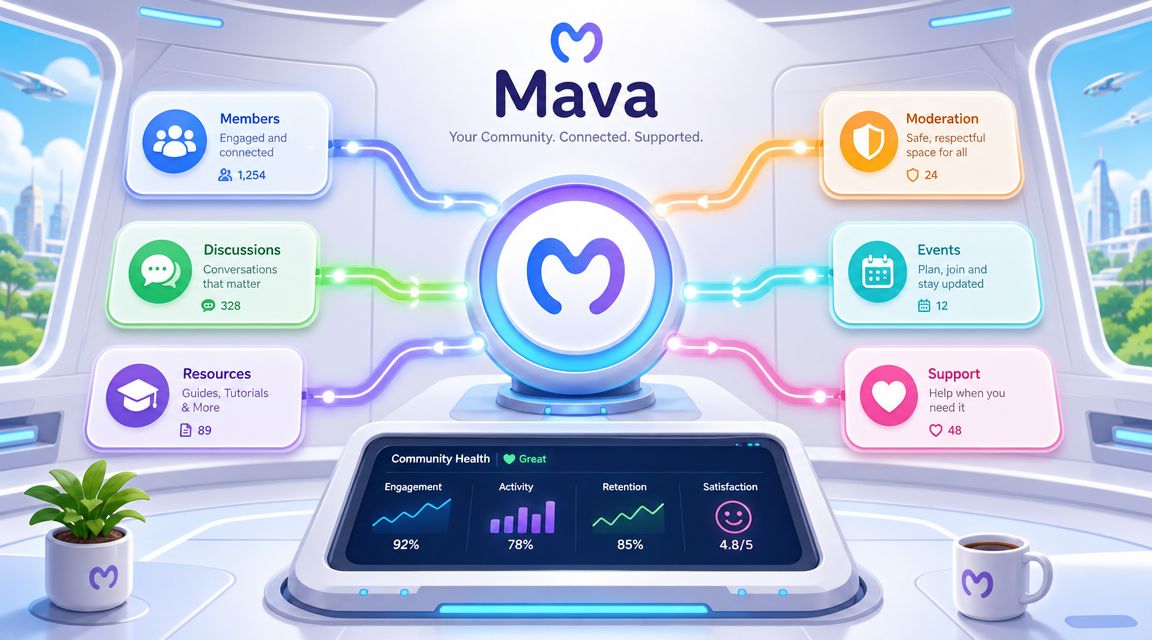
The practical value is in how the product aligns with the jobs community teams need done.
That design is especially relevant for web3, gaming, developer, and SaaS communities where support and community management overlap every day.
The distinction isn't “Discord integration” in the abstract. It's whether the software can support a real operation across public and private channels without losing context.
A ticket bot can capture requests. It usually can't create a durable support workflow for a growing community. A community-native platform can because the inbox, automation, and reporting are all designed around that environment from the start.
That doesn't make it the right choice for every team. If support happens mostly through email, a classic helpdesk may still be the cleaner fit. But for teams whose support volume lives inside community platforms, the comparison changes quickly once daily workflows become the deciding factor.
The messy migration usually starts the same way. A team turns on a new inbox, pipes in Discord and Telegram, and assumes the rest will sort itself out. Two weeks later, moderators are still answering in DMs, agents are missing context, and users have no idea where support is supposed to happen.
Switching tools goes better when the rollout follows the actual support flow. Move channels first, then knowledge, then routing rules, then reporting. That order keeps the team operational while the new system takes over piece by piece.
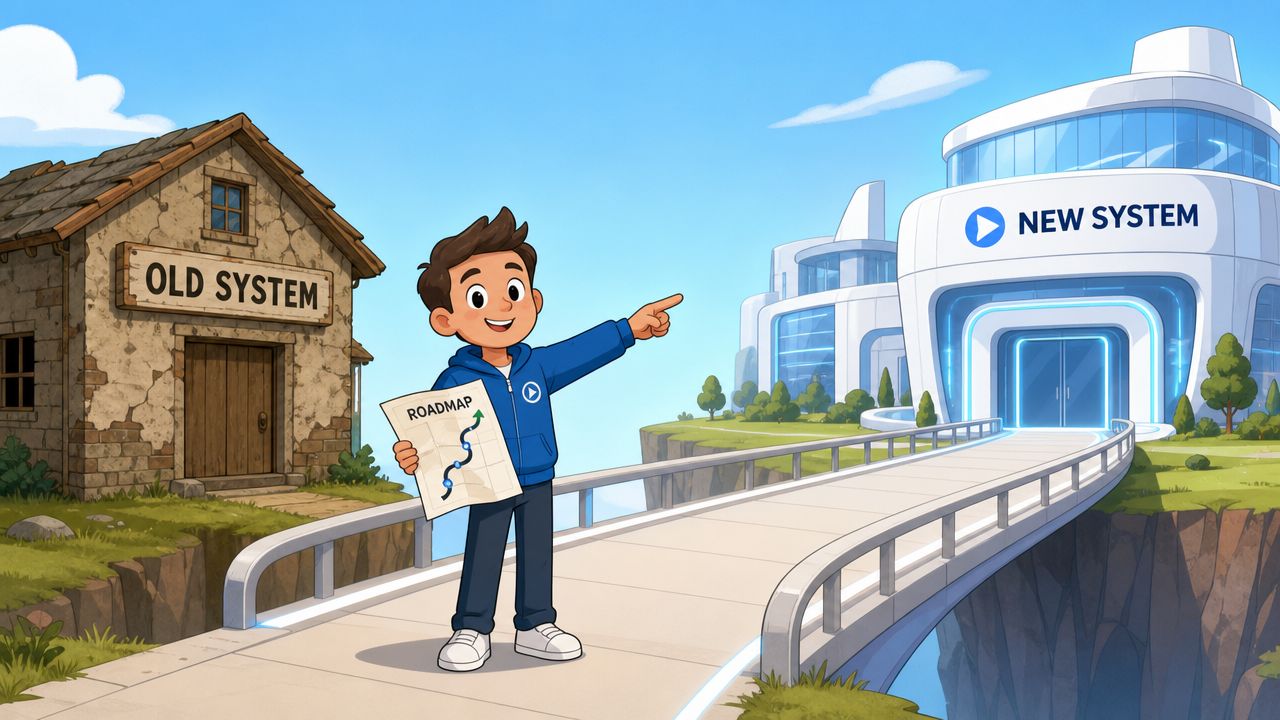
Start by mapping how support works today, not how the org chart says it works.
For community teams, that means more than listing channels. You need to know where questions start, where they get redirected, which ones should stay public, which ones need a private handoff, and where moderators are filling process gaps with personal judgment. Teams replacing an older stack can use guides on integrating Zendesk with Discord to spot where sync-based setups often break under community volume.
Response expectations also vary a lot by channel, as noted earlier. Live chat and community chat usually need near-immediate triage. Email allows a slower queue. A migration plan should reflect that from the start, or the team will carry old service habits into a new system that users experience very differently.
A practical pre-migration checklist:
AI only helps when the source material is clean.
Teams should review existing docs before importing anything from GitBook, Google Docs, internal FAQs, or a web help center. In community environments, stale knowledge is especially expensive because the wrong answer spreads fast once it appears in a public channel or gets repeated by moderators.
The rollout order that works best in practice is usually:
A short product walkthrough can help align the team before launch.
Tool setup is only half the migration. The other half is behavior change.
If moderators and agents do not trust the new workflow, they go back to side channels fast. That is common in Discord-heavy teams because informal support habits build up over time. Someone answers in a mod-only chat, someone else replies from memory in a DM, and now the new system is missing both the question and the outcome.
Training should use real cases. Show the team how to claim a conversation, escalate it, move a user from public chat to private support, update status, and review an AI handoff before sending it. Then announce the change to the community in plain language. Pin the new support path, explain where to ask for help, and repeat that guidance during the first rollout phase.
A good migration feels quiet to users. Internally, it usually means the team did the operational cleanup first instead of forcing a new tool onto an old mess.
Teams running support in Discord, Telegram, Slack, and web chat need software that matches how community support happens. Mava is built for that operating model, with a shared inbox, AI trained on existing knowledge, and workflows designed for public and private community conversations.
.png)
.png)
.png)
