.png) Get Started
Get Started
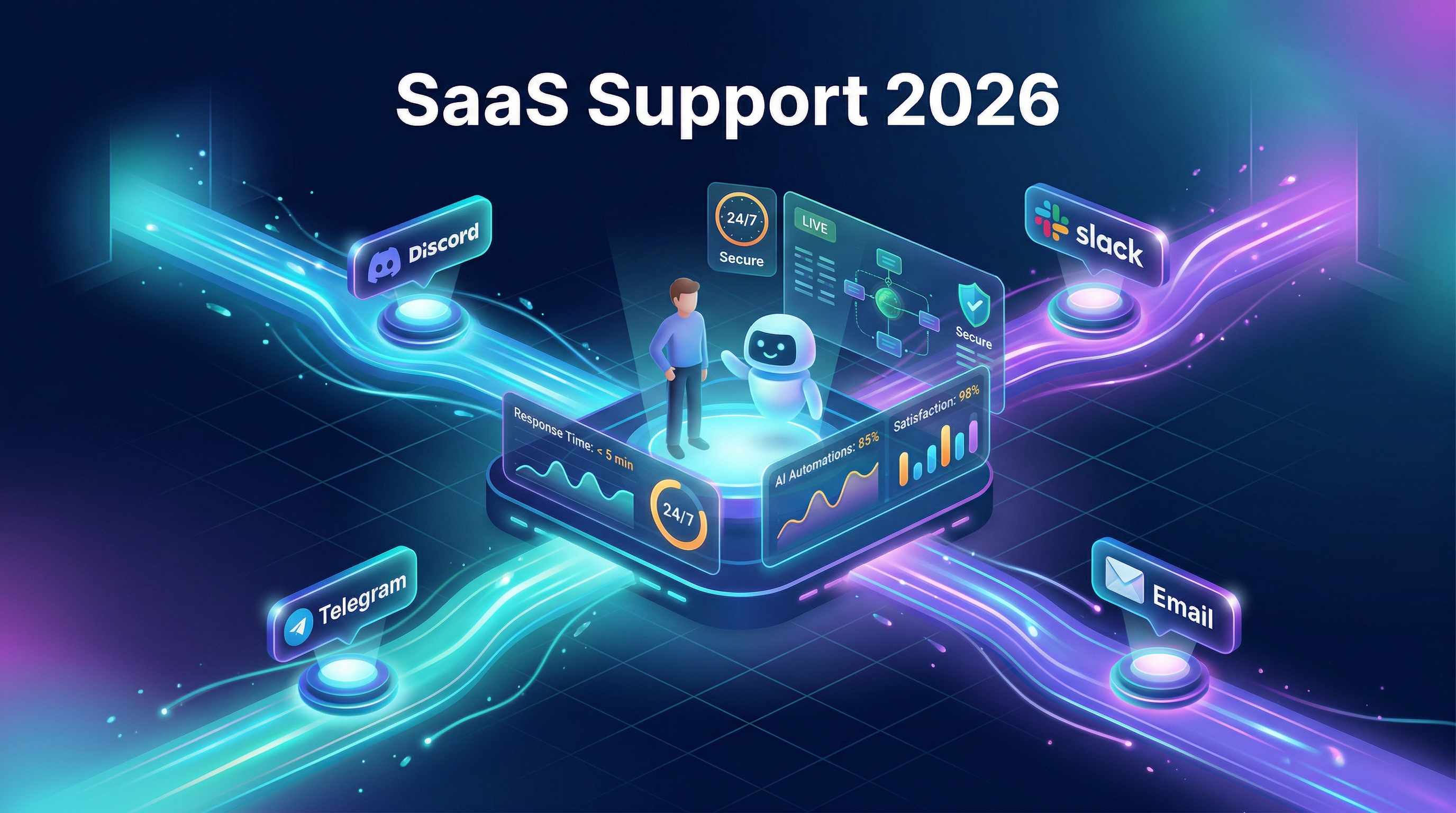
Customer support in SaaS is not what it used to be. The old model, where a user emails a help desk and waits 48 hours for a generic reply, simply doesn't cut it when your product is subscription-based, always-on, and surrounded by competitors one click away. With the average B2B SaaS churn rate sitting at 3.27%, every support interaction either reinforces a customer's decision to stay or nudges them toward the exit. A smart SaaS support strategy isn't just a nice-to-have; it's directly tied to revenue.
This guide covers the SaaS customer support best practices that actually move the needle in 2026. It's structured in layers, from proactive onboarding through to AI automation, so you can build a support foundation that scales alongside your product.

SaaS support is fundamentally different from traditional models because the product is always evolving and the customer relationship never really ends. A feature update that ships on a Tuesday creates a wave of confused users by Wednesday morning. Technical complexity is also higher than most people expect; customers may be integrating your tool with their own tech stacks, managing user permissions, or debugging API connections. Your support team carries both a technical and a relational responsibility at the same time.
Then there's the competitive pressure. In most SaaS categories, switching friction is low. A competitor offering a similar feature set with better documentation and faster response times becomes a serious threat fast. Companies that win long-term treat support as a growth lever, not a cost center.
The best support ticket is the one that never gets submitted. Structured onboarding is the most powerful way to stop early-stage questions from overwhelming your team. When users understand how your product works from day one, they hit fewer friction points and are far less likely to churn before finding real value.
Effective onboarding goes well beyond a welcome email. It includes personalized setup guidance, contextual tooltips, video walkthroughs, and milestone-based check-ins. The goal is to walk users through the exact steps they need to reach their first meaningful outcome. That "aha moment" is your strongest retention signal, and it should happen as early as possible.
One of the most practical ways to improve onboarding? Study your support tickets. The questions new users ask in their first two weeks are a direct map of where onboarding has gaps. If ten users a week ask how to connect a third-party integration, that topic needs to live in the onboarding flow, not buried in a help article somewhere. Building this feedback loop between support data and onboarding content turns reactive fixes into proactive prevention.

Personalization matters here too. A developer integrating an API needs very different guidance than a marketing manager working inside a dashboard. Segmenting onboarding by role, use case, or plan tier ensures users get information that feels relevant rather than generic.
At a certain growth stage, hiring more support agents to keep pace with ticket volume becomes economically unsustainable. Self-service is how you break that linear dependency. More than 67% of customers prefer self-service over speaking to a company representative, and a well-structured knowledge base can deflect 40 to 60% of total support volume before a ticket is ever created.
A knowledge base is only valuable if it answers the questions users are actually asking. Start by categorizing resolved tickets over a rolling 90-day window. Identify the top recurring issues, the questions that require the most back-and-forth, and the topics that generate the most frustration. Each cluster is essentially a knowledge base article waiting to be written.
Keep the structure simple. Users scanning an article in the middle of a frustrating experience won't read dense paragraphs. Use short sections, numbered steps, and screenshots. Organize articles by user journey stage, not by internal product feature names.
Most FAQ pages fail because they're written from the company's perspective rather than the customer's. Pull language directly from support conversations and mirror the phrasing users actually use when describing a problem. For mixed audiences, layer your technical docs: start with a plain-language summary, follow with practical steps, and reserve technical depth for a clearly marked advanced section. Set a regular review cadence, especially after product updates. Outdated documentation erodes trust fast.

One of the defining characteristics of modern SaaS support is the role of community. In many fast-growing products, especially developer tools, crypto platforms, and B2B SaaS companies, a significant portion of support happens not inside a ticketing system but in Discord servers, Telegram groups, and Slack workspaces. Treated strategically, these spaces become one of the most cost-efficient parts of your support operation. Community support scales in ways traditional channels simply can't; when users help each other troubleshoot and share workarounds, your coverage extends well beyond your team's working hours.
Choosing the right platform depends on where your users already spend time. Developer communities and crypto-native companies often gravitate toward Discord customer support. B2B SaaS teams frequently use Slack support because it mirrors their own workplace tools. Telegram support remains popular for international and web3 audiences. In many cases, your users live across multiple platforms, and the smart move is to meet them where they are.
Once you've established a community presence, structure is what separates a thriving space from a chaotic one. Designate channels for support questions, feature requests, announcements, and general conversation. Set clear response expectations; silence after a posted question signals indifference. Unmoderated spaces let misinformation spread and frustration escalate publicly. Designating community moderators, whether paid team members or empowered super-users, keeps the environment healthy and support quality consistent.
Managing Discord, Telegram, Slack, web chat, and email simultaneously gets operationally messy without the right infrastructure. Mava centralizes all of these channels into a single shared inbox, giving your support team a unified view of every conversation regardless of where it originated. Instead of jumping between platforms, the team works from one dashboard where every incoming request is visible, assignable, and trackable. For SaaS companies managing community-driven support across multiple regions or products, that kind of visibility is essential for smart staffing and content decisions.
Mava has processed over 3.5 million support tickets across 3,000+ communities, with clients including EigenLayer, Alchemy, Layer3, and TikTok. Sarah from Layer3 put it plainly: "Mava was a godsend."
Automation is no longer a future consideration. It's a current operational necessity, and AI support has matured to the point where it can handle 50 to 60% of common queries without human intervention. The key is knowing exactly where to apply it.
AI fits most naturally at the front and back ends of the support lifecycle. At the front end, AI bots can intercept incoming requests, identify user intent, and either resolve the issue instantly by pulling from your knowledge base or route the ticket to the right human agent. Mava's AI deploys in as little as 20 minutes, responds in over 100 languages, and is trained directly on your knowledge base content to keep answers accurate and on-brand. Teams using Mava's AI layer have seen up to 50% ticket reduction, a meaningful impact on both team capacity and support costs.
At the other end of the lifecycle, AI supports proactive outreach. By analyzing patterns in user behavior and ticket history, AI tools can flag customers who may be struggling before they ever reach out, reducing silent churn before it happens.
Automation reduces volume most effectively when layered with quality controls. The human touch remains irreplaceable for emotionally charged interactions, complex technical escalations, and high-value accounts. In B2B SaaS especially, where a single account may represent significant annual recurring revenue, a poorly handled interaction can cost far more than the entire month's support budget. Let AI own the routine; let humans own the relationship.
Are you running a community-driven company? Mava's AI-enabled customer support platform lets you support your community across all your favorite channels. Get started here.
You can't improve what you don't measure. The right metrics for SaaS support connect performance directly to retention and satisfaction. Use the table below as a benchmark for what "good" looks like, and compare your own numbers against these ranges.
|
Metric |
2026 Benchmark |
Why It Matters |
|
First Response Time (FRT) |
<1 hour (critical), <4 hours (standard) |
Aligns SLAs, reduces frustration |
|
Resolution Time |
<8 hours average; top quartile <4 hours |
Drives retention and satisfaction |
|
CSAT |
78% industry average; 80%+ considered competitive for SaaS |
Correlates with lower churn |
|
Ticket Deflection Rate |
40–60% via self-service/AI |
Scales without headcount growth |
|
Support Cost per Ticket |
$18–$35 for SaaS and software support, depending on complexity |
Keeps unit economics efficient |
Ticket volume by category is one of the most actionable metrics available. When billing questions spike on renewal dates or API tickets double after a release, you can address the root cause rather than just staffing up to absorb the volume. This is the kind of insight that lets support data feed back into product development, documentation, and onboarding improvements.
The best practices in this guide work together as a connected system. Structured onboarding reduces early ticket volume. A well-maintained knowledge base powers both your self-service layer and AI responses. Community channels extend coverage without proportional headcount increases. AI automation handles routine load so human agents can focus where they matter most. Consistent measurement keeps the whole system improving over time.
Where many SaaS support teams struggle isn't in understanding what to do. It's in managing the operational complexity of doing it across multiple channels at once. Mava brings all of these components into a single platform: a unified inbox across Discord, Telegram, Slack, web chat, and email; an AI layer trained on your content; and analytics that surface the right signals at the right time. Pasha from Getgems.io called it the "most elegant solution out there" for exactly this reason.
.png)
.png)
.png)
