.png) Get Started
Get Started

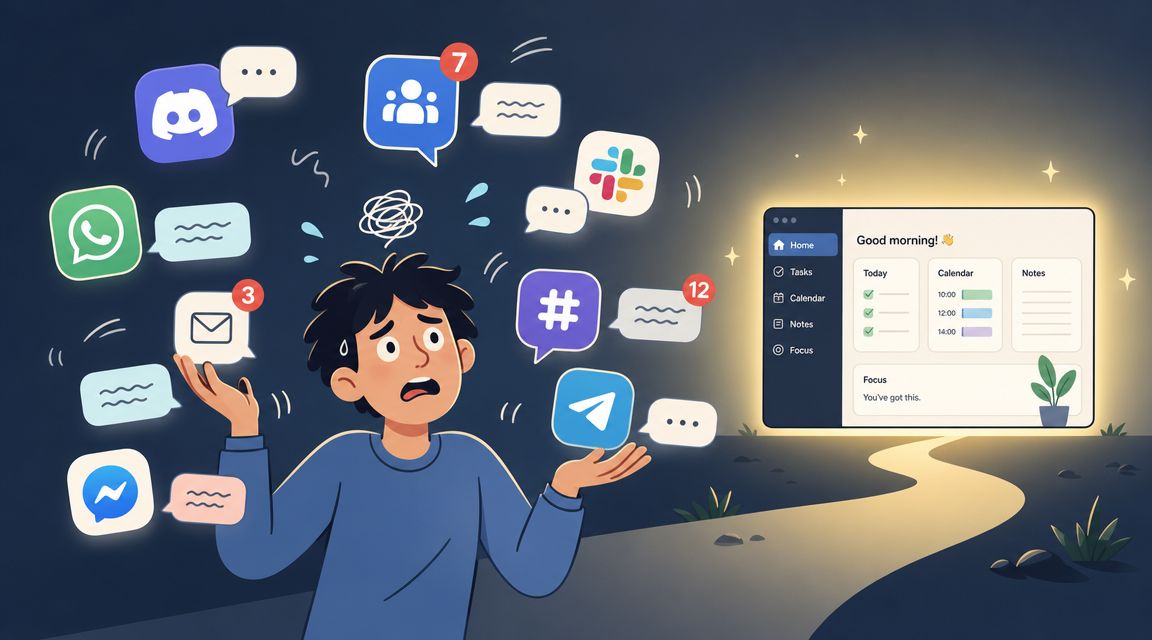
Support starts to break in ways that look small at first. A moderator answers questions in Discord DMs because it's faster. Another teammate handles complaints in Telegram because that's where the user showed up. Someone opens a ticket channel for billing, but bug reports still land in general chat. A week later, nobody can tell which issues are still open, who replied last, or whether the same customer asked the same thing in three places.
That's when a basic bot stops being enough. Creating a private channel from a button is useful, but it doesn't solve queue design, staff ownership, reporting, or handoffs across channels. The underlying problem isn't ticket creation. It's operating support with consistency when volume rises and attention gets fragmented.
A familiar pattern shows up in growing communities. The team starts with good intentions. They add a Discord ticket bot, create a panel, assign a few moderators, and keep moving. For a while, that works.
Then support spreads. Product questions arrive in Discord. Partnership requests go to Telegram. Refund complaints appear in email or web chat. Moderators begin triaging from memory instead of process. Important threads stay unclaimed because everyone assumes someone else has them. Fast responders carry the queue while the rest of the team drifts toward whatever is visible.
Most how-to content doesn't help at that stage. A common tutorial pattern is still “invite the bot, create a panel, post it in a channel,” but it rarely addresses routing by team, tracking resolution time, or consolidating history across Discord, Telegram, and web chat, as highlighted in this setup-focused tutorial gap.
A ticket bot dashboard is the fix because it changes the job the tool is doing. Instead of acting like a button generator inside Discord, it becomes the operating layer for support. Teams can define queues, assign ownership, review work, and spot failure points before users start complaining publicly.
Practical rule: If support depends on moderators remembering who said what in which channel, the system is already too fragile.
Teams looking at automation strategy usually need a wider view than bot commands and canned replies. That's where these Whitepapers on AI for customer experience can help. They're useful for support leaders trying to connect workflow design with AI-assisted service, not just chatbot setup.
There's also a direct operational angle. Lowering avoidable demand matters as much as handling incoming demand better. These proven ways to reduce support ticket volume are worth reviewing before a team adds more staff or more channels.
A lot of teams think a dashboard is just a cleaner place to click the same settings they used to manage with commands. That undersells it.
The shift is architectural. Ticket Tool's documentation describes a dashboard-driven system for creating private support channels and handling setup and administration through the dashboard. In practice, admins define panel templates, permission rules, and routing logic in the dashboard, while the bot executes those rules inside Discord. That separation is the reason the dashboard matters as a control plane for support operations, as shown in Ticket Tool's dashboard architecture.
A restaurant with no ordering system gets noisy fast. Servers shout modifications into the kitchen. One cook hears “no onions,” another hears “extra onions,” and the wrong dish goes out. The staff may work hard, but the process is weak.
A ticket bot without a real dashboard works the same way. Moderators rely on commands, tribal knowledge, and ad hoc fixes. Rules live in people's heads. The moment a staff member leaves, settings drift and quality slips.
A ticket bot dashboard replaces that with a central system. It holds the rules about:
Command-first bots are fine when the support motion is simple. They start to fail when the team needs consistency.
Three problems show up first:
A dashboard isn't a prettier admin panel. It's the place where support policy becomes repeatable.
That's the difference mature teams care about. The bot still creates the channel or starts the ticket thread. The dashboard is where the support system is designed.
The gap between a basic bot and a real support system becomes obvious when looking at what the dashboard needs to do every day. A modern setup isn't just for configuration. It has to help agents work the queue, keep context intact, and move tickets through a defined lifecycle.

The first requirement is simple. Everyone needs to see the work in one place.
That doesn't mean every agent should see every ticket all the time. It means the system should create a reliable shared queue so the team can identify what's open, what's owned, and what's waiting. Without that, support becomes a race to whichever message happens to be visible first.
A unified inbox is the natural extension of this idea. For teams handling support across communities and website chat, a shared inbox for support operations helps prevent channel switching from becoming the job itself.
A ticket shouldn't live in only two states: open or closed. Real support has intermediate steps.
Useful dashboards let teams work with states such as:
Those stages matter because they reveal where work is stalling. If a team can't distinguish “nobody has touched this” from “engineering has it,” then every queue review turns into manual investigation.
The next component is automation that removes repetitive triage work. Good dashboards can route tickets based on type, tag them for follow-up, or send them to the right team based on panel, keyword, or channel.
That's where many teams start to separate easy requests from hard ones. Routine questions can be answered quickly or deflected before a human gets involved. Edge cases can move to the right specialist with context attached.
Operational test: If the same support request requires the same manual triage every time, the dashboard should be doing that work instead.
Not every ticket belongs in front of every moderator. Billing, trust and safety, and account recovery often need narrower access than general product help.
A modern ticket bot dashboard should support:
Focused views don't just improve neatness. They reduce distractions and shorten decision time. Agents stop scanning irrelevant work and start moving the tickets they own.
The difference between a busy support team and a well-run one is usually measurement. Teams that only count tickets can tell whether demand exists. They can't tell whether service is improving.
TicketBot's analytics documentation shows how modern dashboards have moved beyond basic totals. Its server analytics update in real time as tickets are created, responded to, and closed. It reports open, closed, and claimed statuses, shows a daily breakdown over the last 5 days, identifies the peak activity hour in UTC, and surfaces staff performance such as average response times and handled ticket counts, as shown in TicketBot analytics documentation.
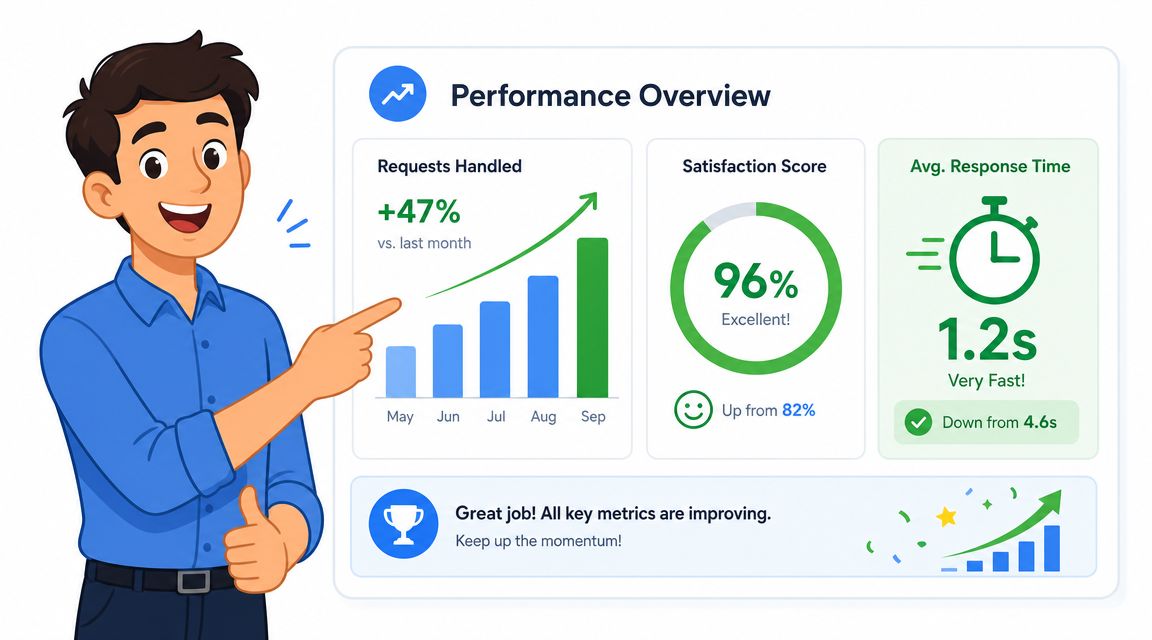
The useful way to read dashboard metrics is to tie each one to a management question.
Metrics only matter if they change decisions. A dashboard should help a team reassign work, adjust shifts, tighten triage rules, or improve self-service content.
For example:
MetricWhat it usually signalsLikely actionOpen tickets risingIntake is outpacing throughputAdd triage rules or rebalance staffingMany unclaimed ticketsOwnership is unclearTighten assignment workflowSlow average response timesQueue design or staffing issueRework coverage and handoffsPeak hour mismatchTeam is staffed at the wrong timesShift moderator availability
A lot of support leaders also need analytics that connect bot performance with team performance. This overview of analytics for chatbots and support teams is useful when the goal is to decide what should be automated and what should go straight to a human.
The most dangerous queue is the one that looks active because staff are busy, while unresolved work is quietly aging underneath.
Legacy bots solved a real problem. They made it easier to open private support spaces inside Discord. That still has value. The issue is that many teams try to run an entire support function on top of that first-generation model.
The old workflow usually looks like this. A user clicks a panel. A ticket channel appears. A moderator notices it when they happen to be online. Someone claims it informally or with a status marker. If the issue belongs to another team, the ticket gets relayed manually. Reporting later depends on whatever the bot happened to log and whatever the team remembered to tag.
A unified dashboard changes the operating model. Intake, ownership, queue state, and reporting move into one system. The channel is no longer the only place where support exists. It becomes one part of the workflow.
Legacy tools are often acceptable for small, low-risk communities. They become painful when support needs specialization, auditability, or consistent handoff between people and channels.
Here's the side-by-side view.
FeatureLegacy Bot (e.g., Ticket Tool)Modern Dashboard (e.g., Mava)Setup modelPanel and command orientedWorkflow and inbox orientedAgent workflowWork happens mostly inside channel threads or ticket channelsWork is managed through a central queue with ticket states and viewsAnalyticsOften limited to bot-specific stats viewsBuilt for operational review across response, ownership, and workloadMulti-channel supportUsually tied closely to one platformDesigned to unify support across community and web channelsAutomationBasic ticket creation and some routingBroader routing, assignment, and handoff logicTeam coordinationDepends heavily on moderator habitsBuilt around shared visibility and controlled ownership
The safest move is usually phased, not dramatic.
Teams rarely fail during migration because the tool is too advanced. They fail because nobody defined who should use it in what order.
The most common mistake is copying a messy process into a cleaner interface. If the old bot relied on heroic moderators, the new dashboard will expose that weakness fast. That's useful. It gives the team a chance to design support on purpose.
Once the dashboard is stable, the next gains come from workflow design. With this, support stops being a queue that gets processed and becomes a system that protects quality under pressure.
Ticket-bot product materials point to the capabilities that matter most here: automated transcript generation, staff-role assignment, and ticket-volume controls. One product also notes premium features such as transcript generation, support roles, unlimited tickets, and automated handling, while its free tier mentions a global limit on open queries and approximately 10 tickets per minute, with higher-capacity handling in premium tiers, as described in TicketBot product materials. The exact limits are vendor-specific, but the operational lesson is broader. Queue controls and access rules aren't optional when demand spikes or when sensitive conversations are involved.
A few advanced patterns consistently help support teams scale.
Role and volume controls matter even more than convenience features.
Consider the practical benefits:
The goal isn't to automate everything. The goal is to keep humans working on judgment, not on sorting.
The strongest setups also feed website chat and community support into the same operational layer. That's how a dashboard becomes more than a Discord add-on. It becomes the central place where support work is seen, assigned, reviewed, and improved.
Not always. A small team with low volume can operate with a simple bot for a while. The dashboard becomes important when requests start arriving across multiple channels, multiple staff members need shared visibility, or support quality becomes hard to monitor.
No. The main value comes from using one operational layer across support channels, not from tying the workflow to a single platform. That matters once users contact the team in more than one place.
No. A ticket bot creates or manages support conversations. AI can help answer repetitive questions, classify requests, or hand issues to humans with context. They work well together, but they solve different problems.
Ownership rules. If nobody knows who handles which requests, the dashboard will only make the confusion more visible. Clear assignment, queue stages, and escalation paths should come before aggressive automation.
Yes. Transcripts help with dispute review, training, and quality control. Permissions matter when tickets contain billing details, account issues, or moderation decisions that shouldn't be visible to every moderator.
Buying for setup convenience instead of operational fit. A panel can be easy to create and still leave the team with weak routing, poor reporting, and fragmented context.
Teams that have outgrown simple Discord ticket bots usually don't need another setup wizard. They need a system for ownership, analytics, automation, and cross-channel context. Mava fits that use case as an AI-powered support platform for Discord, Telegram, Slack, and the web, with a shared inbox, automation, status tracking, and analytics in one dashboard.
.png)
.png)
.png)
