.png) Get Started
Get Started
Mava, MEE6, Dyno, Carl-bot, and other bots each solve a different problem for a growing gaming server — moderation, support, engagement, or event scheduling. This guide compares the top 10 gaming bots for 2026 to help you build a stack that scales with your community.
Your server's growing. Is your bot stack ready?
Every gaming server hits the same wall. The chat that used to feel lively starts feeling messy. General becomes a mix of bug reports, LFG posts, rule disputes, patch questions, and the occasional spam wave that lands right when the moderators step away.
That's usually the moment when bot decisions stop being cosmetic. A growing server doesn't need more commands for the sake of it. It needs a stack that handles the repetitive work before staff burns out and players drift away. For most communities, key pressure points are moderation, support, event coordination, and keeping people engaged between matches.
That's also why the best Discord bots for gaming servers rarely work well as one-size-fits-all picks. Discord has been around since 2015, and gaming bot ecosystems have matured into a much broader layer of community infrastructure, with bot directories now surfacing game telemetry, server status, and game statistics alongside moderation and utility tools, as noted by Physgun's overview of PlayerCount and the Discord bot ecosystem. The market is big enough now that stacking purpose-built bots often works better than forcing one bot to do everything.
A practical stack usually looks like this. One bot for moderation and automation. One for support or ticket flow. One for engagement. Then, if the server revolves around raids, scrims, creator activity, or a specific title, one specialist bot layered on top.
A gaming server usually feels the strain in support before it feels it in moderation. Chat fills with account-linking questions, event access issues, patch confusion, store problems, and role requests. Moderators end up doing help desk work in public channels, which is a fast way to lose both response quality and chat hygiene.
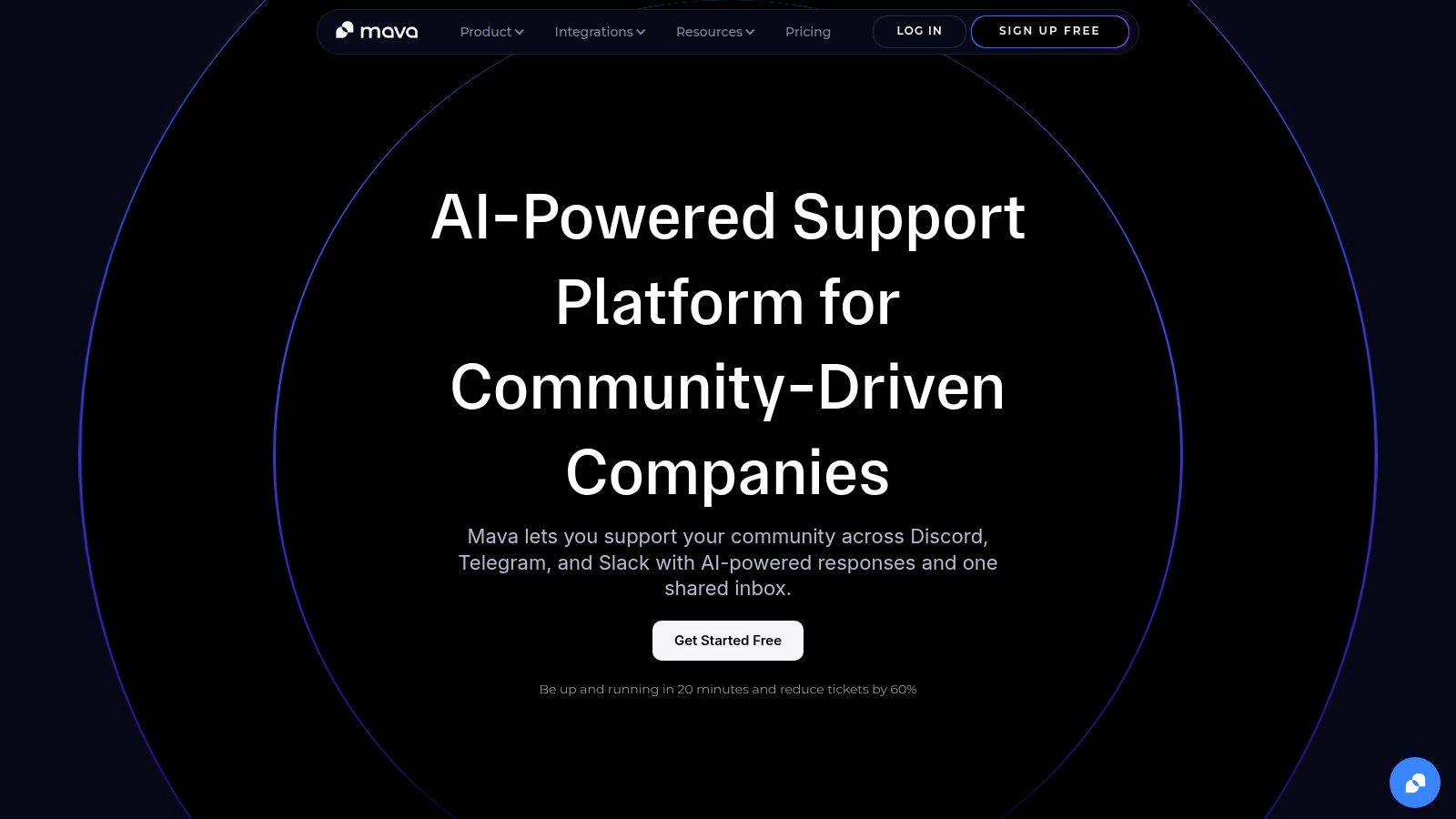
That is the gap Mava fills in a bot stack.
While broad utility bots handle rules, spam, and basic automation, Mava is built for support operations. It gives teams a structured way to answer repeated questions, move sensitive cases into private flows, and hand complex issues to a human without losing context. For gaming communities, that matters once the server starts acting like a live service touchpoint instead of just a social hub.
Mava works best as the support layer, not the all-purpose bot.
That distinction matters because support and moderation break in different ways. Moderation tools are built to detect, filter, and enforce. Support tools are built to triage, respond, assign, and track. Trying to force one general bot to cover both jobs usually creates messy channels, slow replies, and staff duplication.
In practice, Mava is a strong fit for servers that need to handle:
If your team is still testing bots or permissions, this guide on how to add a bot to Discord is a useful starting point before you layer support workflows on top.
Mava performs best when the community already has usable source material. A help center, docs site, website FAQ, GitBook, or even organized internal notes gives the bot something real to work from. That is the difference between useful automation and a bot that guesses badly.
I like it most for communities where moderators are getting dragged into repetitive support work. Once those repeated answers move into a system with public AI replies, ticketing, and agent handoff, moderators can return to moderation and community management instead of living in an endless queue.
The operational side is also stronger than many gaming servers expect. Ownership, queue visibility, and response tracking sound boring until a launch day, patch day, or tournament signup window hits and nobody knows which issues are still waiting.
Practical rule: If staff answers the same question every day, the problem is usually workflow design, not headcount.
Mava is not a replacement for human judgment. It reduces repetitive support load, but edge cases still need a person who understands the game, the rules, or the customer context.
It also overlaps with some features that admins try to run elsewhere. If another bot already handles forms, modmail, or ticket routing, define clear ownership before adding Mava. The cleanest stack is usually Mava for support, then a separate bot such as MEE6, Dyno, or Carl-bot for moderation and server automation. That separation keeps channels cleaner and avoids duplicate triggers, duplicate inboxes, or staff confusion about where requests should go.
For gaming servers with real player support volume, that trade-off is usually worth it. Mava covers a problem category that many bot stacks ignore until it starts consuming moderator time every day.
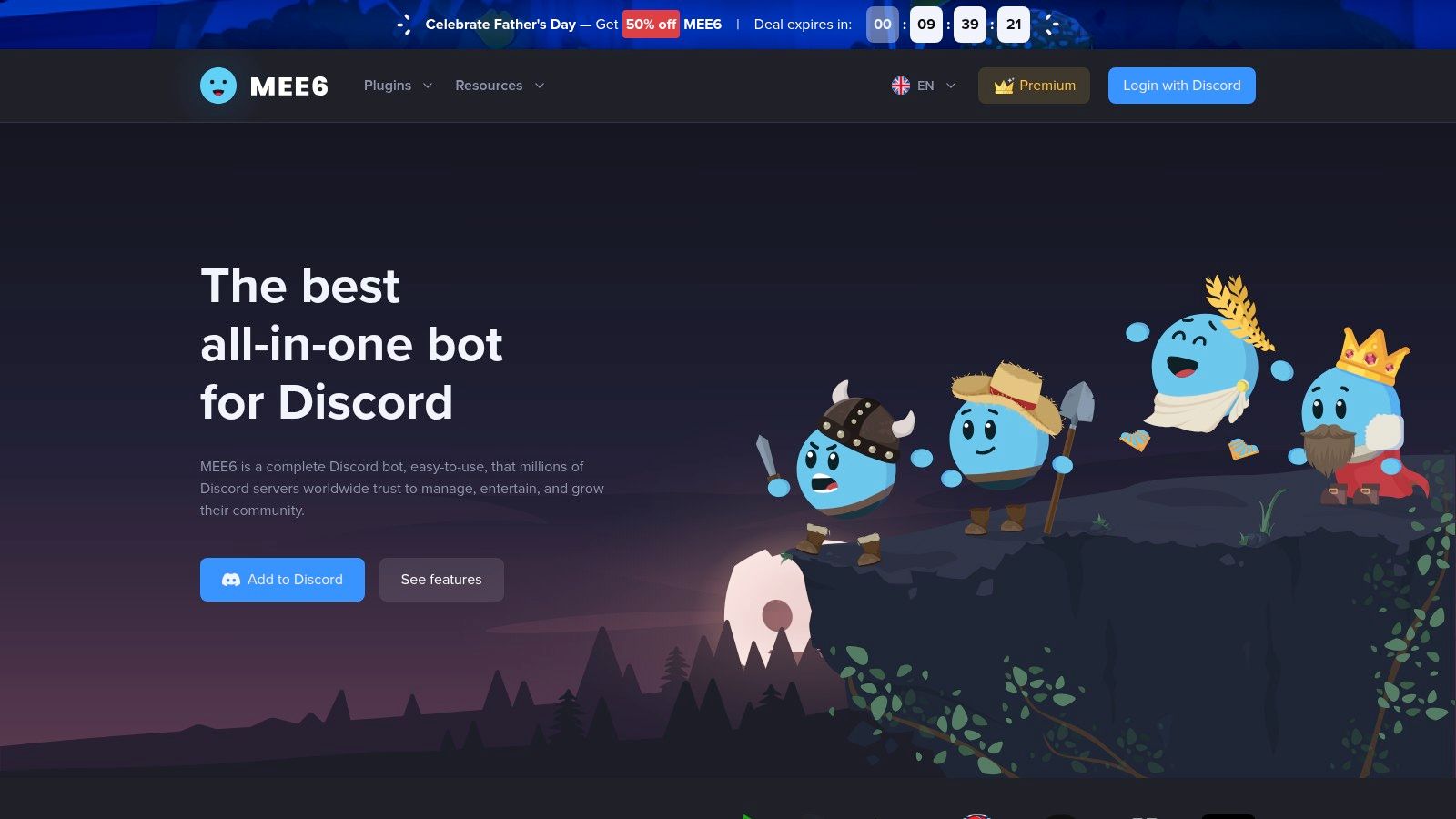
If a server needs one broad utility bot to cover everyday community management, MEE6 is still one of the safest starting points. That isn't just brand familiarity. IONOS describes MEE6 as “one of the most widely used moderation bots on Discord” in its Discord bot guide from IONOS.
That reputation lines up with how most gaming communities use it. Not for deep game-specific features, but for the unglamorous work that keeps the place readable.
MEE6 works best as the general-purpose foundation layer for:
The dashboard is the primary reason many teams stick with it. Staff can configure settings without wrestling with command-heavy workflows, and that lowers admin friction when multiple moderators need access.
For newer admins, this guide to adding a bot to Discord is useful before rolling out any stack changes.
MEE6 gets messy when teams expect it to be the only bot forever. It covers a lot, but it also spreads features across different plans and add-ons. That can make the setup feel fragmented if the server wants advanced social alerts, custom bot branding, premium leveling, and AI tools all at once.
It's also not the best specialist bot in any one category. It's the general contractor, not the electrician, plumber, and roofer.
That's why MEE6 usually works best paired with a dedicated support bot like Mava, or with a specialist event bot if the server runs scrims, raids, or creator schedules.
Dyno is the moderation-first pick for teams that care more about control than flash. Some bots try to be entertaining before they're dependable. Dyno has always felt more like infrastructure.
That matters in a gaming server where moderation load spikes fast. A patch drops, matchmaking goes sideways, tempers flare, and the mod team suddenly needs logs, automod filters, timed actions, and mass moderation tools that don't feel fragile.
Dyno's strength is its mature moderation stack. The filters are flexible, the dashboard is stable, and the documentation is good enough that larger teams can build repeatable admin processes around it.
It's a strong fit for:
Dyno also makes sense for operators who prefer systems that are explicit. Nothing about it feels magical. That's a good thing when consistency matters more than novelty.
A moderation bot should be boring in the best possible way. Predictable behavior is what keeps staff sane during chaos.
The downside is that some quality-of-life features sit behind premium tiers, and premium instances still require careful role hierarchy setup. If permissions are sloppy, the bot won't perform the way staff expects.
Dyno also isn't the right answer if the server's bigger problem is player support, patch communications, or engagement loops. It should be the enforcement layer in the stack, not the whole stack.
For servers deciding between Dyno and MEE6, the rough split is simple. MEE6 feels more rounded for community-facing features. Dyno feels stronger when moderation precision is the main priority.
A server can explore its setup options on the Dyno website.
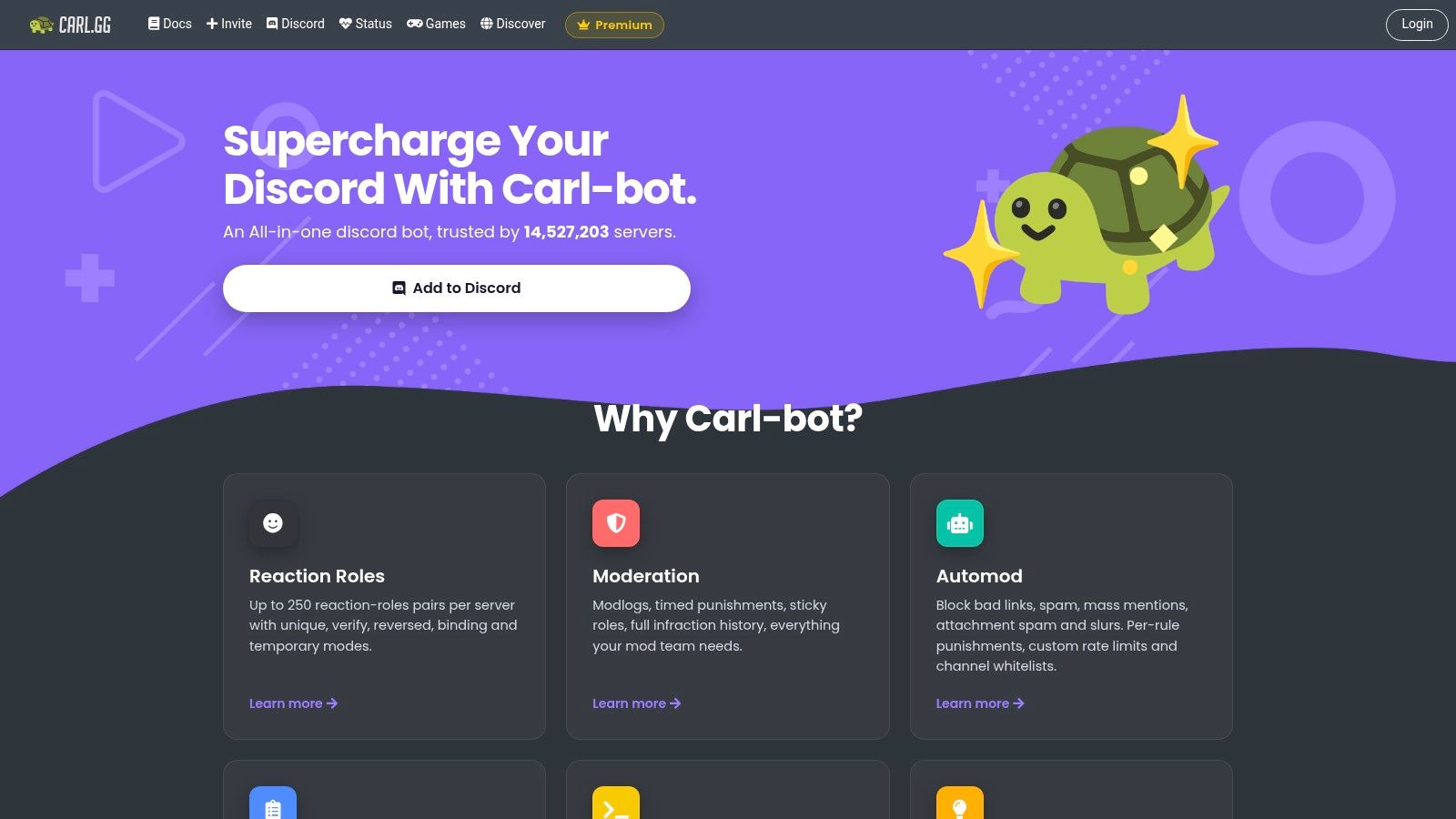
Carl-bot earns its place when role structure is central to how the server operates. That's common in gaming communities with platform roles, game-mode roles, faction roles, tournament tiers, region splits, or self-selected notification groups.
A lot of server owners install Carl-bot for reaction roles and then realize it can do much more than that. The reason it sticks is flexibility.
Carl-bot is especially good at turning channel clutter into structured self-service. Players can assign the roles they need, opt into the games they care about, and subscribe to event pings without moderators manually shuffling permissions all day.
Its strongest use cases are:
This is one of the better bots for communities that want utility first and gamification second. It's less polished than MEE6 in some areas, but often more configurable once the admin team learns the system.
Carl-bot's biggest trade-off is that some of its power sits behind a split workflow. Part lives in the dashboard. Part depends on learning TagScript. That's manageable for technical admins, but it can slow down teams that want fast, no-code setup.
Leveling also isn't really the point of the free version. If the server wants XP mechanics on top of utility, premium becomes more relevant.
For gaming servers with lots of role logic, Carl-bot is often the cleanest way to avoid staff doing repetitive access management. For simpler communities, it can be more tool than the team needs.
The platform is available at Carl-bot's site.
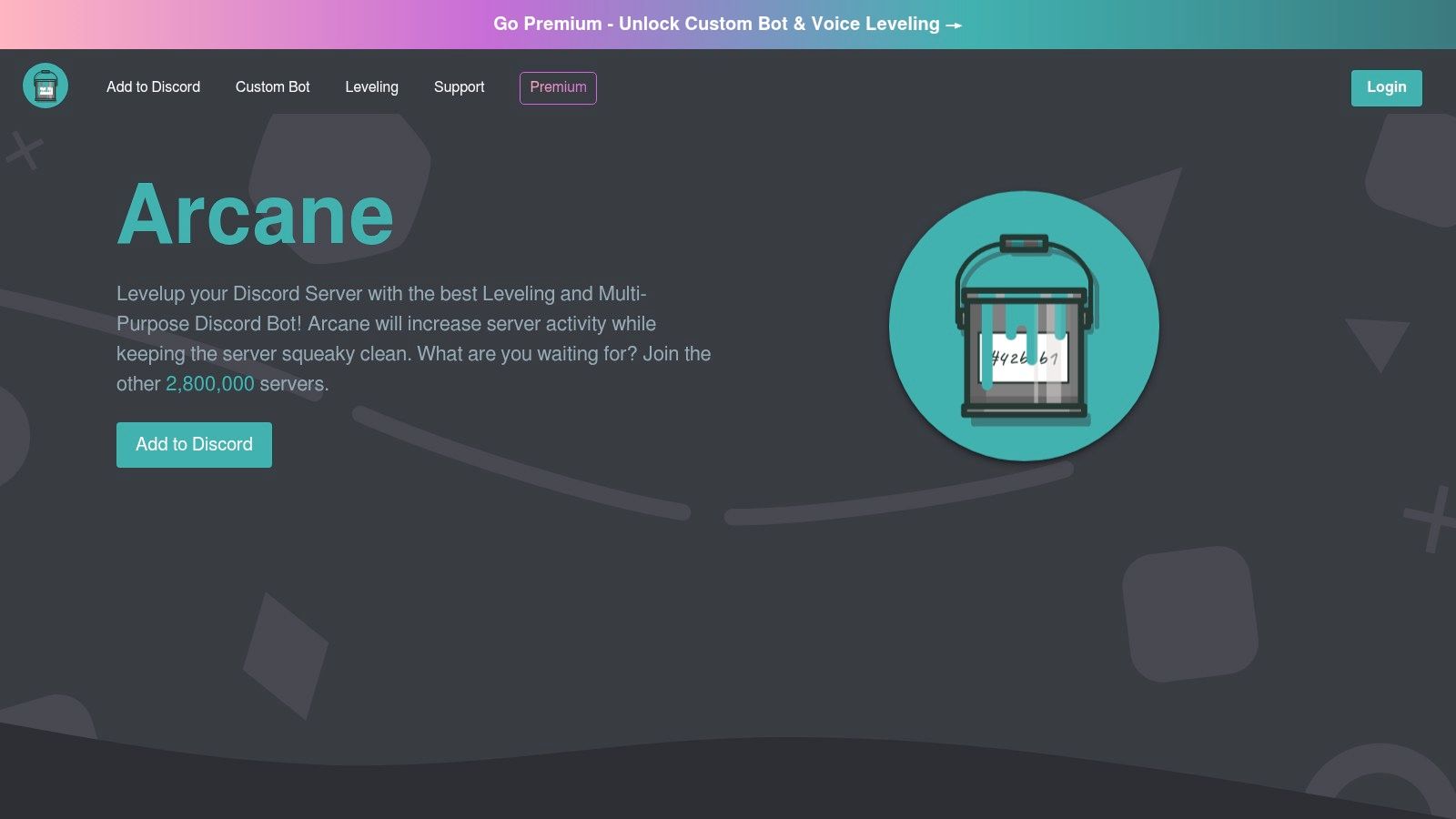
Some servers don't have a moderation problem. They have a participation problem. Chat goes quiet between major game events, voice channels stay empty, and only a small group carries the whole community.
Arcane is a strong answer to that specific issue. It's built around leveling, role rewards, and activity loops that give members a reason to keep showing up.
Arcane works well for guilds, clans, and broader gaming communities that want:
That's different from using a general-purpose bot with a basic leveling plugin. Arcane feels more deliberately designed for engagement as the core use case.
One practical advantage is that it can support branded community presentation through premium custom bot options. For gaming brands or creator-led servers, that helps the experience feel less generic.
Engagement systems work when they match the culture of the server. If a competitive community values signal over chatter, aggressive XP systems can backfire by encouraging low-value posting. Arcane isn't the problem in that setup. The reward design is.
Operator note: If leveling starts rewarding noise, the server will get more messages and less community.
Premium is also where some of the more attractive features live, especially around voice XP and expanded limits. That doesn't make Arcane weak on the free tier, but it does mean the bot is most compelling when the server is ready to invest in activity design, not just install something and hope engagement improves.
Arcane's product details are on the Arcane website.
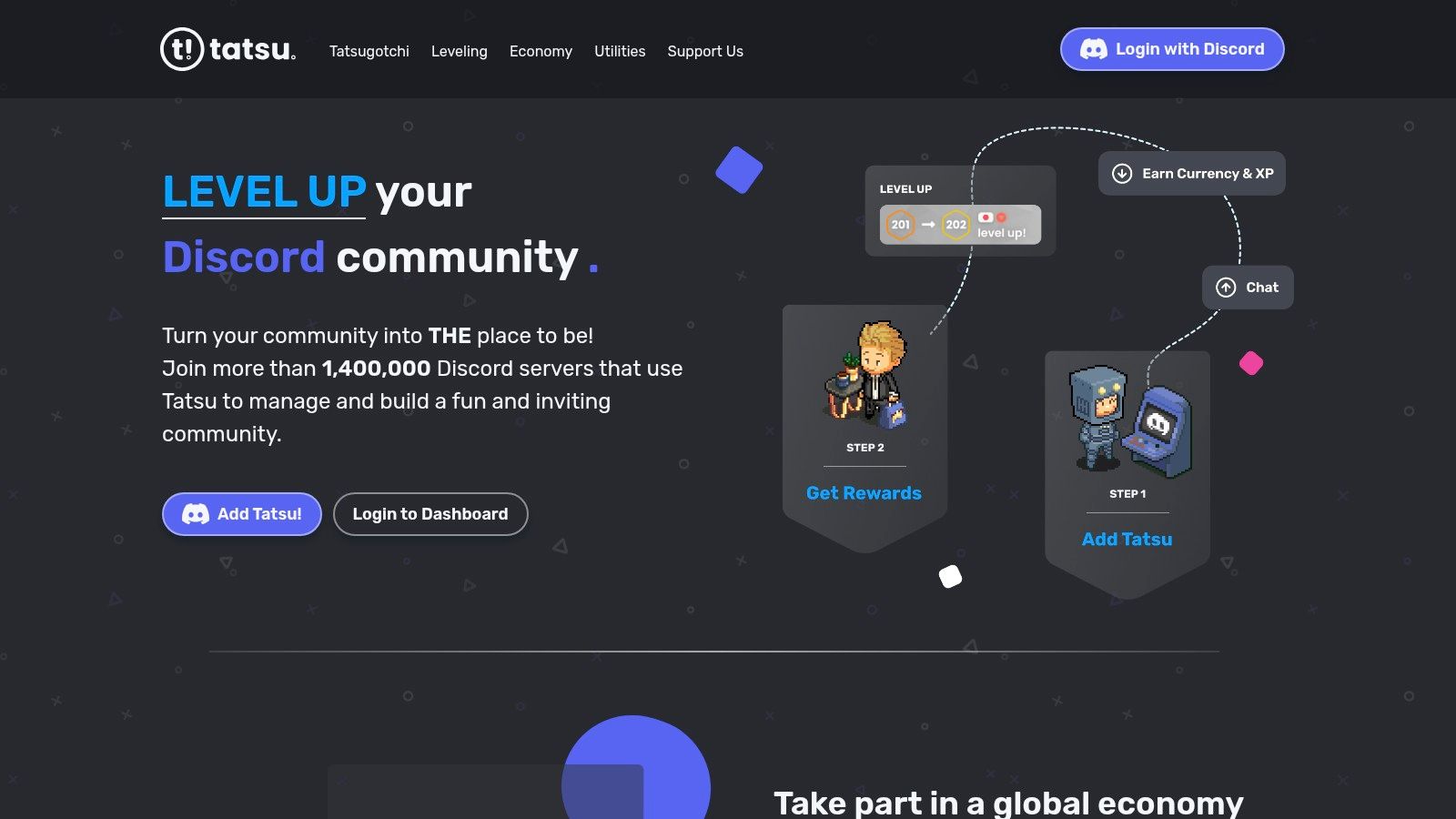
Tatsu is for communities that want Discord itself to feel a little like a game. Not in the sense of replacing the game the members already play, but in giving the server its own economy, collectibles, and social progression.
That distinction matters. Tatsu isn't a moderation backbone. It's an engagement system with a long memory.
Its economy is deeper than the usual level-and-rank setup. Members can accumulate credits, interact with profiles, collect cosmetics, and participate in a more layered loop that spans casual social activity.
That makes Tatsu a better fit for:
Tatsu can also pair well with a stronger support layer when a server starts scaling operationally. That's especially relevant for communities trying to balance engagement with player care, which is where guidance on scaling player support on Discord becomes useful.
Tatsu needs intentional setup. Left alone, deep economies can feel disconnected from the actual culture of the server. Some communities love that. Others find it distracting, especially if their Discord exists mainly for matchmaking, raids, or announcements.
Cosmetics and some content perks also lean on premium support, so the full experience isn't entirely free-form.
Still, for gaming servers that want community identity to grow inside Discord itself, Tatsu offers a richer social layer than most leveling bots. That's why it remains one of the better specialist picks in the best Discord bots for gaming servers conversation.
The platform lives at Tatsu's official site.
Patch notes sound simple until staff has to manage them manually. Then the problems show up. Updates get posted late. Important hotfixes get missed. Players ask questions the server could have answered automatically if the feed had been reliable.
PatchBot solves that well because it's narrow by design.
PatchBot auto-posts official updates and developer posts into Discord channels. For communities built around live-service titles, that's not a luxury. It's part of basic information hygiene.
Its value is straightforward:
The product also presents a broad catalog, with subscriptions across PatchBot's game and storefront update service, which helps multi-title communities centralize updates without cobbling together custom feeds.
PatchBot is not a community management bot. It won't moderate disputes about the patch. It won't answer player questions. It won't run events.
That sounds obvious, but this scenario often leads to bot overlap. Server owners install an information bot and then expect it to drive engagement. It won't. It only keeps the server informed.
That's enough. In many gaming communities, timely information is one of the easiest trust-builders to automate well. PatchBot handles that job cleanly, and it pairs especially well with support bots, because update-driven confusion is one of the biggest drivers of repetitive player questions.
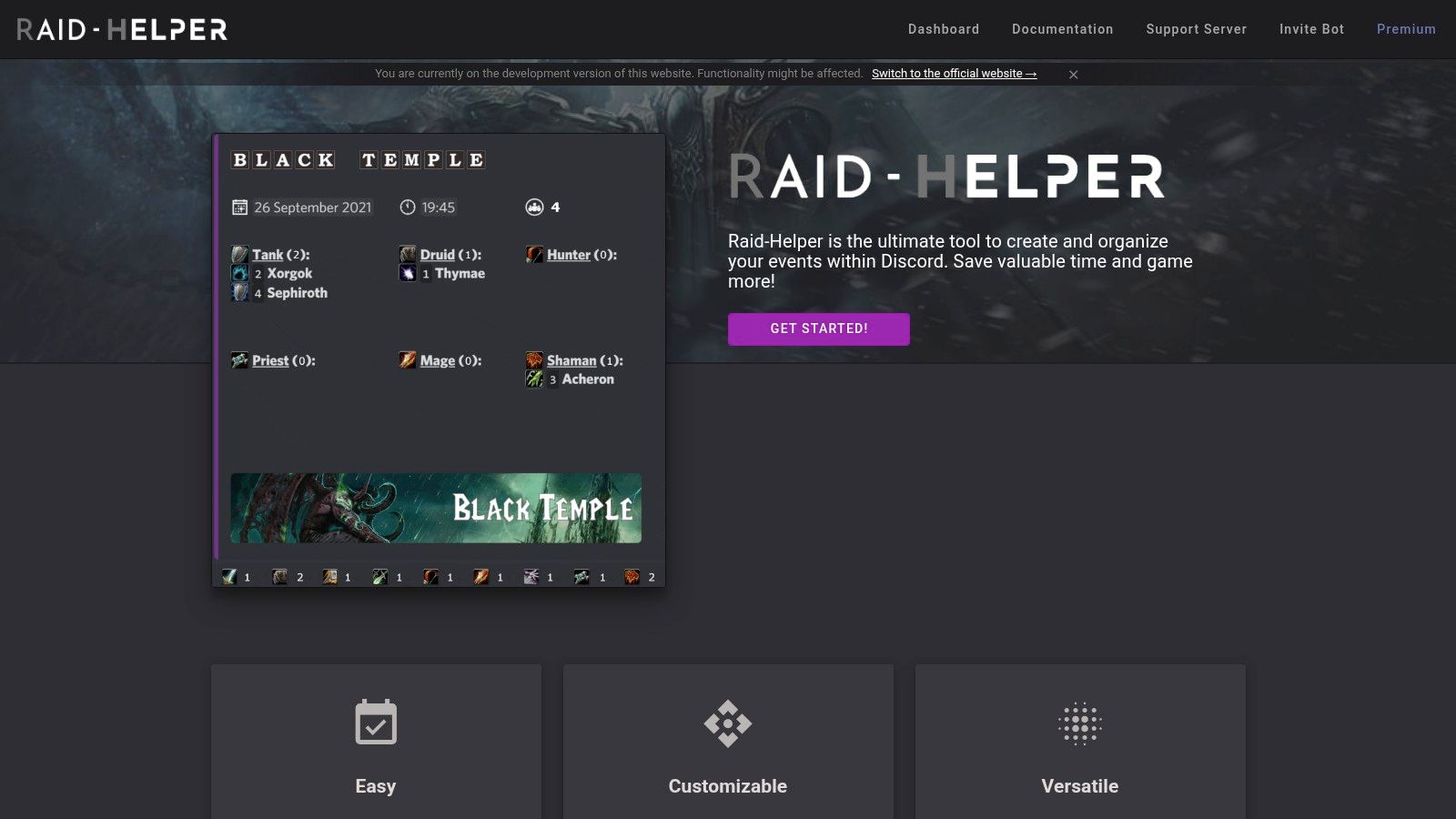
Raid-Helper is what happens when a bot is built for a real scheduling pain instead of trying to be universal. MMO guilds, Destiny groups, and raid-heavy communities don't just need reminders. They need sign-ups, role composition, repeatable scheduling, and a clean view of who's showing up.
That's where Raid-Helper earns its place.
Raid-Helper is ideal when the server runs:
It handles the logistics layer that usually collapses into spreadsheets, pinned messages, and moderator babysitting if the server doesn't have dedicated tooling. The slash-command flow is also easier for members than forcing everyone through a custom manual process.
For communities already hardening their moderation setup, it's also worth understanding how anti-raid Discord bot strategies differ from event bots like Raid-Helper. They solve very different problems.
Raid-Helper is not a moderation replacement, and it isn't useful for communities that don't run structured events. If the server's activity is mostly ad hoc voice chat and casual LFG, the bot will feel heavier than necessary.
Some of the more attractive features also sit behind premium options. That's reasonable for guilds with established event rhythms, but it means smaller or looser communities may not get full value.
For raid-driven servers, though, this is one of the cleanest examples of a specialist bot that removes real operational friction. A key aspect is its ability to remove friction from members, not just admins.
The product is available at Raid-Helper's website.
A Fortnite server usually hits the same wall once it grows past casual chat. Mods are fielding verification questions, scrim organizers are fixing bad sign-ups, and members want stats, roles, and customs to work without staff stepping in every time. Generic bots do not solve that operations load well.
Yunite fits the bot stack at the point where a server stops being a general gaming community and starts running Fortnite-specific workflows. It covers the game layer that moderation bots like MEE6, Dyno, or Carl-bot were never built to handle.
Yunite is most useful for Fortnite communities that need:
That changes the day-to-day workload for staff. Instead of manually checking who is who, cleaning up naming inconsistencies, or managing customs through chat messages, the server can push those jobs into a tool built for that exact use case.
That specialist focus is the main reason to add Yunite instead of forcing a broader bot to do partial versions of the same job.
Yunite works best as a specialist layer, not the center of the whole setup. A practical stack might use Dyno or Carl-bot for moderation, Mava for player support, and Yunite for Fortnite operations. That separation keeps each bot in its lane and lowers the chance of overlapping commands, duplicated role logic, or confusing admin workflows.
The trade-off is narrowness.
If the server covers multiple games, or if Fortnite is only a small channel inside a broader community, Yunite can feel too specific. In that case, it is often better to keep the core stack simpler and avoid adding a bot that only serves one slice of the server.
Servers growing around a creator, team, or competitive scene also need distribution outside Discord. For that side of community building, this guide to social media growth for creators is a useful companion read.
Yunite's product hub is at Yunite's website.

A lot of gaming servers are really creator communities with game discussion layered on top. In those spaces, stream notifications aren't a side feature. They're one of the main reasons members stay connected.
Streamcord handles that job with less overhead than trying to build an alert flow through broader multipurpose bots.
Streamcord makes the most sense for:
The appeal is its focus. Go-live alerts, title and game filters, schedule sync, and dashboard control are exactly what these communities need. Nothing more, nothing less.
It's also a useful specialist layer in a broader bot stack. If MEE6 or Dyno handles moderation, and Mava handles support, Streamcord can sit beside them without much overlap.
The limitation is that its value depends heavily on Twitch-centered workflows. Servers built more around YouTube or broader news feeds may find it narrower than expected.
That said, specialization is part of the point. Gaming servers often get messy when one bot is stretched across too many jobs. Streamcord avoids that by staying focused on stream presence and community visibility.
For creator-led communities, that clarity is useful. The bot can be explored on the Streamcord website.
ProductPrimary UseCore FeaturesAI / AutomationTarget AudiencePrice & Unique Selling PointMavaAI-powered cross‑channel community supportShared inbox, Discord/Telegram/Slack/web integrations, KB import, automations, analyticsTrainable AI agents for instant answers, human handoff, measurable AI resolution rates (up to ~60% ticket reduction)Community managers, SaaS/gaming/Web3 support teamsFree plan, unlimited agents, fast setup (~20 min), native multi-channel AI supportMEE6All‑in‑one Discord moderation & engagementModeration, leveling, custom commands, social alertsBuilt‑in automod; optional paid AI modulesLarge gaming servers wanting many bundled toolsFree core; Premium/Pro/AI add‑ons; polished dashboardDynoRobust moderation & utility botFine‑grained automod, custom commands, mass moderation, stable dashboardStrong automation & logs (no native AI)High‑traffic gaming communities and adminsFree core; Premium for higher capacity; extensive docsCarl‑botReaction roles & advanced automationsHigh‑limit reaction roles, TagScript, automod, logging, starboardTagScript-based automations (no AI)Servers needing flexible role assignment and feedsFree with limits; Premium lifts limits; powerful TagScript engineArcaneLeveling & engagementLeveling/XP, leaderboards, role rewards, notificationsLeveling automations (no AI)Communities focused on chat/voice engagement & streamersFree; Premium for voice XP, custom bot branding, higher capsTatsuDeep gamification & economyGlobal credits, per‑server shops, mini‑games, profilesEconomy automation and cross‑server features (no AI)Communities seeking long-term engagement and economy systemsFree core; Supporter/Premium unlocks cosmetics & perksPatchBotAutomated patch notes & dev updatesSubscriptions to 200+ game feeds, preview pages, posting optionsAutomated feed posting and scheduling (no AI)Gaming servers that need timely update feedsFree with limits; Premium for unlimited subs, multi‑channel postingRaid‑HelperMMO event scheduling & sign‑upsEvent creation, role/class sign‑ups, recurring/mirrored events, remindersEvent automation and reminders (no AI)Guilds running raids/scrims in WoW/FFXIV/DestinyOne‑time Premium options; raid‑centric UX and templatesYunite (Fortnite)Fortnite verification & scrim managementAccount linking/verification, nickname sync, stats, matchmaking toolsMatchmaking & verification automation (no AI)Fortnite customs, tournaments, scrim organizersSpecialized feature set; strong support communityStreamcordTwitch go‑live notifications & rolesGo‑live alerts, live role automation, schedule syncReliable automated stream alerts (no AI)Streamer‑focused communities (Twitch)Low‑cost Pro tier for higher caps and priority support
A gaming server usually breaks in predictable places. General chat turns into a support queue after a big patch. Mods spend their night chasing spam instead of talking to players. Raid sign-ups happen across three channels and still leave people unsure who is showing up.
That is the point where a bot list stops being useful and a bot stack starts to matter.
The servers that hold up as they grow usually assign clear jobs to each bot. One bot handles moderation. One handles support. One drives engagement. Specialists cover the gaps, such as patch notes, raid scheduling, streamer alerts, or game-specific verification. That structure cuts overlap, reduces staff confusion, and makes setup easier to maintain six months later.
A lot of teams get this wrong at first. They install MEE6, Dyno, Carl-bot, and an event bot, then discover multiple systems are competing for automod actions, role assignment, logging, or custom commands. The result is more configuration, more edge cases, and more moderator cleanup. Clear ownership works better than feature stacking.
The strongest bot stack removes repeat decisions from moderators and gives members one obvious path for each task.
Feature count is a weak way to choose tools. A leveling system can keep chat active, but it will not answer the same support question 40 times after an update. A patch feed keeps players informed, but it will not stop role abuse. A moderation bot keeps order, but it will not organize attendance for a raid night. Good stacks solve the specific pressure your team already feels.
A practical setup usually looks like this:
The wider bot market supports this approach. top.gg shows how many specialized options now exist for gaming communities. The important takeaway is not that more bots are available. It is that server owners no longer need to force one general-purpose bot to handle every job badly.
The same shift shows up in how admins run communities. Mature servers care less about novelty commands and more about systems they can maintain, audit, and improve over time. Healthy growth comes from clear workflows, not from adding another flashy feature to the sidebar.
Start with the loudest operational problem. Fix that. Then add the next bot only when it removes a real bottleneck.
If support chaos is the issue, Mava belongs early in the stack because it gives Discord communities a structured support layer with AI answers, private tickets, human handoff, and a shared inbox.
.png)
.png)
.png)
