.png) Get Started
Get Started

Your community is growing faster than your support process can keep up. Discord pings pile up, Telegram threads drift into private messages, and the same question gets answered three different ways by three different moderators. The best help desk for this kind of operation is not the one with the most features on a pricing page, it's the one that keeps context intact across channels, deflects repetitive work with AI, and gives humans a clean handoff when the issue needs judgment.
For SaaS, Web3, and gaming teams, that usually means rethinking support as a shared workflow, not a lonely inbox. Recent industry benchmarks show 22% of support tickets are now resolved without human involvement and help desk automation can save up to 670 hours annually per team. The average support ticket cost is estimated at $15.56, with a range from $2.93 to $49.69, which explains why teams are moving hard toward automation and better routing, not just faster typing. Freshworks also treats first contact resolution, response time, and customer satisfaction as core operating metrics, with targets such as 70%+ FCR and 80%+ CSAT (SaaSworthy help desk statistics).
That's the lens here. The tools below are judged the way support leaders judge them, by how well they handle Discord, Telegram, shared inboxes, AI triage, and the messy reality of community support.
A support queue can look calm in the dashboard and still be chaos in practice. A question starts in Discord, moves to Telegram, and gets repeated in Slack or email before anyone has a clean answer. Mava is built for that reality. Its unified shared inbox keeps the conversation in one place instead of splitting it across bots, DMs, and separate reply threads. Learn more about Mava's unified inbox for Discord, Telegram, Slack, web chat, and email, and the product's positioning is reinforced by its community-first support workflow and shared inbox model.
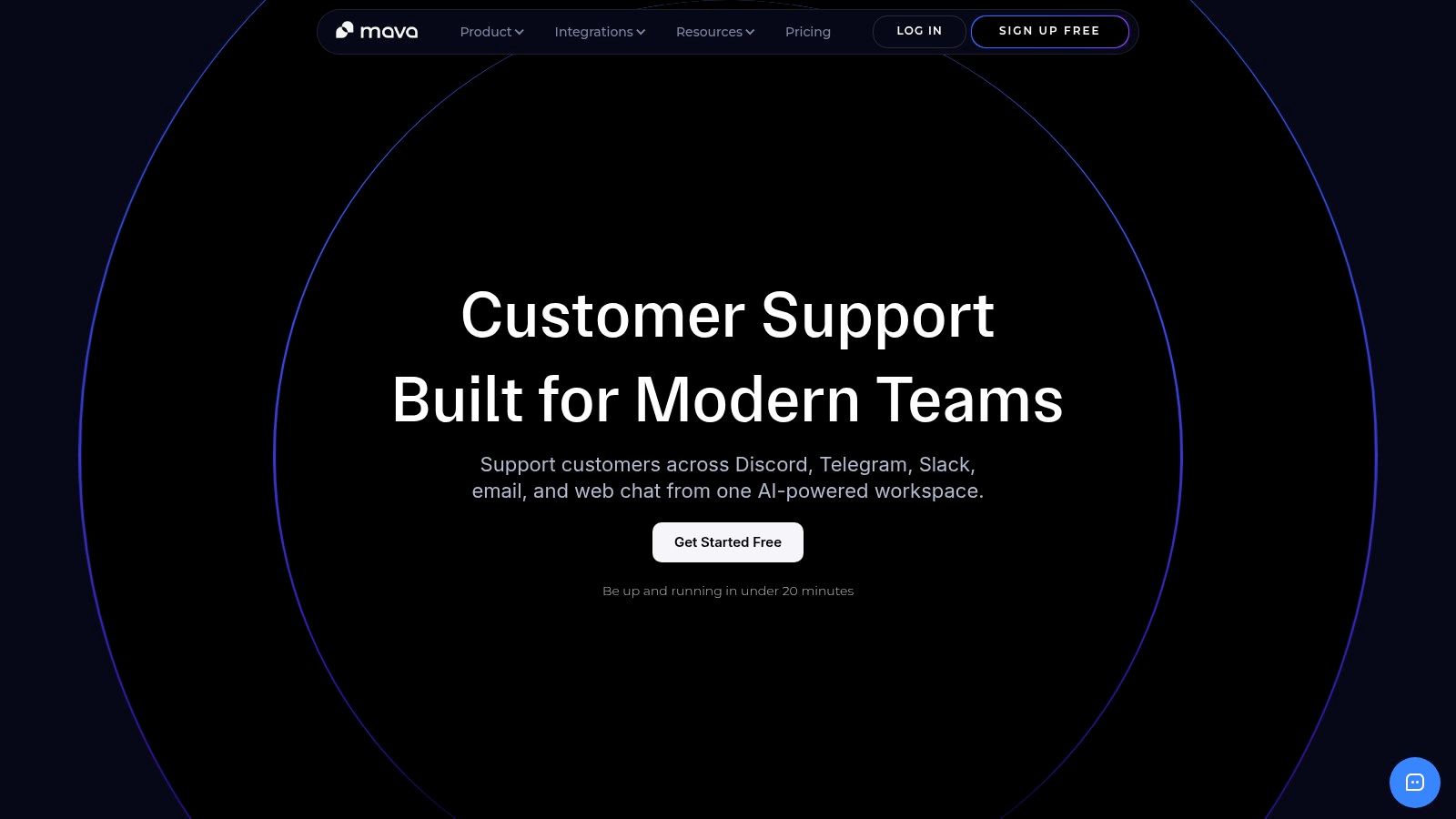
Mava does not force Discord or Telegram into an email-shaped workflow. Teams can pull knowledge from a website, GitBook, Google Docs, and similar sources, then let the AI handle repetitive public and private questions while routing edge cases to humans. That setup works well for fast-moving communities, where moderators need speed, context, and a clear handoff instead of more manual triage.
Practical rule: If a tool cannot preserve the original conversation context across public channels and private follow-ups, it will eventually create more moderator work than it removes.
Mava is strongest when a team wants to replace scattered ticket bots with something more structured, more automated, and easier to measure. The built-in analytics around response times, AI resolution, ticket volume, and satisfaction trends make it easier to see whether automation is reducing load, rather than just hiding it. The trade-off is straightforward. Mava is software for support teams, not outsourced staffing, so internal moderators still need to manage tone, escalation, and final accountability.
Setup speed is another practical advantage. Community teams usually do not want a long implementation project before they can test the flow, and Mava's fast onboarding fits that reality well. The product also offers a free plan with limited agents, which helps smaller communities prove value before they expand.
A support org can adopt Zendesk and know it will cover the basics without much debate. The platform handles omnichannel support, built-in AI agents, a knowledge base, and a large third-party ecosystem, so it often becomes the default choice for enterprise teams with layered processes. Community-driven companies, especially SaaS, Web3, and gaming teams, usually have a different test in mind. They need to know whether a broad enterprise stack is worth the overhead, or whether a tool built around Discord and Telegram will fit the way their moderators work. The official product home is Zendesk.
Zendesk's strength comes with complexity. It scales well, and the ecosystem is broad, but pricing and packaging can become layered quickly once add-ons enter the picture. That fits compliance-oriented or process-heavy teams that want tighter control over support operations. It feels heavier for community operators who need a lighter day-to-day workflow and less time spent managing the tool itself.
Reliability is the upside. Admin overhead is the cost.
Teams comparing alternatives often use a focused guide like Mava's Zendesk alternatives guide to frame the decision. Zendesk works well, but community-heavy teams should ask whether they need all of that machinery or a more conversational support stack that is faster to run each day.
Zendesk is often the right answer for large support orgs, but it can be the wrong answer for a moderator-led community that values speed, simplicity, and channel-native workflows.
Freshdesk is a practical middle-ground choice for support teams that want less overhead than an enterprise suite usually brings. It gives support leaders the core ticketing stack, plus automations, SLAs, collision detection, and a knowledge base, without turning setup into a long admin exercise. For growing SaaS teams and smaller community support teams, that balance is often what gets it onto the shortlist. Start with Freshdesk.

Freshdesk stands out because a small support team does not need to become a platform admin team to use it well. The UI is approachable, the implementation is usually straightforward, and the feature set covers the early-stage work that matters most, ticket conversion, routing, and self-service. For teams moving off a shared inbox, that lowers resistance and shortens the ramp.
It also makes a real trade-off. The more a community support operation grows, the more its gaps show up. Teams that need deeper automation, more specialized workflows, or channel-specific handling for Discord and Telegram can start to feel the limits of a general-purpose help desk. That matters if moderators are working across chat-heavy channels and need shared inbox workflows that keep pace with fast-moving conversations.
Freshdesk works best when support volume is real, but the process is still evolving. It is a sensible choice if the goal is to add structure without overbuilding. Teams that want to centralize messages and add automation before the operation gets too messy will get a clean rollout here.
For teams comparing help desk options with a sharper focus on conversational support, this Freshdesk alternative guide is a useful next read.
Help Scout makes support feel less like a system and more like a conversation. Many SaaS teams prefer that balance because the shared inbox is familiar, the Docs knowledge base is easy to use, and the customer side of support stays calm instead of feeling over-engineered. Visit Help Scout for the product details.
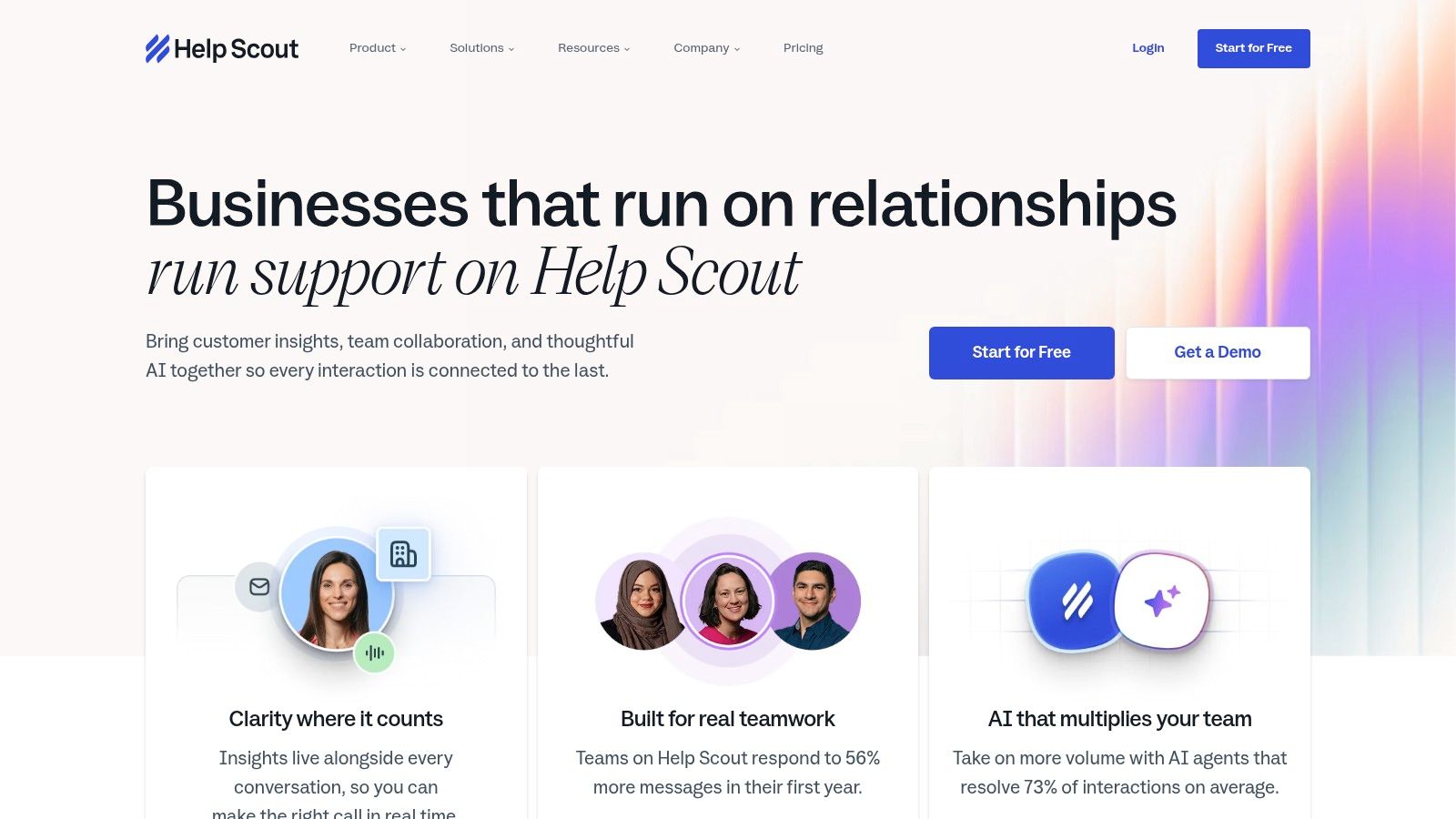
Help Scout works well for support teams that care about tone and throughput at the same time. The collaboration tools are easy to follow, collision detection helps prevent duplicate replies, and the setup feels closer to modern email than to a heavy ticketing system. That makes it a solid choice for customer-facing teams that want a softer support experience and do not need every workflow customized.
The trade-off shows up as soon as a team starts asking for more control. Help Scout keeps the workflow clear, but it is not built for very complex support operations. Community teams that need deeper channel logic, more aggressive automation, or tighter handoff design across Discord, Telegram, and shared inbox workflows may eventually want a platform with more room to orchestrate those steps. For smaller SaaS support teams, that restraint can be an advantage because the tool stays easy to run without turning into an admin project.
Its AI model also needs a close look before purchase. The AI resolution add-on is separate, so teams should model that cost directly instead of assuming it is included in the base plan.
Help Scout is strong on clarity, but the fit changes once support becomes more channel-heavy and more operationally demanding. Teams serving active communities often need more specialized routing, stronger automation, and a cleaner way to manage replies across public channels and private messaging. In that setup, Help Scout can feel a little light. It still does the core job well, but it gives less control over workflow orchestration than some community-first tools.
For buyers comparing it against other options, this Help Scout alternative guide is useful because it shows where a more community-centric tool can be a better operational fit.
Intercom is the strongest option on this list for product-led teams that want support and engagement to live inside the product itself. Its messenger, bots, in-app messaging, and AI capabilities make it a natural fit when the support team also owns proactive communication. For SaaS products with active user flows, Intercom can feel like a control center. Explore Intercom for the platform's current packaging.
Intercom is especially strong when support needs to be contextual. Product tours, banners, tooltips, and messaging can all help teams intervene before a user opens a ticket. That can reduce friction in product-led onboarding, and it's often a better fit than a classic inbox when the issue is tied to usage inside the app.
The downside is budgeting. Intercom's modular structure means the total cost can rise quickly once seats and add-ons stack up. That doesn't make it a bad product, but it does mean the finance conversation needs to happen early, not after rollout.
For teams trying to decide between a community-native help desk and a broader in-app platform, the Mava versus Intercom comparison is worth reviewing. The difference usually comes down to whether support starts in a messenger inside the product, or in public community channels like Discord and Telegram.
Intercom is powerful when support and product usage are tightly linked. It's less compelling when the real operational center of gravity sits in external community channels.
Front fits teams that want inbox collaboration without giving up help desk discipline. It works well for support groups handling a lot of customer email, SMS, and shared coordination, because assignments, internal notes, SLAs, and workflow controls stay close to the work itself. The Front platform is built around that collaboration-first model.
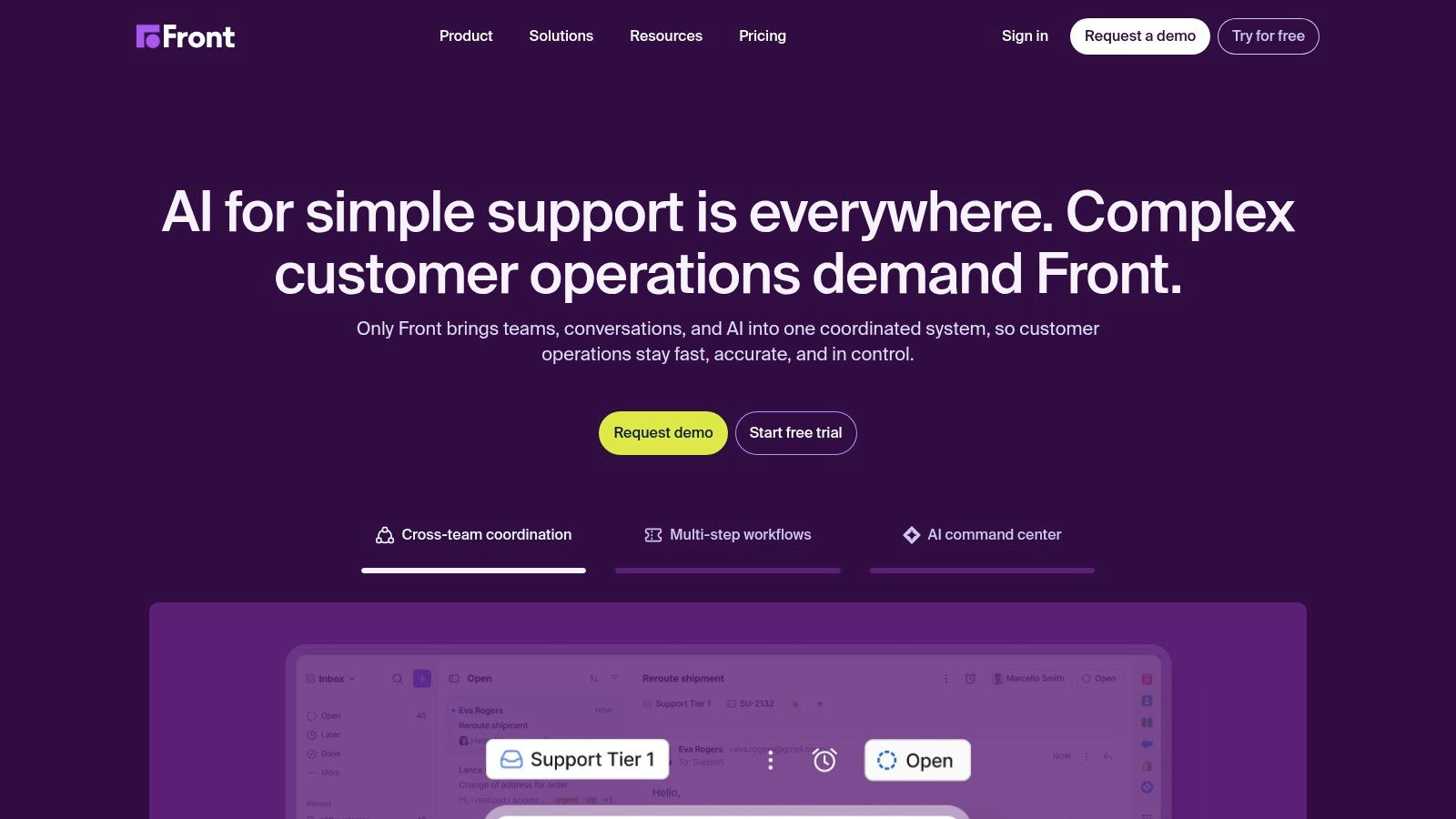
Front feels familiar to people who live in the inbox, so training tends to be lighter. Support managers get the visibility they need without forcing agents to abandon email habits, which reduces adoption friction during rollout. For teams moving from a shared inbox to something more structured, that can be the difference between stalled adoption and a working process.
The collaboration model is the product. Internal notes, ownership, and accountability are easier to maintain when the workspace is built around team communication rather than a traditional ticket queue.
Front is less attractive when support work depends on deeper external-channel coverage beyond email-led operations. Some of the more advanced automation and omnichannel functions sit behind higher tiers or add-ons, so smaller teams should confirm the exact workflow they need before committing. It's a strong support workspace, and a less natural fit for community-native support workflows.
Zoho Desk is a strong value play for teams that already run on Zoho or want a lower-cost path into help desk software. It combines ticketing, SLAs, multi-brand support, knowledge base capabilities, and telephony integrations with Zoho's AI assistance and broader app ecosystem. For budget-conscious teams, that combination is hard to ignore. The product lives at Zoho Desk.
Zoho Desk makes sense when the support team wants useful functionality without paying for a premium brand name. The Zoho ecosystem tie-in is the main advantage, because customer data, reporting, and adjacent business tools can live closer together. That reduces the amount of stitching required between systems.
For teams that already use Zoho applications, the experience is smoother. For everyone else, the value is still there, but the ecosystem advantage is smaller.
The platform's broader feature depth is respectable, but the strongest experience comes when it sits inside the Zoho stack. Teams that depend on more specialized workflows or more elaborate community-channel support may want to test the fit carefully. Zoho Desk is a sensible buy, but it's not the most opinionated answer for Discord or Telegram-heavy support.
Jira Service Management is the right answer when support is tightly connected to engineering, operations, or ITSM workflows. It goes beyond standard ticketing into request, incident, change, and problem management, and it integrates naturally with Jira and Confluence. For technical teams, that makes it one of the most structurally sound options on the market. Start with Jira Service Management.
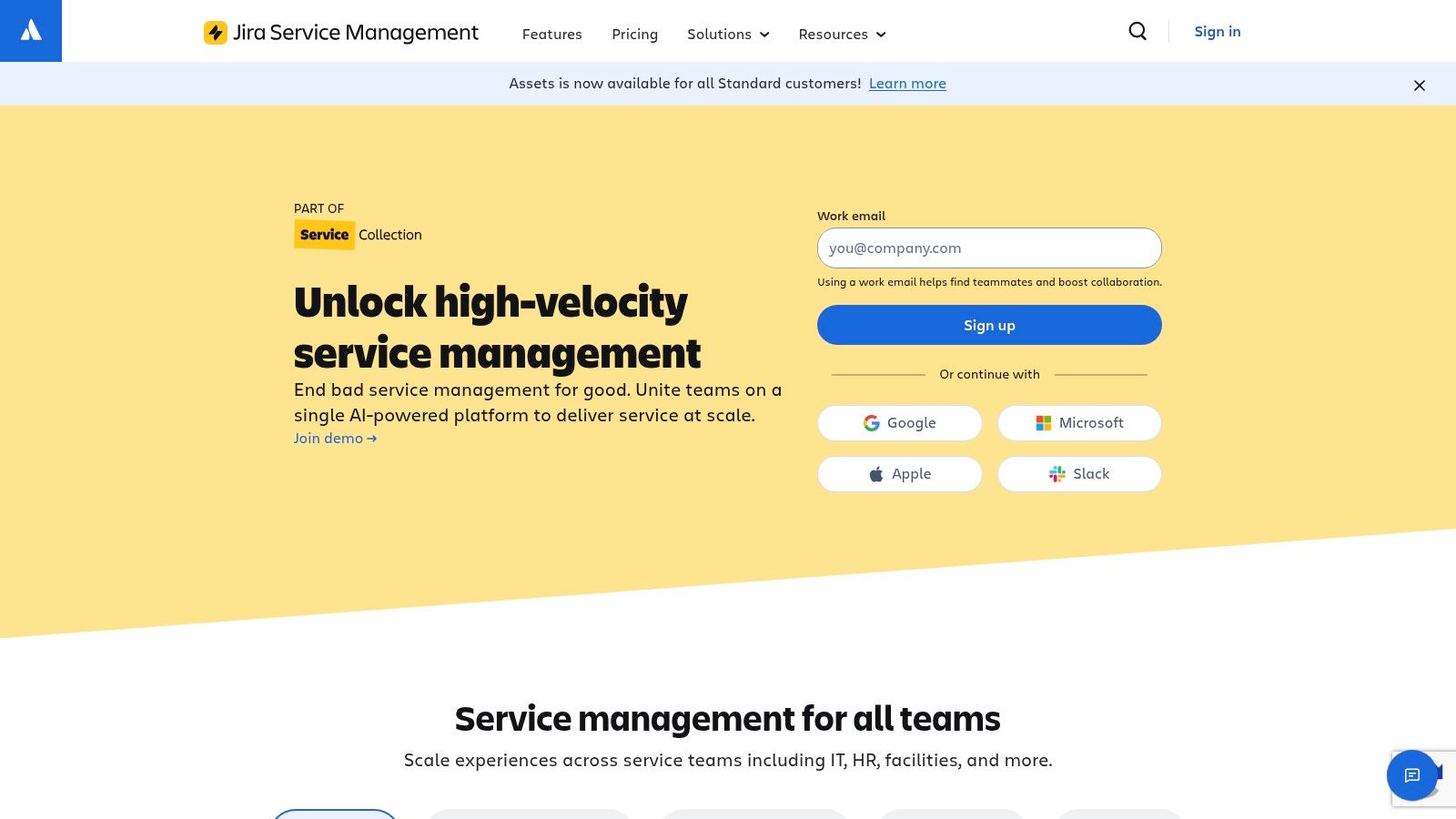
Jira Service Management shines when a support issue needs to become an engineering task without losing traceability. That's a huge advantage for dev tools, infrastructure products, and teams that treat customer support as part of the delivery loop. Atlassian Intelligence and the higher-tier governance options add to the appeal for larger organizations.
The cost of that rigor is complexity. Non-technical support teams can find the configuration heavy, especially if their day-to-day work is more about moderation and community response than formal service operations.
It is not trying to be a lightweight social support inbox. If the operation runs on Discord, Telegram, and Slack first, Jira Service Management can feel like a serious tool solving the wrong layer of the problem. It's excellent service management software, but not necessarily the best help desk for community-led support.
HubSpot Service Hub works best when support, sales, and marketing need the same customer record in front of them. That shared history gives agents more context on each ticket, and it gives managers a clearer view of the full customer journey in one place. For companies already using HubSpot, the operational fit is straightforward. Review HubSpot Service Hub for current packaging.
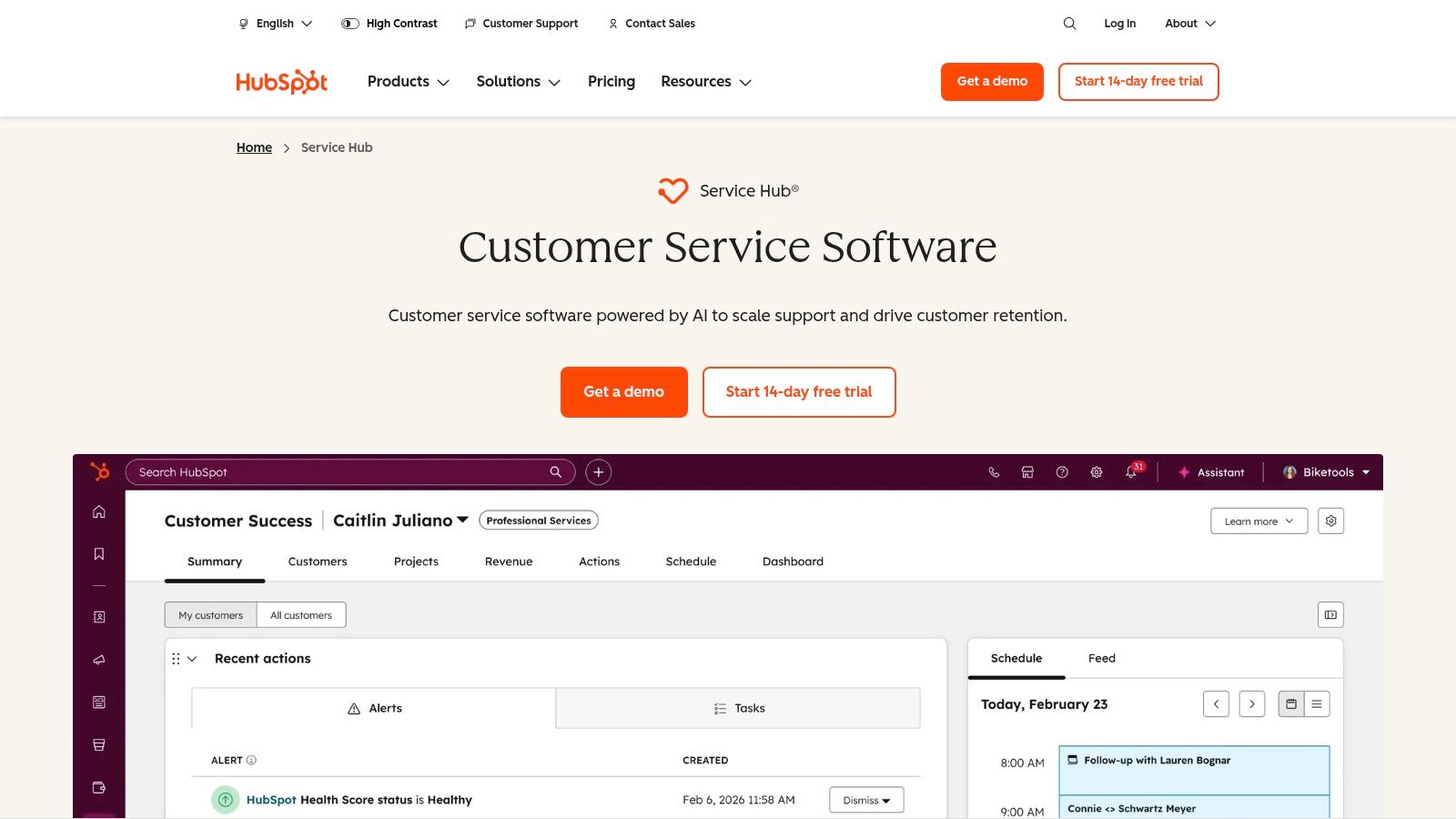
Service Hub is a strong fit for teams that need service reporting connected to the rest of the go-to-market stack. Tickets, workflows, surveys, knowledge base content, and CRM history all live in the same system, so agents spend less time switching tools and more time resolving issues. For companies that treat support as part of lifecycle management, that matters.
It also handles the practical side of shared inbox work better than many general CRM tools. When community conversations, product questions, and account history all sit together, response quality improves because agents can see what happened before the ticket landed. The trade-off is cost control. As seats, hubs, and credits add up, the budget conversation gets harder, so the return has to be clear.
HubSpot Service Hub is most compelling for organizations that already use HubSpot as the customer data backbone. Without that foundation, some of the platform's biggest advantages matter less, and the setup can feel heavier than it should for community-first support teams. It is a strong operational choice for teams that want support tied tightly to revenue and retention, but a less efficient choice for community-first support teams.
A DTC brand with high order volume can feel the pressure fast. Agents need to answer product questions, process refunds, and make order changes without bouncing between systems. Gorgias is built for that workflow, with Shopify and Shopify Plus at the center, so support teams can handle storefront actions directly inside tickets. Explore Gorgias for the current product details.
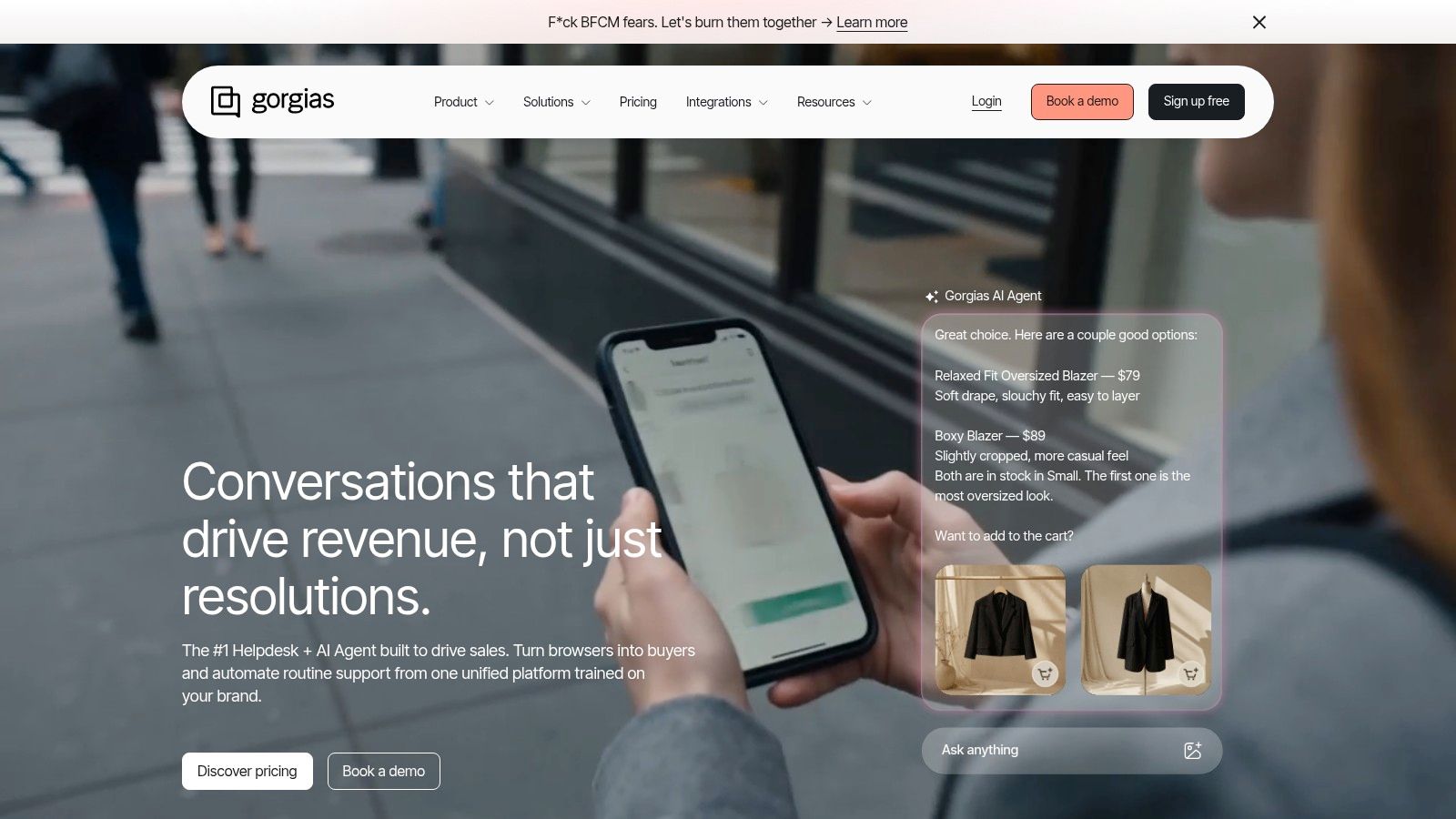
Gorgias is purpose-built for commerce support rather than generic ticketing. Macros tied to order data, proactive chat campaigns, and ecommerce reporting all reinforce the same point, support can affect revenue, not just reduce complaint volume. For ecommerce teams, that direct connection between service and store operations is practical, especially when the support desk is part of the buying experience.
The pricing model can also fit teams that see sharp seasonal swings, since it follows activity instead of forcing every decision through headcount. That can be easier to justify when ticket volume rises and falls with campaign traffic or peak shopping periods.
The specialization cuts both ways. Teams outside ecommerce, or teams that do not need storefront actions inside support tickets, may find the platform too narrow for their day-to-day work. Gorgias does its job well for commerce support, but it targets a specific niche rather than serving as a universal solution.
| Product | Core Channels & Features | AI & Automation | UX & Scaling (Metrics) | Best For / Target Audience | Pricing & USP |
|---|---|---|---|---|---|
| Mava | Discord, Telegram, Slack, web chat, email; unified shared inbox; import docs/knowledge base | AI agents answer public and private queries; seamless human handover; fast training from existing docs | Quick setup (<20 min); analytics for response time, AI resolution rate, and ticket volumes; reduces ticket load by ~60% | Community-driven companies, moderators, and teams supporting large public/private channels | Free plan; paid tiers with unlimited agents; native integrations; modern alternative to ticket bots |
| Zendesk | Email, chat, messaging, voice; help center; large app marketplace | Built-in AI agents and automations with outcome-based pricing | Enterprise-grade reliability, governance, and analytics | Large enterprises and compliance-heavy organizations | Complex pricing; broad third-party ecosystem; deep administrative controls |
| Freshdesk (Freshworks) | Email-to-ticket, chat, knowledge base, marketplace apps | Automations; AI capabilities vary by plan | Approachable UI with quick implementation for smaller teams | Startups and growing teams looking for fast setup | Competitive entry pricing; strong value at lower tiers |
| Help Scout | Shared inbox, Docs knowledge base, Beacon widget, saved replies | Optional AI add-on billed by successful resolutions | Email-like experience; low "ticket" feel; fast learning curve | SMBs and SaaS teams that value personal customer support | Simple UX; AI and advanced features may incur additional charges |
| Intercom | Unified messenger, in-app chat, bots, product engagement tools | Fin AI and modular AI/automation add-ons | Excellent in-app engagement with proactive support tooling | Product-led teams focused on in-app customer engagement | Modular add-ons; costs can scale quickly with seats and additional features |
| Front | Email-first shared inbox across channels, assignments, SLAs | Optional AI add-ons | Strong collaboration, internal notes, and team accountability | Operations-heavy and email-centric teams | Email collaboration focus; advanced enterprise features often require higher-priced tiers |
| Zoho Desk | Ticketing, SLAs, knowledge base, telephony; tight Zoho integration | Zia AI; integrates with the wider Zoho ecosystem | Cost-effective tiers with solid administrative controls | Value-focused teams already using the Zoho ecosystem | Competitive low-cost pricing; strongest experience when used with other Zoho products |
| Jira Service Management (Atlassian) | ITSM requests, incidents, change management, SLAs; Confluence knowledge base | Atlassian Intelligence options; SSO/SCIM available at higher tiers | Deep ITIL workflows with enterprise-grade governance and scalability | IT and engineering teams requiring ITSM and Jira integration | ITSM-grade feature set; heavier administration and setup for non-IT support teams |
| HubSpot Service Hub | Tickets, knowledge base, omnichannel inbox, CSAT, workflows | AI/credits model with evolving AI add-ons | Unified CRM context and customer lifecycle reporting | Teams wanting sales, marketing, and service data in one CRM | Deep HubSpot CRM integration; costs increase with hubs, seats, and credits |
| Gorgias | Deep Shopify integrations; order actions within tickets; macros | Optional AI agent; usage/conversation-based billing | Ecommerce-focused workflows with revenue-aware reporting | Ecommerce merchants, particularly Shopify-first stores | Shopify-first help desk; usage-based pricing scales with seasonal support volume |
Choosing from the best help desk platforms is a strategic decision, not just a software purchase. The right platform matches the way support happens, where users ask questions, how quickly humans need to step in, and how much of the repetitive load can be handled by automation. For community-first companies, that usually means the conversation starts with Discord, Telegram, Slack, web chat, and email, not with a generic ticket queue.
The market has already moved in that direction. Benchmarks show that 72% of help desk teams now use AI-powered chatbots for routine queries, and automated tickets can reach a 74.3% first-level resolution rate (WorldMetrics help desk software statistics). Independent industry summaries also show that 72% of companies use a dedicated helpdesk tool, while 55% of SMBs still rely on shared email inboxes, which means a lot of teams are still leaving efficiency on the table (Converge helpdesk statistics). The lesson is straightforward, the best help desk is the one that reduces repetitive work without losing human judgment.
There's also a governance question that matters more than most buyers admit. AI can shorten response time and deflect common questions, but it can also misroute work if the handoff logic is weak or the knowledge base is stale. The strongest operations are the ones that can prove the basics, faster first response, higher deflection on repetitive questions, and clean escalation when confidence is low, rather than just showcasing the most AI features on a pricing page. That point matters especially for communities where one bad handoff can feel public, immediate, and avoidable.
For many support leaders, the decision is about fit, not feature count. Zendesk and Salesforce-adjacent suites suit large, process-heavy organizations. Freshdesk, Help Scout, Front, and Zoho Desk suit teams looking for a cleaner operational baseline. Intercom, HubSpot Service Hub, Jira Service Management, and Gorgias each win in more specialized environments. Mava stands out when the job is to support a living community, not just process tickets, because it keeps context across channels and uses AI to reduce the repetitive load that moderators and support agents feel every day.
If the goal is to run community support without losing context, Mava is built for exactly that. It unifies Discord, Telegram, Slack, web chat, and email in one shared inbox, then uses AI agents and automation to handle repetitive questions and hand off cleanly to humans. Visit Mava to see how it can replace fragmented ticket bots with a faster, more scalable support workflow.
.png)
.png)
.png)
