.png) Get Started
Get Started

Front set the standard for shared inbox software, but support teams in 2026 are rarely living inside email alone. Messages now arrive from Discord, Telegram, Slack, web chat, and email, and a tool that treats those channels like a single mailbox instead of a real support system can create more confusion than clarity. If the current setup feels like a queue with nicer branding, a front alternative is probably overdue, and the right choice depends less on feature checklists than on how the team works. For teams that care about ownership and workflow discipline, team inbox ownership best practices is a useful companion read before switching platforms.
Mava is the strongest front alternative for teams that support communities first. It was built for Discord, Telegram, Slack, web chat, and email, so it fits the reality of community-driven support instead of forcing everything through an email lens. The result is a shared inbox that can hold public and private conversations together, which matters when moderators need context without jumping between tools.

Mava's value is not just channel coverage. It imports existing knowledge from sources like websites, GitBook, and Google Docs, then uses that content to answer repetitive questions automatically. That makes it a better fit than generic inbox software when the same onboarding, access, or moderation questions keep showing up in public channels and private tickets.
Practical rule: If support lives in community spaces, the platform should preserve context across public and private threads, not just store messages in one place.
That is where Mava separates itself from many shared inbox tools. It combines automation, custom views, status tracking, analytics, API and webhooks, and human handoff in a package that feels designed for operators, not just agents. The platform is also built to be tested before launch, which helps teams tune AI behavior before letting it answer users live.
Mava is already positioned as a large-scale community tool, with support for thousands of teams and claims around major ticket reduction. Those are useful signals, but the more important operational point is simpler, teams get a free starting point, then can expand into higher tiers with more flexibility and unlimited agents on top plans. That makes it especially attractive for communities that need to grow without rebuilding their support stack every quarter.
Best for: Discord-first, Telegram-first, and community-led companies that need AI support plus a real shared inbox.
Trade-offs: It still needs onboarding discipline, and fast product updates can require occasional process changes.
Website: Mava
Help Scout is the right front alternative for teams that want a calmer, email-first support experience. It keeps the collaboration layer visible without turning the product into a heavyweight enterprise console, which is why it works well for SaaS teams that care about tone, consistency, and fast adoption. The interface feels built for people who live in email, not for admins who want to spend the week configuring a service desk.
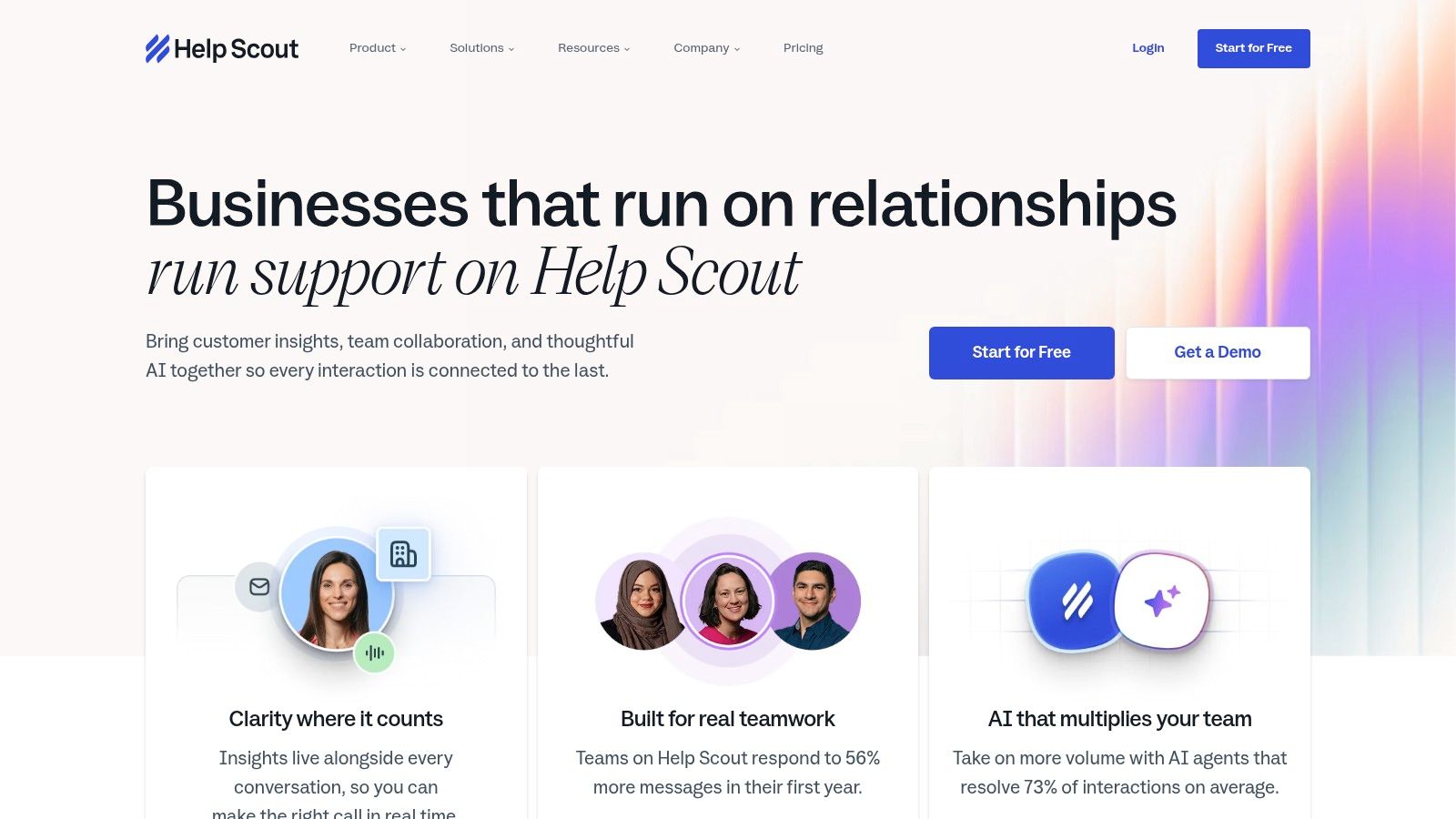
The combination of shared inbox, Beacon chat, and Docs knowledge base is the primary draw. Support teams can answer in the inbox, deflect repeat questions through the help center, and use chat when a live touch is needed. That blend works well when the company's support motion is still centered on email, but the team wants a little more structure and self-service than Front usually provides out of the box.
Help Scout's strongest advantage is how quickly teams tend to adopt it. Saved replies, collision detection, workflows, and analytics give managers enough control to standardize responses without burying agents in admin work. AI Assist, AI Drafts, and AI Answers extend the workflow without turning the product into a full automation project.
The limits show up when an organization needs deeper permission models or heavier enterprise controls. Help Scout can scale, but it's not trying to be an all-purpose contact center suite. That restraint is a strength for smaller teams, because it keeps the product readable, but it also means very complex operations may eventually outgrow it.
Best for: SaaS startups and SMBs that want a human, email-first shared inbox with chat and knowledge base support.
Trade-offs: Advanced governance lives higher up the stack, and outbound messaging over the included threshold becomes a paid add-on.
Website: Help Scout
Zendesk is the enterprise front alternative teams usually reach for once support has to operate like a real service function. It begins with ticketing and shared inbox behavior, then extends into messaging, voice, bots, QA, and workforce tools. That range is the reason support leaders look at it when Front starts to feel too light for the organization's complexity.
For teams comparing cost structure, the question is rarely just seat price. Front's comparison materials show plans ranging from about $25 per user/month on Starter to $105 per user/month on Enterprise, with AI sold separately, while Zendesk's entry pricing starts at $19 per agent/month billed annually, and Missive advertises a free tier for up to 3 users, which shifts the conversation toward total stack cost (Front alternatives pricing comparison). Once analytics, automation, and AI enter the stack, a support platform usually costs more than the headline price suggests.
Zendesk's strength is range, not simplicity. The app marketplace, APIs, and security posture make it a strong fit for teams that need support connected to CRM, product, QA, and operations systems. That matters when support requests are only one part of the service model.
Zendesk alternative guidance from Mava is useful for teams deciding how much operational complexity they are willing to own.
Administration is the trade-off. Zendesk can become a lot of platform, and that complexity carries real overhead. For a lean team, the setup and ongoing maintenance can feel heavy relative to the benefit, especially if the main need is structured inbox collaboration rather than a broader service stack.
Best for: Enterprises and larger support organizations that need a broad, configurable service stack.
Trade-offs: Powerful, but heavier to administer and easier to overbuy than lighter shared inbox tools.
Website: Zendesk
Intercom is the best front alternative for teams that want support, product engagement, and AI in one place. It blends shared inbox functionality with a modern messenger, proactive outreach, and workflow automation, so it fits companies that use support as part of the customer experience rather than only as a break-fix channel. The product feels especially strong when the team wants to talk to users inside the app, not just answer email.
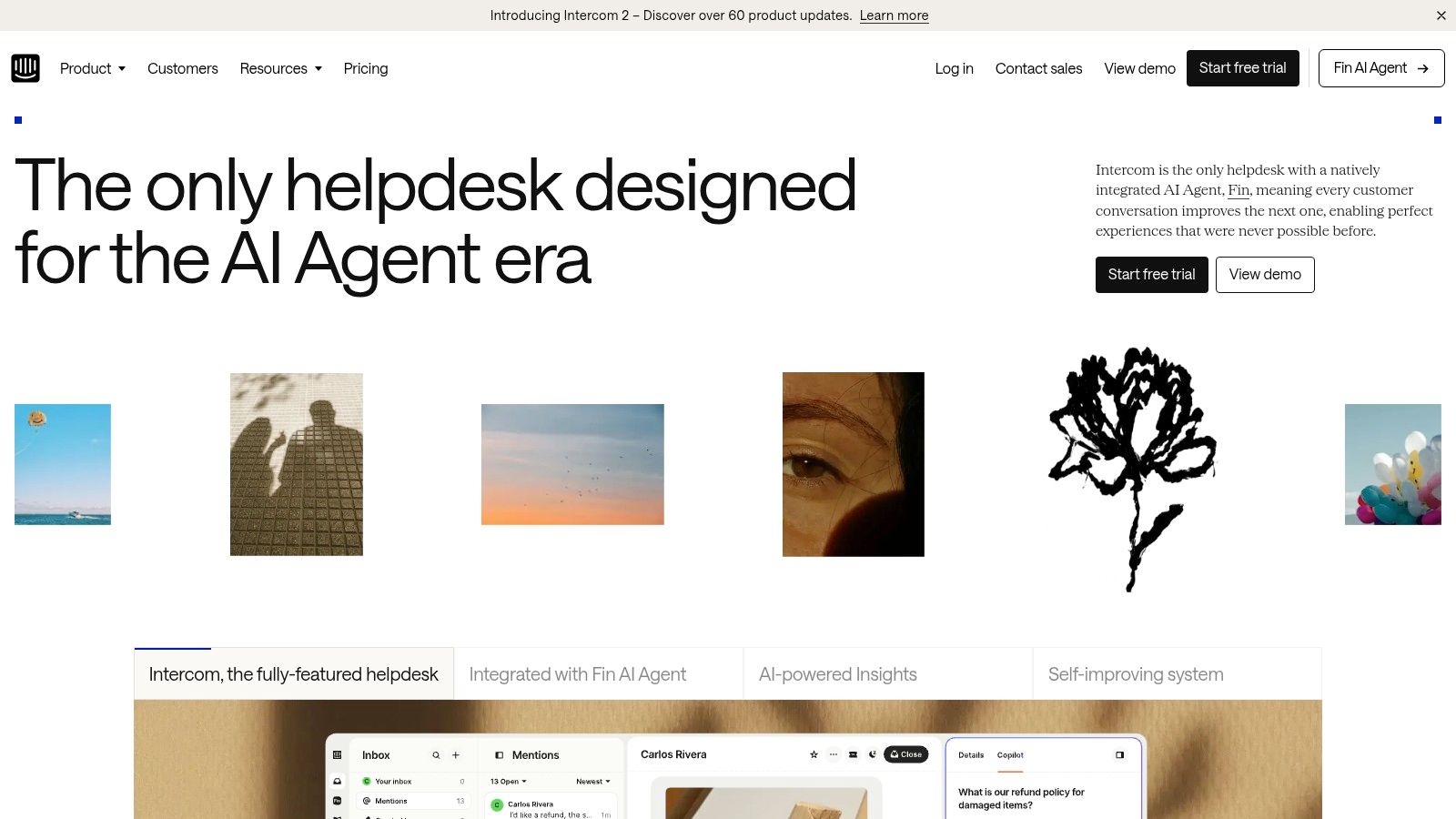
Intercom's AI model is one of its biggest differentiators. Fin AI Agent is priced per outcome, which gives teams a cleaner way to think about automation value than simple seat-based billing. That makes sense for organizations that care about deflection, live chat experience, and agent assistance in the same motion.
The product is strongest when support and engagement overlap. Posts, product tours, checklists, surveys, and outbound messaging give customer teams ways to shape behavior before a ticket is ever created. That can reduce pressure on the shared inbox, but it can also make the platform feel more like a customer engagement suite than a plain support tool.
How to integrate Discord with Intercom is worth reviewing for teams trying to connect community channels to a more traditional support workflow.
The main caution is cost creep. Seats, usage, and add-ons can stack up quickly, so Intercom rewards teams that know exactly which workflows they need. For broad support operations, it's powerful. For simple inbox replacement, it can be more machine than necessary.
Best for: Growth-stage teams that want messenger UX, AI, and proactive engagement in one stack.
Trade-offs: Strong functionality, but pricing can rise as usage and add-ons increase.
Website: Intercom
Freshdesk is a practical front alternative for teams that want a broad helpdesk without jumping straight into enterprise complexity. It covers ticketing, shared inbox behavior, knowledge base, SLAs, reporting, and AI, which gives support leaders a familiar operating model with more structure than a simple email collaboration tool. It also fits well for teams that prefer predictable packaging and self-serve setup.

Freshdesk is especially attractive when a support team needs to scale gradually. The platform can start with core helpdesk functions and expand into routing, dashboards, and deeper analytics later, so it works for managers who don't want to pick a future enterprise stack on day one. Freddy AI and related add-ons extend the product, but the packaging stays relatively understandable compared with some larger suites.
The biggest strength is also the biggest planning item. Freshdesk keeps core pricing approachable, but AI sessions, connectors, and some advanced controls can add variable cost. That means budget owners should look at the actual workflow mix, not just the base plan.
For teams that need a straightforward helpdesk with enough depth to grow, it's a sensible middle ground. It won't feel as lightweight as Help Scout or as channel-agnostic as Mava, but it gives a lot of operational coverage for the money.
Best for: SMBs and growing support teams that want a structured helpdesk with room to expand.
Trade-offs: Advanced features and AI usage can change the effective cost over time.
Website: Freshdesk
Gorgias is the most natural front alternative for ecommerce teams, especially brands running on Shopify. It is built around storefront data, order actions, and ticket volume rather than generic seat math, which changes how support managers think about the inbox. In a retail operation, that matters because agents often need to modify orders, refund customers, or check shipping details without switching tabs all day.
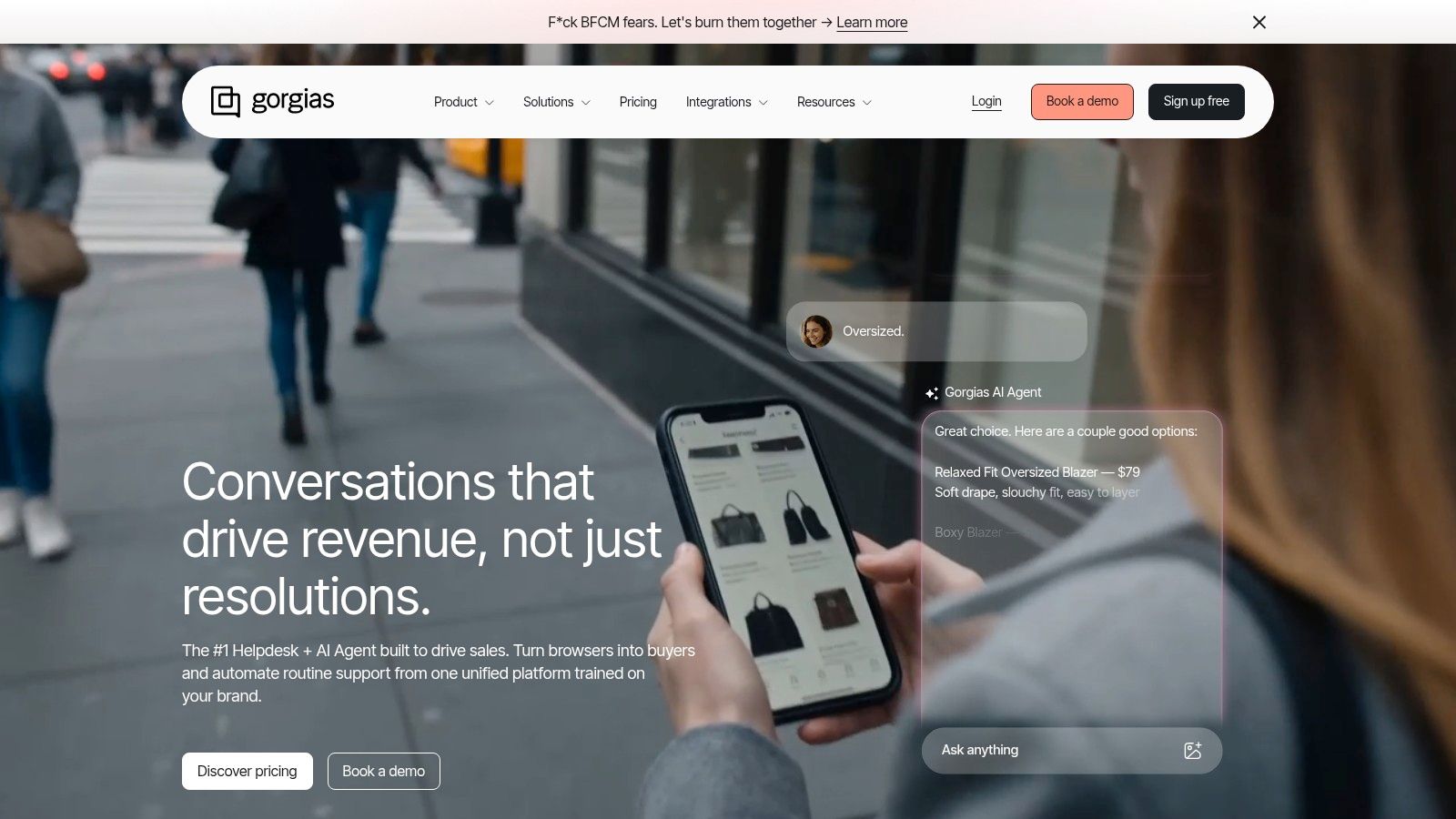
The operational advantage is obvious once a brand starts handling repetitive order questions. Macros, automation, and deep ecommerce integrations let the support team answer faster while staying inside the support workspace. That reduces tab-switching, which is often the hidden tax in ecommerce service teams.
Gorgias uses volume-based billing, which can be a smart fit for seasonal brands or stores where customer service demand tracks order flow instead of headcount. That can make planning easier than a per-seat model, especially when the support team has to scale up around launches or holidays.
The downside is that volume billing is a trade-off, not a free lunch. Very low-volume teams may prefer seat-based simplicity, and voice or SMS add-ons can increase the cost. Still, for ecommerce operators, Gorgias usually feels closer to the work than a general-purpose inbox tool.
Best for: Ecommerce brands that need support tied tightly to store operations and order workflows.
Trade-offs: Great fit for retail support, less appealing for teams that don't live inside commerce systems.
Website: Gorgias
Kustomer is the strongest front alternative for teams that want support data to behave more like CRM data. It organizes customer interactions on a timeline and layers omnichannel support, workflows, and platform objects on top, which gives support and success teams a much richer picture of the customer than a traditional inbox. That can be a major advantage when the same account keeps coming back with related issues across channels.

The platform is built for teams that want extensibility. Business rules, APIs, and custom objects let operations teams shape the support model around their own customer data, not just around incoming tickets. That makes Kustomer appealing when support has to coordinate with account management, lifecycle teams, or complex service workflows.
Kustomer is a good answer when disjointed systems are the problem. If customer context is spread across CRM, support, and operations tools, the timeline model helps unify the picture and reduce blind spots. That makes it a serious option for teams that have outgrown a simple inbox and need something more like a service CRM.
The implementation cost is the trade-off. Public pricing details are limited, and the product can be heavier to roll out than lighter shared inbox tools. Teams that need speed and simplicity may find it more platform than they need.
Best for: Mid-market and enterprise teams that want CRM-like context inside support.
Trade-offs: Powerful context model, but not the simplest tool to deploy or buy.
Website: Kustomer
Helpwise is the value-focused front alternative for teams that want a lot of channel coverage without enterprise-style pricing pressure. It supports email, live chat, SMS, WhatsApp, voice, and more, which gives smaller teams a way to centralize support without stitching together too many tools. For managers trying to keep cost under control, that breadth is the main selling point.

The product is especially appealing when a team needs practical operational features, not just channel logos. Automation rules, round robin, load balancing, SLA rules, CSAT, analytics, and a built-in knowledge base make it more than a basic shared inbox. It also has a fast path to rollout, which matters when a support team can't afford a long implementation project.
The right test is not whether a tool claims omnichannel support. It's whether the team can preserve context, route clearly, and measure outcomes without buying half a second platform.
That's where Helpwise is strongest for smaller and mid-sized teams. It gets wide coverage at a relatively accessible price point, though the mobile app and overall polish may feel less refined than enterprise peers. Advanced SSO and audit controls also sit higher up the stack, so security-conscious teams should verify those requirements early.
Best for: Small to mid-sized teams that want broad channel support at a relatively accessible price.
Trade-offs: Good coverage and value, but not as polished or enterprise-heavy as larger competitors.
Website: Helpwise
Missive is the best front alternative for teams that want to work directly from the inbox, with collaboration built in. It blends email, chat, tasks, shared drafts, and automation in a way that suits teams that think of support as coordinated inbox work rather than a classic helpdesk. That makes it a strong fit for email-heavy organizations where fast internal coordination matters.
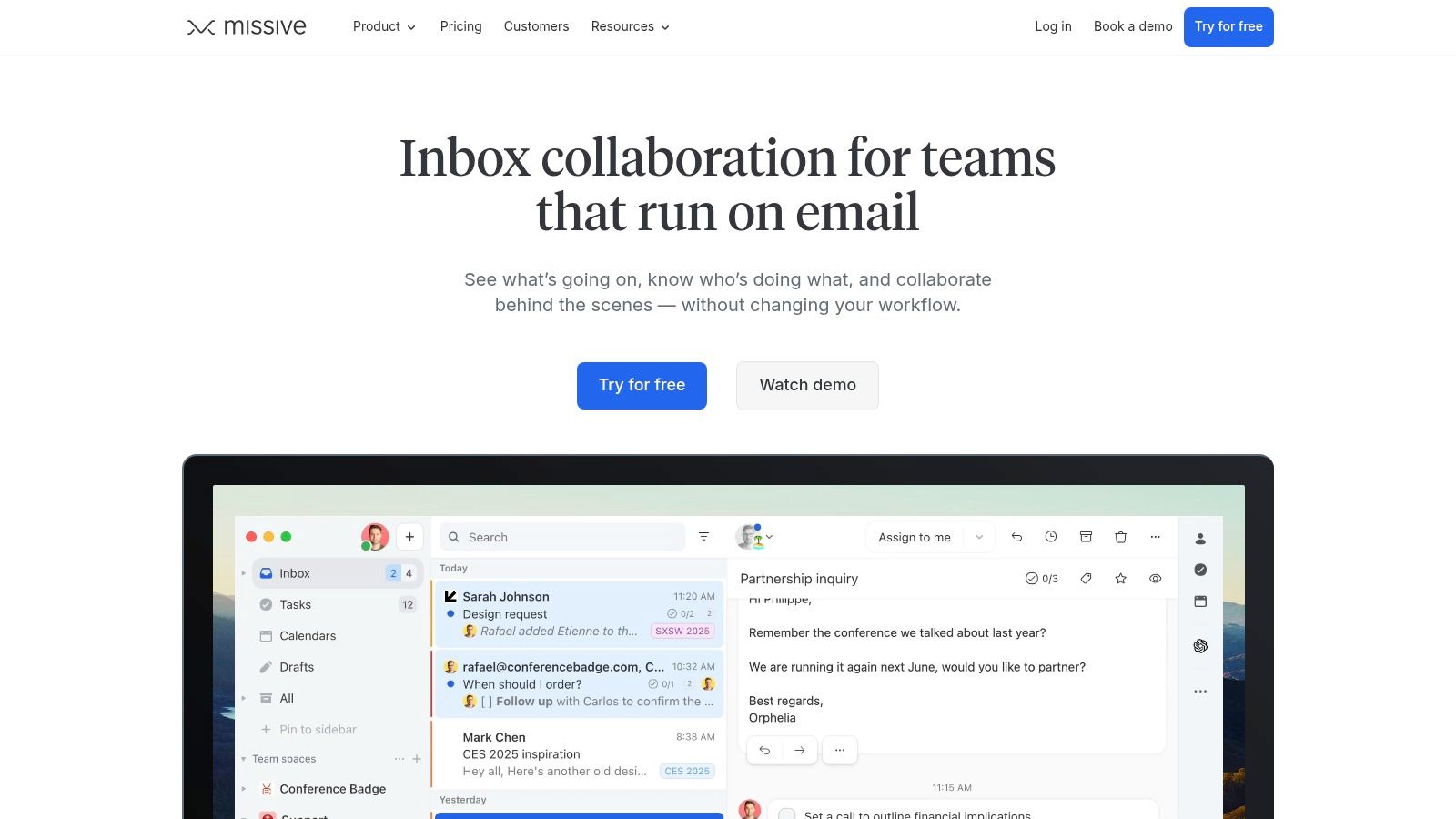
Missive's collaboration layer is the reason many teams like it. Shared drafts, internal threads, assignments, rules, and canned responses create a workflow where several people can shape a reply before it goes out. The platform also works across Gmail, Outlook, and IMAP, which is valuable when the team has mixed mailbox infrastructure.
Missive is not trying to be a full contact center suite. Voice and complex CCaaS features usually require integrations, and the deeper security and analytics controls sit on the Business tier. That's fine for teams that want clarity over breadth, but it's not ideal if the support organization expects to grow into a broad omnichannel service desk.
Best shared inbox guidance from Mava can help teams decide whether an inbox-native tool like Missive is enough or whether they need a more channel-rich platform.
Best for: Email-heavy teams that want shared drafting, internal collaboration, and a clean team inbox.
Trade-offs: Excellent collaboration, but not a full omnichannel suite.
Website: Missive
Hiver fits teams that run support from Gmail and do not want to ask agents to learn a separate interface. It turns the inbox into a shared workspace, so Google Workspace teams can keep their current habits while adding the controls support teams need. For organizations trying to move off Front without a heavy migration, that is a practical advantage.
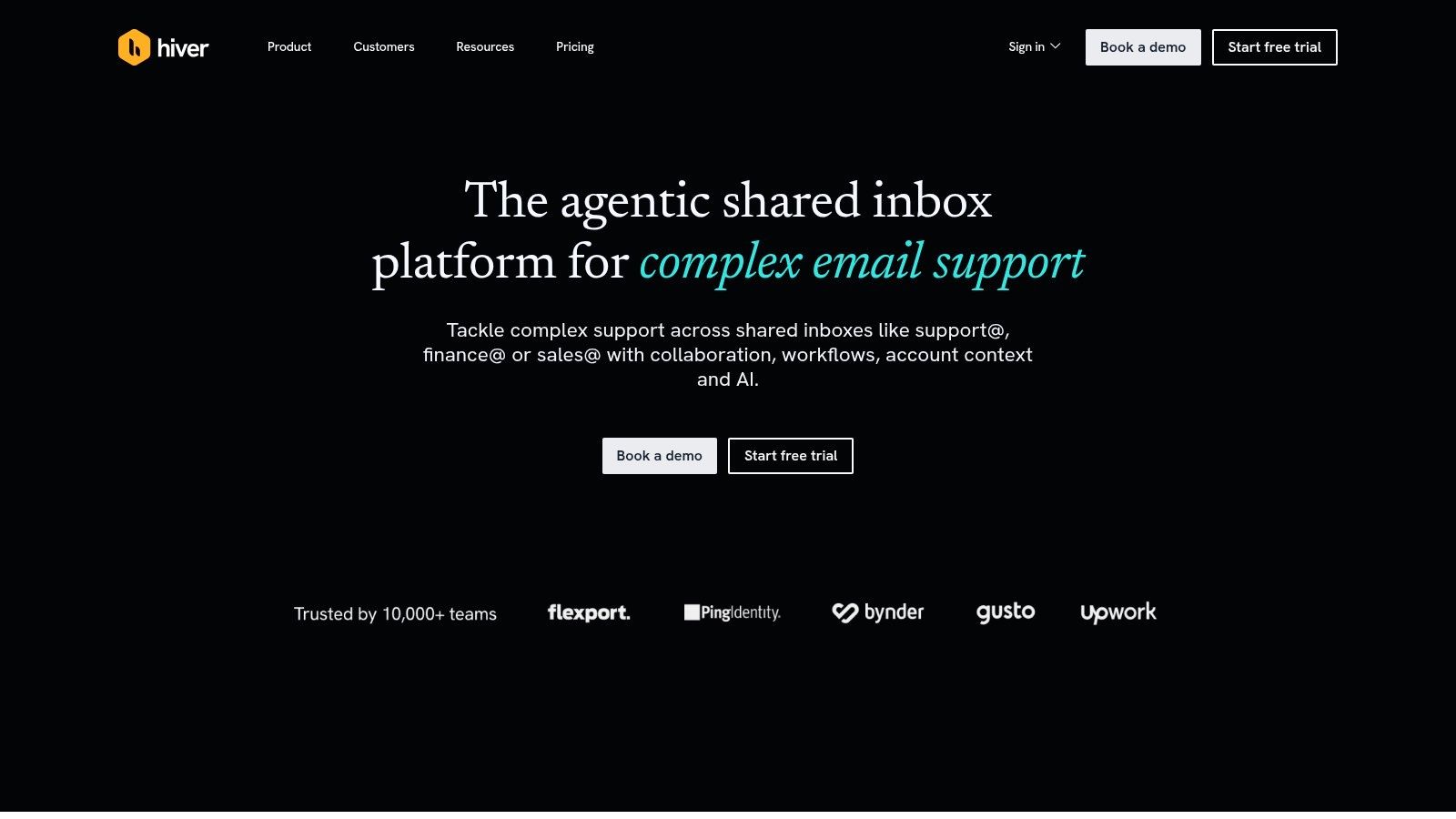
The split between Hiver inside Gmail and Hiver Omni matters in practice. The Gmail-based product suits teams that want shared inboxes, SLAs, CSAT, and AI while staying inside Google Workspace. Hiver Omni extends the same model into a standalone omnichannel setup, which gives growing teams a path beyond Gmail when email stops covering all of their customer conversations.
Adoption speed is Hiver's strongest argument. Teams already working in Gmail often prefer a native layer over a new dashboard, and that cuts rollout friction in a real way. Slack, Shopify, and CRM integrations add useful context, but the main value stays tied to the familiar inbox. For teams comparing support tools by operating model, that matters more than a long feature list, especially if they are also reviewing [2025 B2B automation platform picks] as part of a broader stack decision.
The trade-off is clear. The native experience depends on Gmail, so Outlook users need Hiver Omni, and some advanced capabilities sit behind higher tiers. Teams built around Google Workspace usually accept that exchange because it keeps support close to the inbox. Teams that want a more neutral platform across email systems may find it too tied to one ecosystem.
Best for: Google Workspace teams that want support inside Gmail, with an optional omnichannel path later.
Trade-offs: Very easy to adopt in Gmail, but less universal outside the Google ecosystem.
Website: Hiver
Choosing a front alternative is really a decision about how the company wants to handle customer relationships at scale. Front made shared inboxes mainstream, but the market has moved toward tools that are more explicit about use case, channel mix, AI depth, and operational reporting. That shift is visible in the pricing and packaging too, because support leaders are no longer comparing only seat cost, they're comparing what happens once analytics, automation, and AI enter the workflow (Front alternatives pricing comparison).
The best choice depends on how support is organized. Community-driven companies usually need a platform like Mava that can keep Discord, Telegram, Slack, email, and web chat in one operational view. Email-first teams usually do better with Help Scout or Missive, where the inbox stays central and the experience stays simple. Enterprise teams often need Zendesk or Kustomer because the core issue isn't just tickets, it's governance, integrations, and cross-functional reporting. Ecommerce teams often get more from Gorgias because storefront context and order actions matter more than a generic collaboration layer.
A lot of buyers also underestimate the difference between surface-level AI and operational AI. One tool can draft replies, while another can connect knowledge sources, automate repetitive tickets, and measure response-time or satisfaction trends inside the workflow. That gap is why support leaders should ask one question early, does the platform only organize messages, or does it help resolve them measurably?
For teams that are still deciding, the practical path is to map the channel mix first, then map the support motion second. If the team works mostly in Gmail, a Gmail-native tool may be enough. If customers are already talking in Discord or Telegram, the platform needs to meet them there without collapsing context into a basic mailbox.
If your team is dealing with community support at scale, Mava is built for that reality, not adapted to it. It unifies channels, automates repetitive work, and gives support leaders the analytics needed to manage growth with confidence. Visit Mava to see how a modern shared inbox can replace the patchwork and give your team a cleaner operating system for support.
.png)
.png)
.png)
