.png) Get Started
Get Started

Support teams rarely work from a single inbox anymore. Employees still email the help desk, but customers and community members ask for help in Slack, Discord, Telegram, and embedded chat long before they open a formal ticket. That shift is a big reason the IT ticketing market keeps expanding, with the market valued at about USD 3.5 billion in 2024 and projected to reach USD 11.7 billion by 2033, according to DataHorizzon Research's IT ticketing systems market outlook.
That growth reflects a practical change in buyer behavior. Teams don't just want a queue anymore. They want automation, visibility, better routing, and a way to support people where conversations already happen. Enterprise IT still needs ITIL structure, approval flows, and CMDB depth. Community-led businesses need fast replies in public and private channels without losing context.
The best IT ticketing systems in 2026 depend less on feature checklists and more on support reality. A large internal IT team will judge a platform very differently than a game studio handling player support in Discord or a SaaS company managing product questions across Slack and web chat. The right choice is the one that fits the channel mix, the workflow complexity, and the staffing model.
Teams comparing options should also think beyond software alone and fix the operating model around it. Good tooling won't save weak triage or inconsistent communication. Strong tooling does make those problems visible and easier to solve, especially when paired with better top customer service strategies.
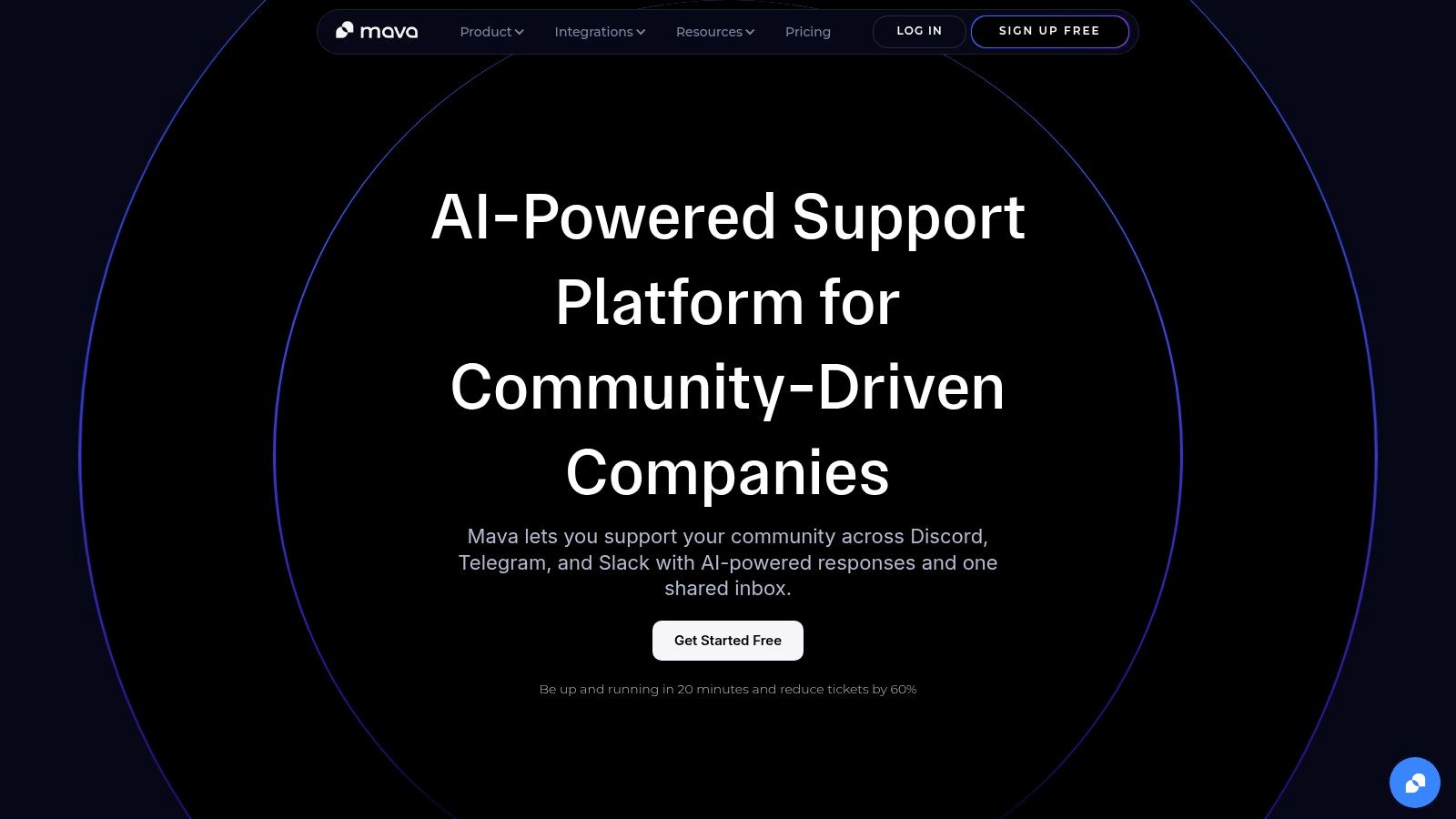
A support lead sees the same pattern every week. Questions start in Discord, spill into Telegram DMs, move to Slack, and end up in email when nobody owns the thread. Traditional IT ticketing tools can track requests well, but they often feel awkward once support starts in community channels instead of a portal. Mava is built for that operating model first.
That makes it a different kind of entry on this list. It sits between classic help desk software and newer AI support platforms, which is useful for teams that need ticket discipline without forcing users out of the channels they already use.
Mava combines a shared inbox with AI answers based on your existing documentation. Teams can pull in content from sources like websites, Google Docs, and GitBook, then use it to handle repetitive questions automatically and send exceptions to a human agent. Mava also positions itself as quick to launch. Long implementation cycles often kill momentum for lean support teams that need value in weeks, not quarters.
A useful primer for buyers comparing old-school queues with conversational support is Mava's guide to what a ticketing system is. Teams that expect requests to move across chat, community, and email should also look at how omnichannel customer support changes support expectations.
Mava works best for organizations that treat Discord, Telegram, Slack, web chat, and email as real support channels, not edge cases. That includes game studios, Web3 teams, developer tools companies, SaaS businesses with active user communities, and internal teams supporting distributed groups through chat-first workflows.
The practical advantage is context retention. Agents can manage public and private conversations in one place, see prior interactions, and decide when AI should answer versus when a person should step in. That handoff matters. Good automation lowers repetitive work, but poor automation creates rework and frustrates users in public.
Practical rule: If support demand starts in community channels, choose for channel fit first. Forcing Discord or Telegram into a legacy ITSM process usually adds admin overhead and strips away context.
Mava is the strongest fit here for teams that need ticketing discipline in conversational channels. It is a weaker fit for organizations that need deep ITIL workflows, heavy approval chains, CMDB relationships, or broad enterprise service management across multiple departments.
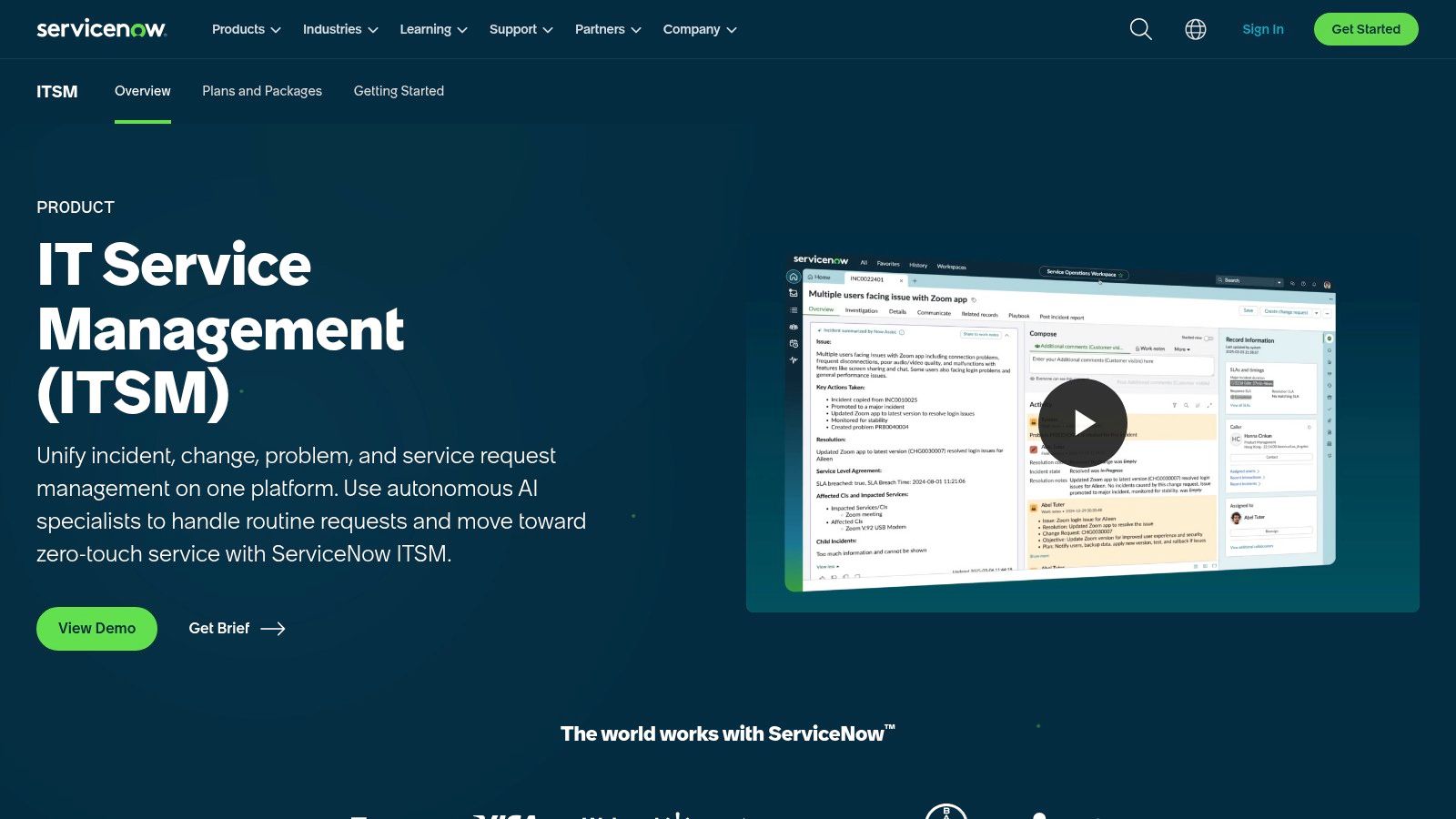
ServiceNow is what large organizations buy when ticketing is only one piece of a much bigger service management problem. It handles incidents, requests, change, problem management, release workflows, CMDB relationships, automation, and broader enterprise service management in a single platform. That's why it remains one of the dominant enterprise choices.
For teams with governance-heavy environments, ServiceNow's strength is consistency. It gives IT, operations, and often HR or facilities a common operating layer. That matters when approvals, audit trails, and service dependencies need to be visible across departments.
Its biggest drawback is also obvious. Smaller teams often end up buying far more platform than they can realistically implement or maintain.
ServiceNow makes sense when scale, process control, and extensibility matter more than speed to launch. Enterprises with dedicated platform owners usually get the most value because they can govern workflows, the CMDB, integrations, and automation over time.
Teams exploring channel expansion should also think about how omnichannel customer support changes requester expectations. ServiceNow can support broad workflows, but it works best when the organization is ready to design those workflows intentionally.
ServiceNow is rarely the wrong strategic choice for a large enterprise. It's often the wrong operational choice for a lean team without admins, process owners, and patience.
Best fit:
Visit ServiceNow IT Service Management.
Jira Service Management is the ticketing tool many technical organizations adopt because it sits close to engineering. When support, platform, DevOps, and product teams already run on Jira and Confluence, JSM creates a cleaner path from user issue to engineering action.
That linkage is the main advantage. Incidents, change requests, service requests, knowledge articles, and operational workflows can move through the same ecosystem. For software-heavy companies, that reduces the handoff friction that usually appears when the support desk and engineering stack live in separate systems.
The risk is over-customization. Jira gives teams enough flexibility to build smart workflows, but also enough rope to create a maze of queues, schemes, automations, and portals.
JSM works especially well for organizations that think in terms of collaboration between IT and engineering rather than classic service desk silos. It scales better when one admin team controls workflow standards and keeps projects from drifting into tool sprawl.
What buyers should watch:
Jira Service Management isn't always the simplest product on this list, but it is one of the most natural choices for modern software organizations.
Visit Atlassian Jira Service Management.
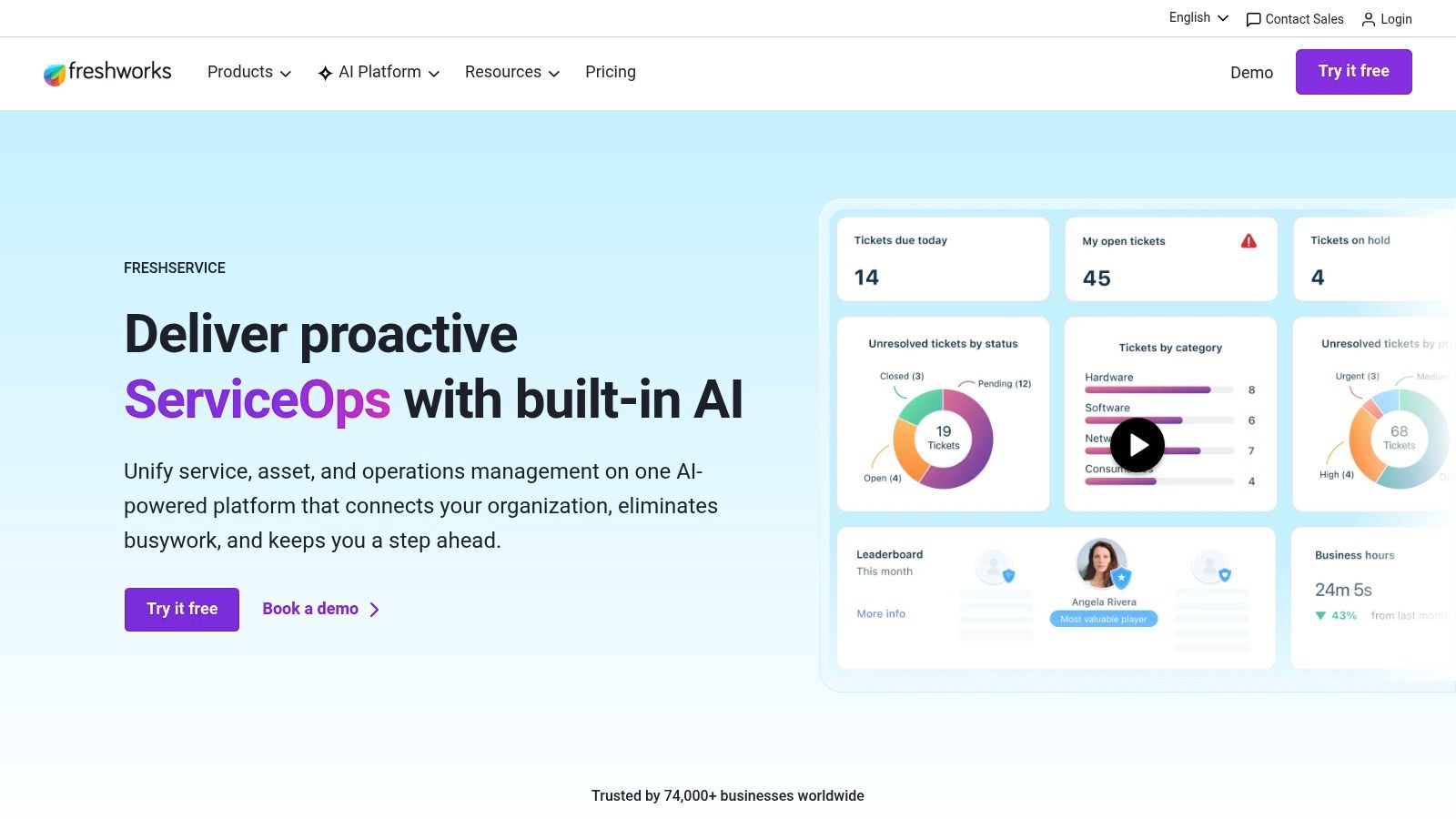
A lot of IT teams hit the same point at once. Email queues are messy, asset records live somewhere else, approvals happen in chat, and service quality depends too much on who happens to be online. Freshservice tends to work well at that stage because it brings structure fast without dropping the team into a long enterprise implementation.
That middle ground is the true value.
Freshservice covers the service desk basics that growing IT teams usually need first: incident management, service requests, change workflows, SLAs, a service catalog, and asset management. The product is broad enough to replace a patchwork of smaller tools, but it usually feels more approachable than the heavyweight ITSM platforms higher up this list.
The day-to-day admin experience matters here. Teams can stand up forms, automations, approvals, and knowledge workflows without dedicating months to design work. Agents usually get productive quickly, and requesters are less likely to avoid the portal because it feels too complicated.
Freshservice also sits in an interesting spot in this list. It is more structured than community-first support tools built around Discord, Slack, or Telegram, but far less rigid than classic enterprise ITSM suites. For buyers working through a broader ticketing system comparison for IT and modern support teams, that makes it a practical bridge option. It fits organizations that want stronger process control now, while keeping the door open to more automation and cross-team service management later.
Freshservice is a strong fit for mid-market IT departments that need better discipline without committing to enterprise-level complexity. It handles internal support well and gives teams a clear path to mature processes.
I usually caution buyers to look past the clean UI and check plan limits early. Some of the more advanced automation, analytics, and AI features become more relevant as the service desk grows, and those capabilities may push teams into higher tiers faster than expected.
Main strengths:
Main limitations:
Visit Freshservice by Freshworks.
Zendesk remains a strong option when the line between IT support and customer support is blurry. Internal service teams use it because it's polished, quick to deploy, and very good at handling multichannel conversations. Customer-facing support teams use it because that's what it was built for in the first place.
That customer-service DNA is both the appeal and the compromise. Zendesk handles ticket routing, macros, messaging, chat, voice, analytics, and knowledge workflows well. But teams that need strict ITIL discipline, native change processes, or a built-in CMDB usually end up connecting other tools around it.
For employee support desks or external technical support operations, that may be perfectly acceptable. Zendesk is often better at helping teams move fast than helping them build formal service management governance.
Zendesk is strongest when support leaders care most about channel flexibility, agent experience, and fast rollout. It also deserves a look from teams comparing service-desk-first platforms against broader ticketing stacks, especially when evaluating a ticketing system comparison through the lens of workflow fit rather than feature count.
A practical way to think about Zendesk:
Zendesk is one of the best IT ticketing systems for teams that want a polished support platform first and an IT help desk second.
Visit Zendesk.
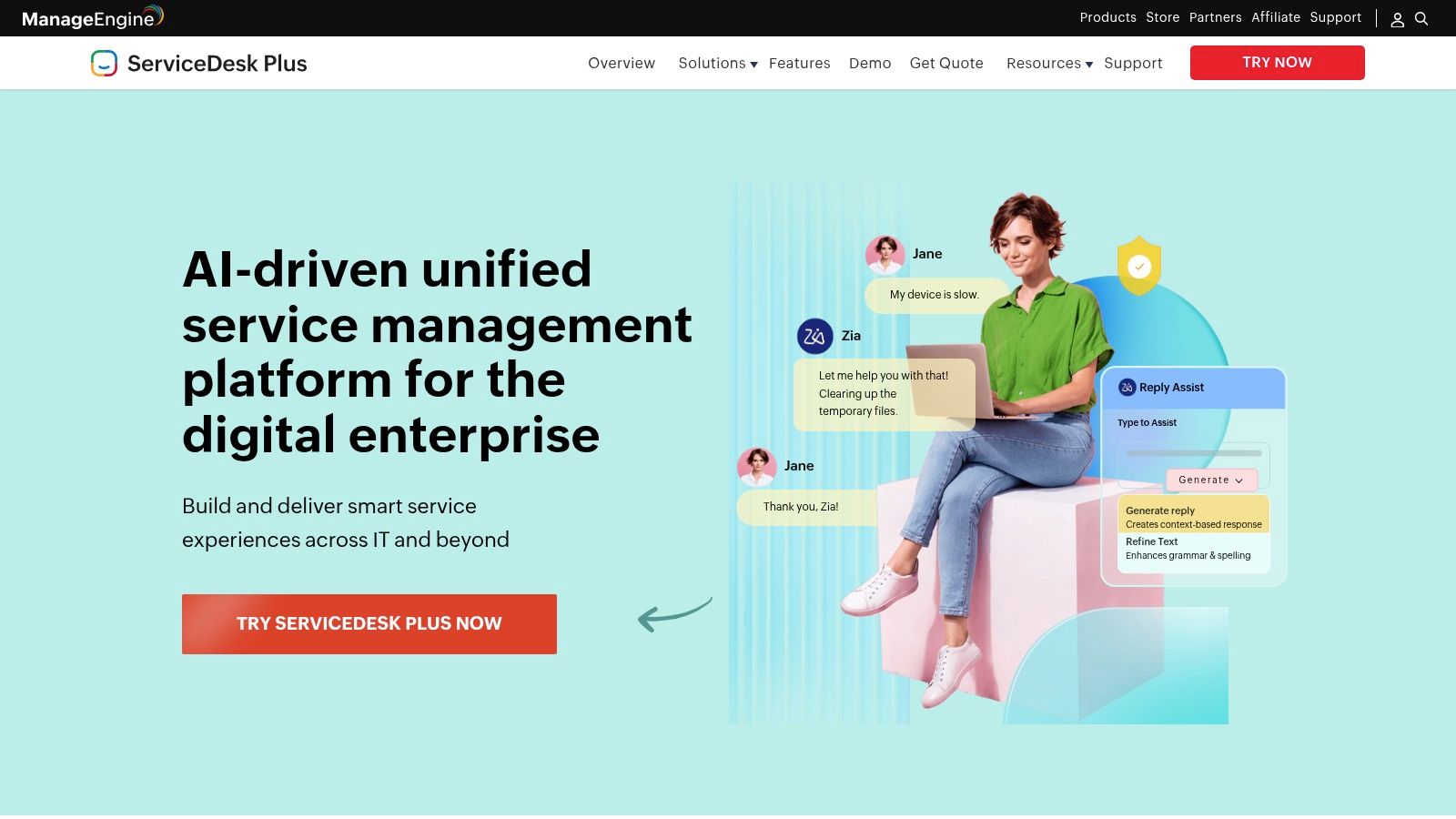
ManageEngine ServiceDesk Plus earns attention for one reason. It gives organizations a lot of ITSM depth without forcing them into a premium enterprise buying motion. Cloud and on-prem deployment options widen the fit even further, especially for teams with infrastructure, policy, or procurement constraints.
This platform tends to do well in environments that already use ManageEngine for endpoint management, identity, monitoring, or remote support. In those cases, the integration story is practical rather than theoretical. Admins can connect service workflows to the rest of the IT operations stack with less friction than they would face stitching together unrelated vendors.
The trade-off is product feel. ServiceDesk Plus can feel heavier and less modern than newer cloud-first tools, particularly during setup and configuration.
ManageEngine is often a sensible buy for SMBs and mid-market IT teams that want incident, problem, change, catalog, asset, and CMDB coverage without stepping into a major enterprise platform program.
Mature on-prem support is still a deciding factor for some organizations. In that shortlist, ManageEngine stays relevant in a way many newer tools don't.
Best use cases:
Visit ManageEngine ServiceDesk Plus.
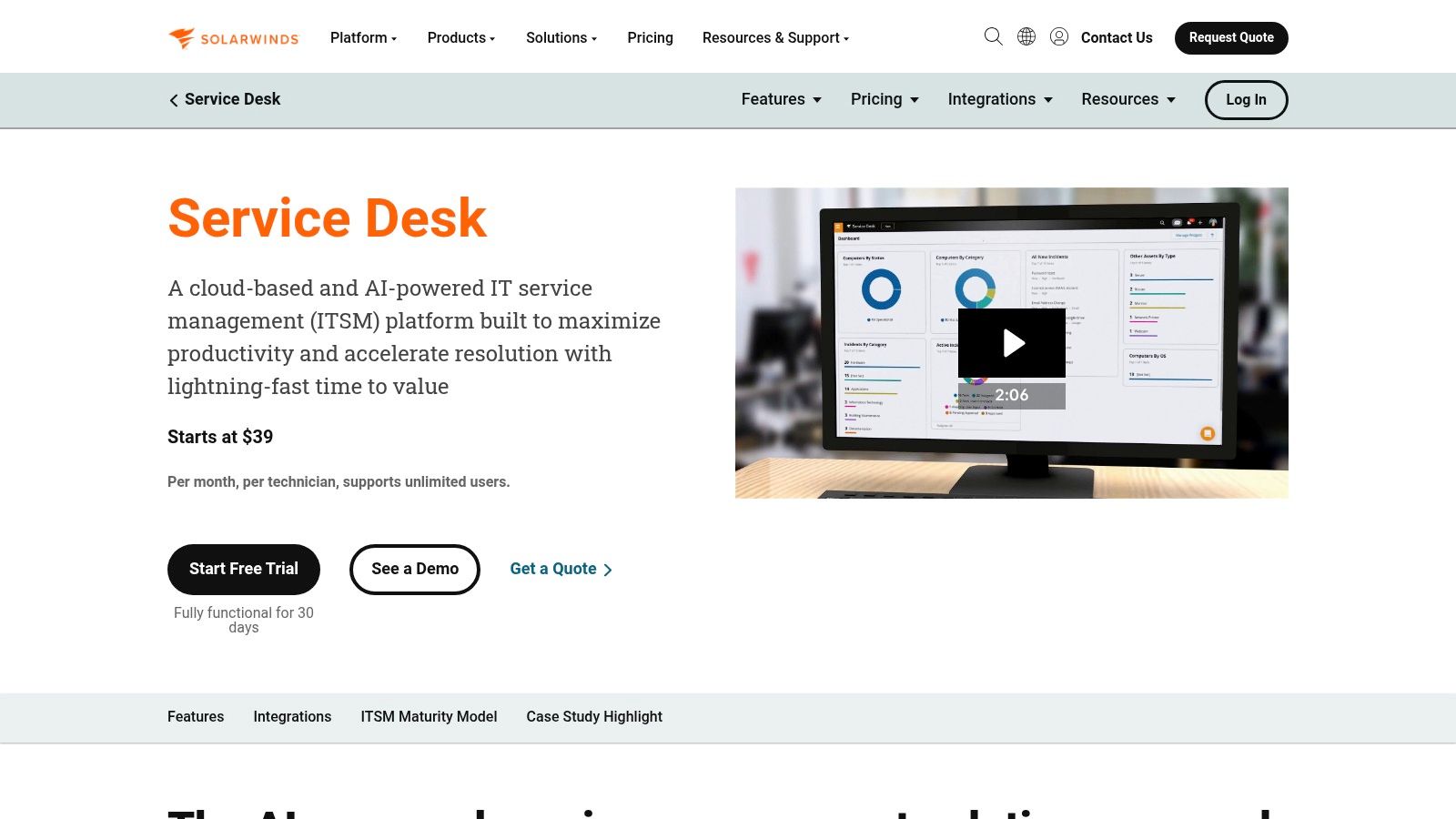
SolarWinds Service Desk is a practical middle-ground choice for teams that want ITSM and ITAM in one SaaS product without a giant administration burden. It covers incidents, problem, change, release, service catalog, discovery, inventory, contract tracking, and reporting in a package that usually feels approachable to generalist IT teams.
That combination matters more than it sounds. Many service desks break down because ticket data and asset data sit in separate systems that no one fully trusts. SolarWinds tries to keep those workflows together, which improves triage quality and gives technicians better context during investigation.
It also tends to be easier to roll out than heavier enterprise suites. For organizations that want process maturity without committing to a long implementation arc, that's a meaningful advantage.
SolarWinds Service Desk is best for teams that want straightforward cloud ITSM with enough ITAM capability to stay useful over time. It often lands well with organizations that need structure but not deep platform engineering.
What to evaluate closely:
Visit SolarWinds Service Desk.
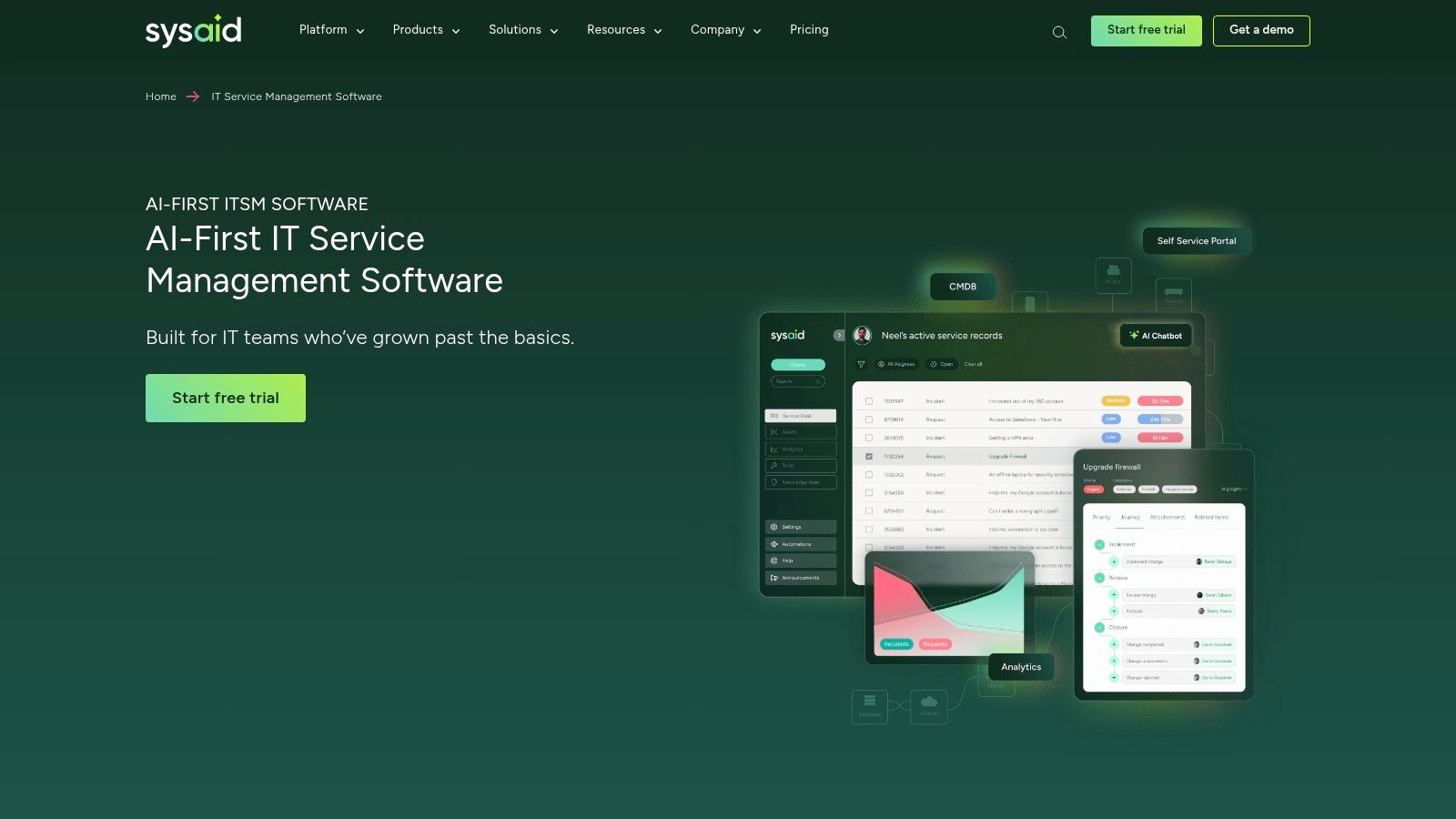
SysAid is a good fit for teams that have outgrown a basic help desk but don't want the overhead of a sprawling enterprise implementation. Its positioning leans heavily into automation, self-service, and AI-assisted workflows, which makes sense for support leaders trying to reduce repetitive ticket handling without rebuilding the entire service desk.
The platform covers incident, problem, change, service catalog, SLA management, and asset-related capabilities in a single environment. Cloud and on-prem deployment options also keep it relevant for organizations with stricter infrastructure preferences.
Where SysAid usually does best is in practical workload reduction. Teams that need better routing, better self-service, and less repetitive email handling often find that it offers enough sophistication without the complexity of larger suites.
SysAid doesn't have the same ecosystem gravity as Atlassian or ServiceNow. That matters if an organization relies on a huge marketplace or wants broad third-party consulting options. It matters less if the goal is to run a more efficient IT service desk.
A sensible shortlist candidate for:
Visit SysAid ITSM.
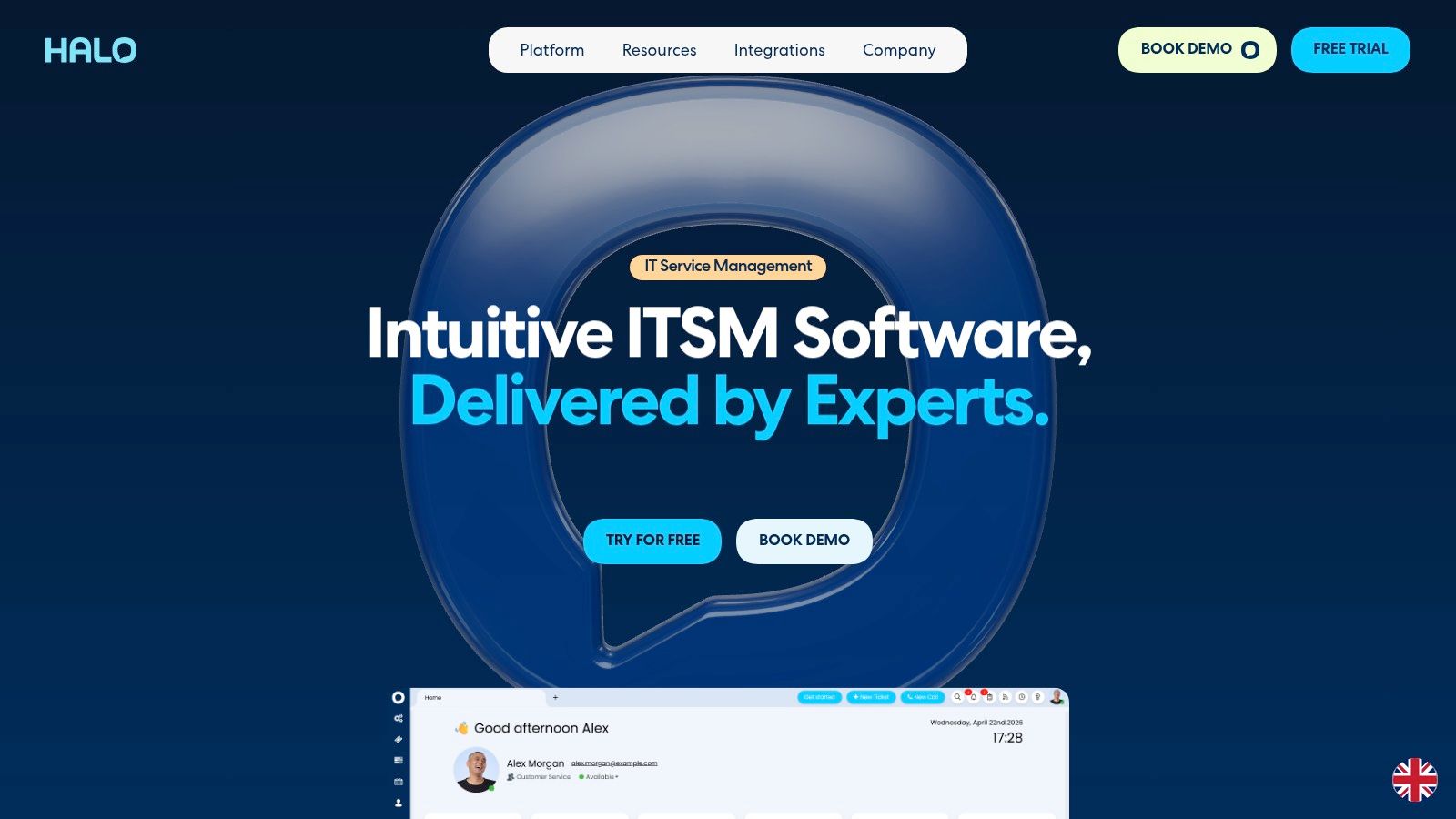
HaloITSM has gained attention by offering a lot of scope in one product. It goes beyond classic ITSM into broader service management, project work, supplier processes, and adjacent PSA or CRM-style motions. For organizations trying to consolidate tools, that breadth is attractive.
The platform covers the expected ITIL modules, including incidents, changes, knowledge, assets, CMDB, and SLAs, but its real appeal is configurability. Teams can adapt it for multiple departments and create more unified service operations without buying a huge enterprise suite.
That said, HaloITSM isn't a low-effort purchase. Buyers should expect onboarding, process design, and ongoing admin ownership.
HaloITSM makes the most sense when an organization wants one configurable system for IT and other service functions, and is willing to invest time in setup. It's not the easiest option here, but it can be one of the more versatile ones.
HaloITSM often appeals to teams that have very clear process ideas and want software to match them, rather than teams looking for a simple out-of-the-box help desk.
Good fit:
Visit HaloITSM.
Spiceworks Cloud Help Desk remains relevant because free still matters. For very small IT teams, early-stage organizations, schools, and shops with straightforward internal support needs, a no-license-cost system can be enough to get order into the queue.
Its strengths are simple ticket intake, lightweight reporting, a basic portal, and a familiar experience for many IT admins. The surrounding Spiceworks community also helps smaller teams that rely on peer knowledge instead of formal vendor advisory relationships.
The limits show up quickly once process complexity rises. Advanced ITIL workflows, deep asset relationships, and high-end automation aren't the point here.
Spiceworks is best treated as a starter tool or a lightweight long-term option for simple environments. It isn't meant to compete head-on with full ITSM platforms. It is meant to give a small team a usable queue and enough structure to stop losing requests.
A realistic fit looks like this:
Visit Spiceworks Cloud Help Desk.
| Product | Core Features | AI & Automation | Best For / Target Audience | Setup & UX | Pricing & Value |
|---|---|---|---|---|---|
| Mava (Recommended) | Unified shared inbox (Discord, Telegram, Slack, web, email); knowledge import; embeddable chat; automations; analytics | AI trained from your docs; instant answers for repetitive queries; human handover; claims up to 60% ticket reduction | Community-driven companies, game studios, Web3/NFT projects, community managers, SaaS support teams | Fast onboarding (~20 min); collaborative workflows; built for conversational channels | Free plan; AI included on all plans; higher tiers offer unlimited agents; competitive for community support |
| ServiceNow ITSM | Full ITSM suite, native CMDB, service catalog, advanced workflows | Now Assist, virtual agents, extensive automation and orchestration | Large enterprises needing scale, governance, and extensibility | Extremely scalable but complex; longer implementations | Quote-based enterprise pricing; premium total cost of ownership |
| Atlassian Jira Service Management | Requests, incidents, changes; Confluence knowledge base; Opsgenie; automation | Workflow automation; app marketplace; integrations with developer tools | Developer-centric IT teams and high-velocity service teams | Tight Jira and Confluence integration; flexible workflows; scalable tiers | Cloud plans from Free to Enterprise; transparent per-agent tiers |
| Freshservice (Freshworks) | ITIL processes, service catalog, IT asset management, orchestration | Freddy AI for suggestions and agent assistance; automation | Mid-market IT teams seeking fast deployment | Intuitive UI; quick to deploy; trial available | Clear public pricing with strong mid-market value |
| Zendesk (Support/Suite) | Omnichannel ticketing, macros, analytics, app marketplace | AI Agents, Admin Copilot, automation builders | Customer support teams and IT teams looking for a quick start | Polished agent experience; very quick to launch | Public pricing; AI add-ons and integrations may increase total cost |
| ManageEngine ServiceDesk Plus | Incident, problem and change management; CMDB/ITAM; remote tools | Automation and native administration tools; limited focus on modern generative AI | SMBs to mid-enterprise organizations, particularly existing ManageEngine users | Feature-rich but heavier UI; cloud and on-premise options | Flexible editions; pricing matrix can be complex |
| SolarWinds Service Desk | Core ITSM, CMDB, asset discovery, reporting, portals | Standard automation with integration marketplace | Teams wanting combined ITSM and ITAM in a single SaaS platform | Easy rollout with a straightforward administration experience | Public packaging; some per-agent pricing available through sales |
| SysAid ITSM | Incident, problem and change management; service catalog; asset management; self-service | AI assistance, emailbot/chatbot, strong automation capabilities | Teams outgrowing basic help desks and requiring more automation | Cloud or on-premise deployment; approachable user interface | Sales-led pricing; public rates not listed |
| HaloITSM | Full ITIL suite, CMDB, projects, CRM/PSA, supplier management | AI agents, suggested replies, sentiment analysis | IT and multi-department service teams seeking configurable enterprise service management | Highly configurable; onboarding package recommended | Transparent pricing calculator with per-user tiers |
| Spiceworks Cloud Help Desk | Basic ticketing, knowledge base, end-user portal, community resources | Minimal AI; community-driven support resources | Small teams and SMBs needing a free help desk | Very quick to adopt; ad-supported experience | $0 license cost; ad-supported with limited extensibility |
A support lead usually knows the decision is going sideways when tickets are technically getting logged, but resolution still feels messy. Requests arrive in email, Slack, Discord, and chat. Agents copy context between tools. Reporting looks tidy while the actual handoff experience gets worse. The right system fixes that operating problem first.
Start with the support model, not the feature grid. Internal IT teams with change control, approvals, assets, and service dependencies usually need an ITSM platform that can enforce process without constant workarounds. Community and customer-facing teams often need something different. If requests begin in Discord, Telegram, Slack, or web chat, the system has to meet users in those channels and keep the conversation intact.
That split matters.
For enterprise IT, ServiceNow remains a strong fit when governance, scale, and cross-department workflow control outweigh implementation effort. Jira Service Management makes more sense for organizations already tied closely to Atlassian and engineering workflows. Freshservice is often the practical middle ground for teams that want mature ITSM capability without the overhead that comes with a larger platform.
The next group is more situational, and that is not a weakness. ManageEngine works well when on-prem deployment, admin tooling, or broader ManageEngine adoption shape the buying decision. SolarWinds Service Desk is attractive for teams that want ITSM and asset management in one SaaS product with a relatively clean rollout. SysAid suits teams that care about automation and want to move beyond a basic help desk. HaloITSM has real range, but it pays off most for organizations willing to spend time on configuration.
Zendesk sits between classic ITSM and customer support. That makes it a good choice for teams that value fast handling, strong channel support, and a polished agent experience more than deep CMDB or change-management structure.
A lot of buyers still assume every ticketing problem should be solved with a traditional service desk. In practice, that breaks down when support is public, conversational, and community-led. Teams supporting users across Discord, Telegram, Slack, web chat, and email need a platform built for that flow. Mava stands out there. It gives those teams a shared inbox, AI-generated replies based on existing documentation, and automation that fits live conversation instead of forcing everything into an old ITSM model.
Choose based on operating reality. Channel mix, workflow maturity, staffing, governance needs, and response expectations should drive the decision. The best system is the one your team will run well under pressure, whether that means enterprise IT controls, faster employee service, or community support across modern channels.
.png)
.png)
.png)
